Art & Design
0.0
5.00M
3.8
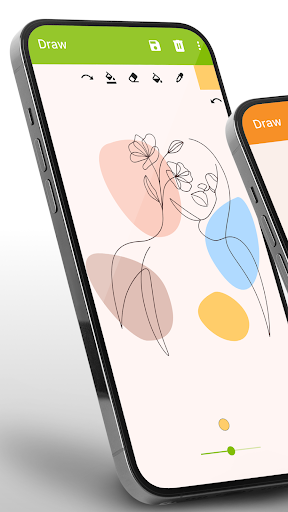
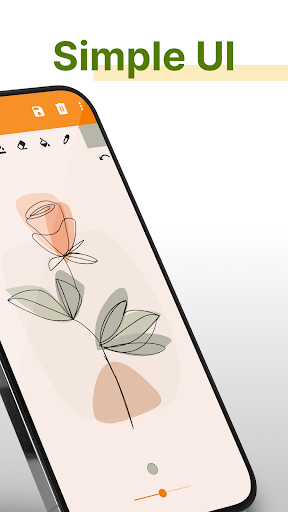
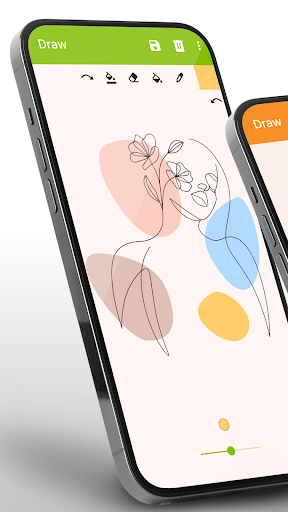
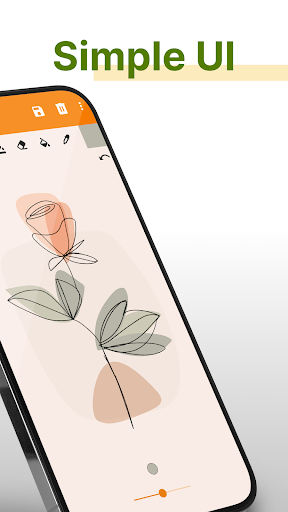
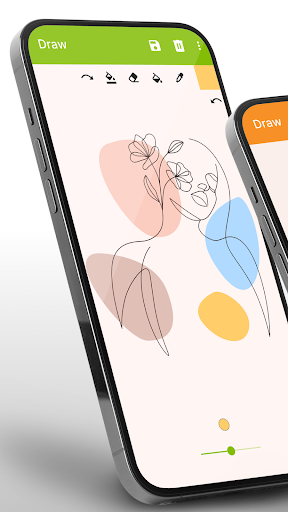
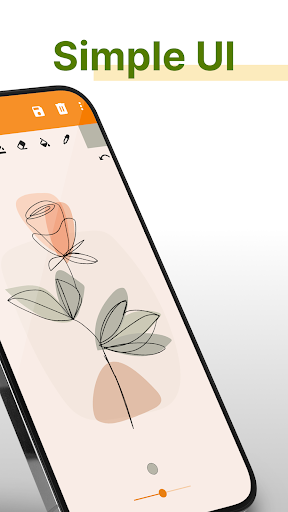
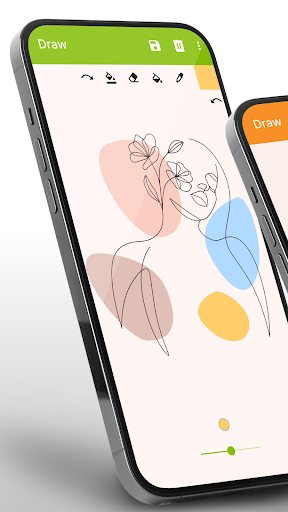
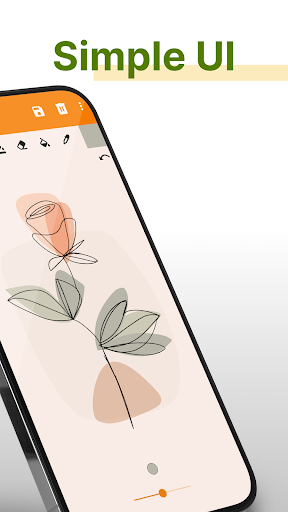
Simple Drawing - Sketchbook is a user-friendly mobile app designed for anyone who loves to draw, sketch, or doodle on the go. Available on the Android platform, this app provides a straightforward way to unleash your creativity without the need for expensive art supplies or complex software. Whether you're an amateur artist or just looking to pass the time with some quick sketches, Simple Drawing offers a simple interface that makes art accessible to all.
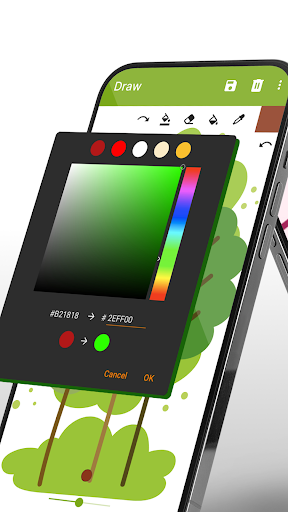
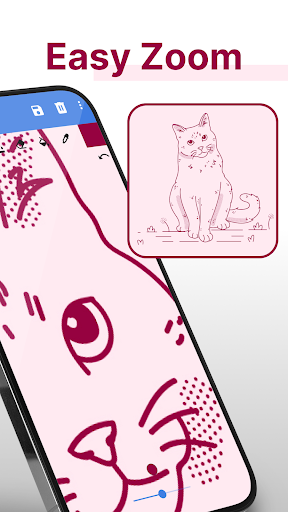
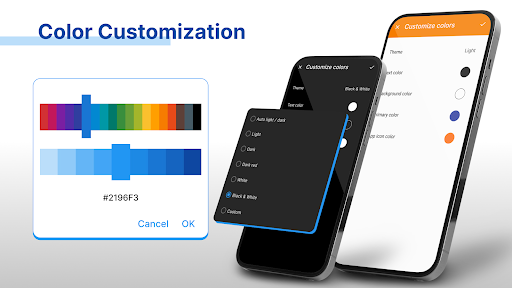
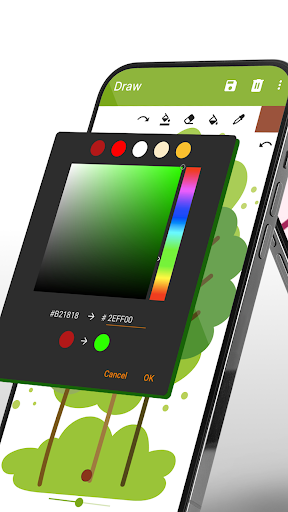
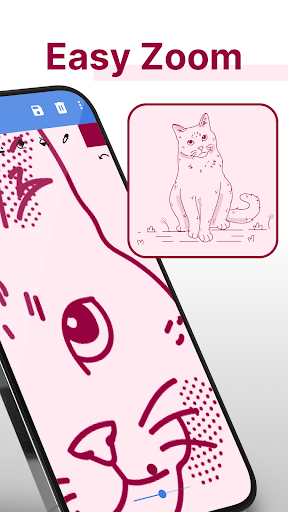
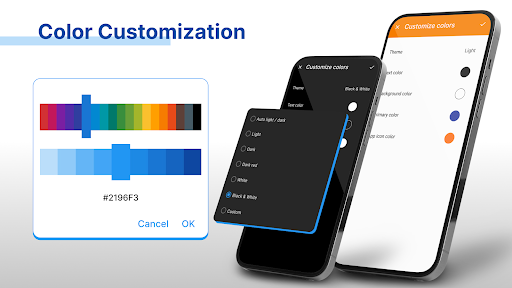
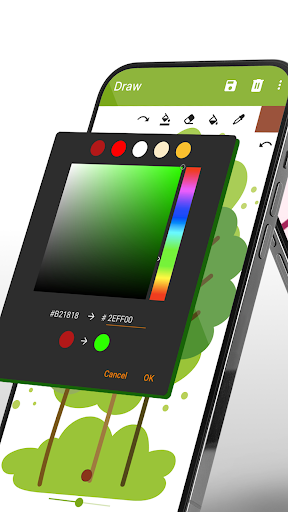
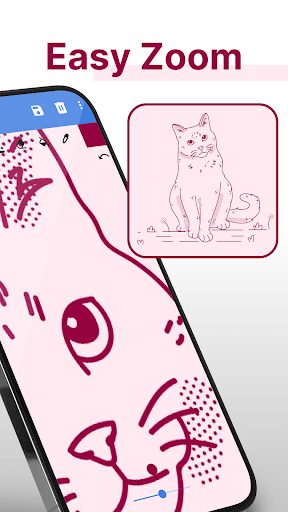
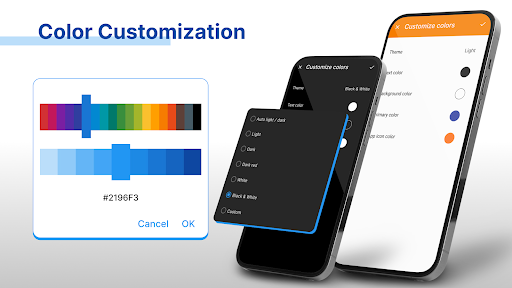
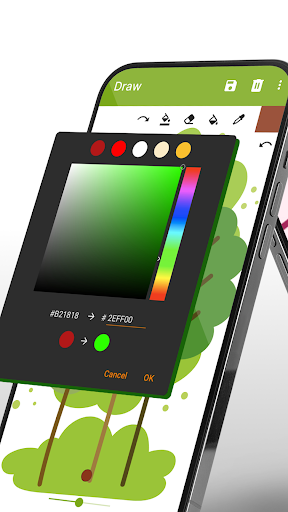
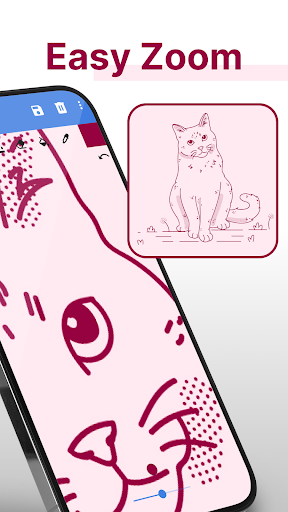
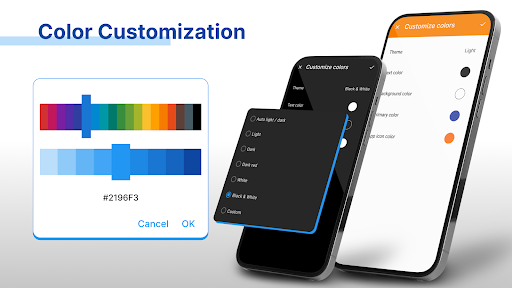
The app features a variety of drawing tools, including pencils, brushes, erasers, and color palettes, allowing you to customize your artwork easily. Its smooth, responsive drawing experience makes it ideal for creating detailed sketches or casual doodles. As a versatile app-based solution, Simple Drawing - Sketchbook is perfect for those who want to practice or experiment with their art skills on their Android device. The app's intuitive design and practical features help ensure a seamless app experience for users of all skill levels.
This drawing app is especially suitable for anyone interested in art and design, from casual doodlers to serious hobbyists. Its straightforward interface appeals to users of all ages who seek a reliable and easy-to-use mobile app for sketching and painting on their Android devices. Whether you're a student, a professional artist, or someone exploring digital art for the first time, Simple Drawing - Sketchbook offers a friendly platform that adapts to your skill level.
It's particularly beneficial for those who prefer an app-based solution for spontaneous creativity—whether you are during a commute, taking notes with sketches, or planning larger projects. Hobbyists looking for an accessible art app or even educators in need of a versatile drawing tool will find this Android app helpful for teaching or practicing art techniques. Its offline mode ensures you can work seamlessly without constant internet access, making it a versatile tool in various scenarios.
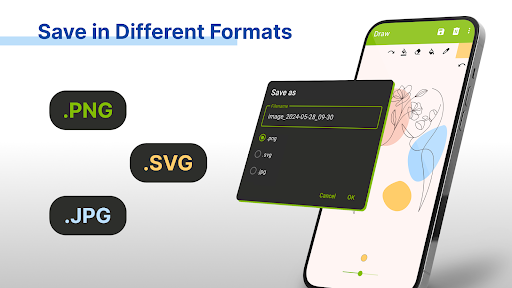
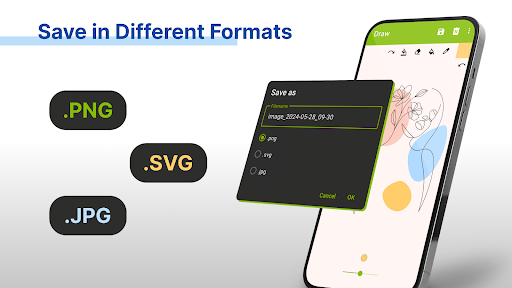
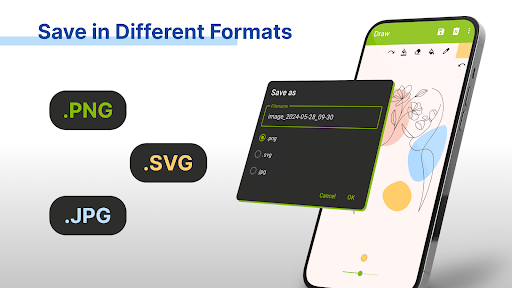
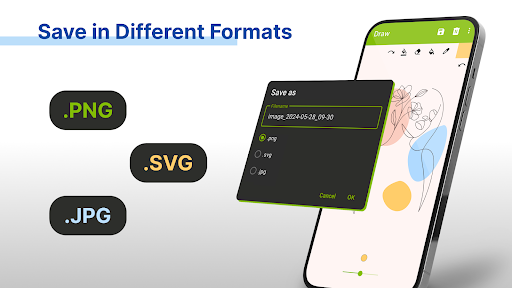
Choosing Simple Drawing - Sketchbook means opting for an app that combines ease of use with robust features tailored for both beginners and seasoned artists. Its well-designed app features provide a natural and enjoyable drawing experience, helping users express their creativity without technical frustrations. Unlike many other art apps, this one emphasizes simplicity without sacrificing important tools like customizable brushes, layers, and export options, which are essential components for serious art creation.
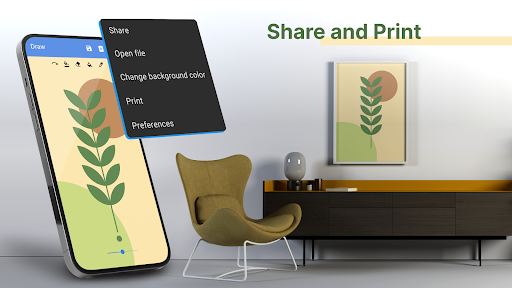
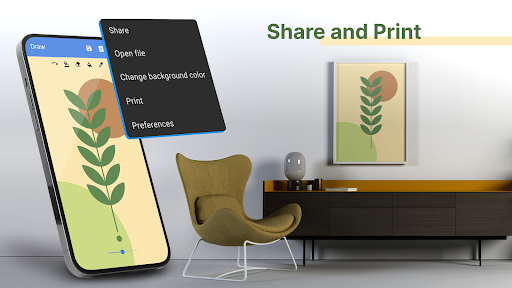
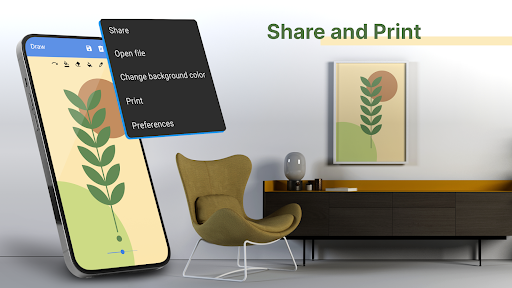
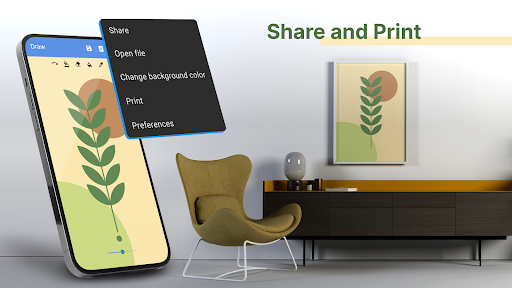
What sets this Android app apart is its focus on delivering a trustworthy and consistent app experience, backed by a clean interface and thoughtful feature set. It addresses common user problems such as limited tools, complicated interfaces, or reliance on constant connectivity. Whether you are sketching for fun or working on detailed artwork, Simple Drawing - Sketchbook stands out as an reliable app-based solution that supports your artistic journey with real tools and a user-centric design. This approach ensures you can create, save, and share your artwork confidently, making it a highly valuable addition to your art toolkit.
Intuitive User Interface
Lightweight and Fast
Basic Drawing Tools
No Account Required
Export Options
Limited Tool Set
No Undo History
Basic Color Palette
Lack of Real-Time Collaboration
Export Quality Limitations

Art & Design
4.9

Art & Design
4.6

Art & Design
4.1

Art & Design
4.6

Art & Design
4.6

Art & Design
4.7

Art & Design
4.7

Art & Design
4.8

Art & Design
4.7

Art & Design
4.8

Art & Design
4.7

Art & Design
4.3

Social
4.7

Shopping
4.7

Social
4

Personalization
3.9

Productivity
4.9

Video Players & Editors
4.6

Social
4.3

Communication
4.7

Entertainment
4.7

Communication
4.5