Maps & Navigation
0.0
0.05B
4.1
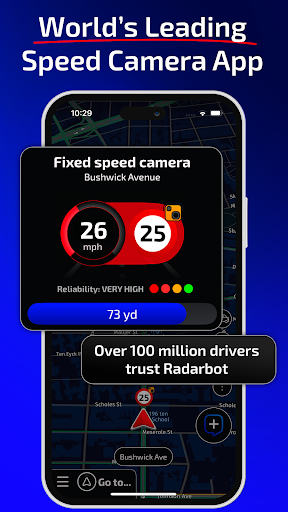
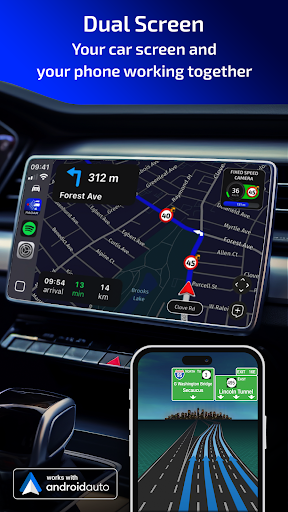
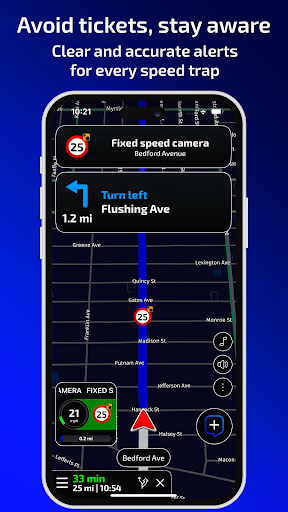
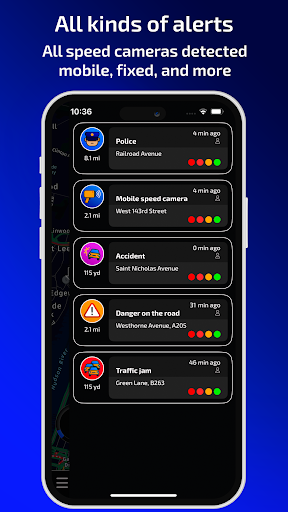
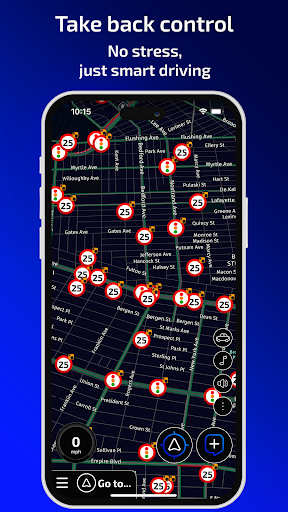
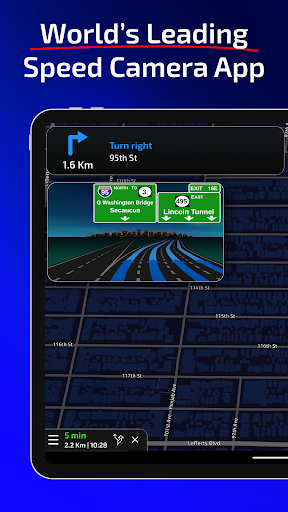
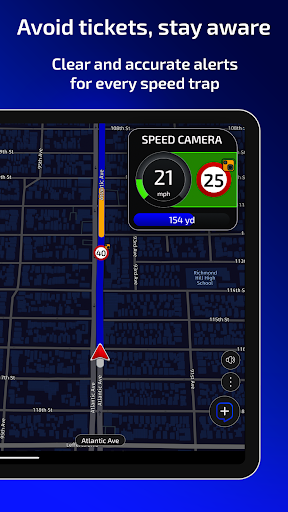
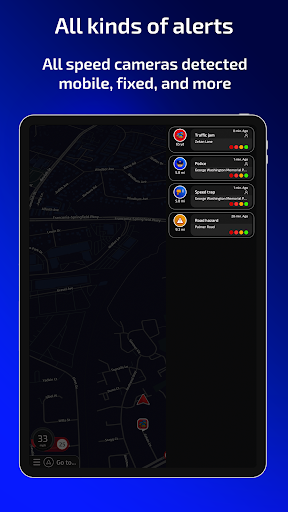
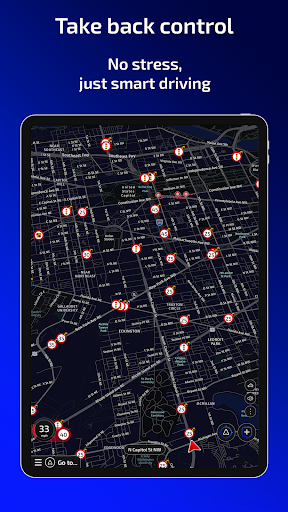
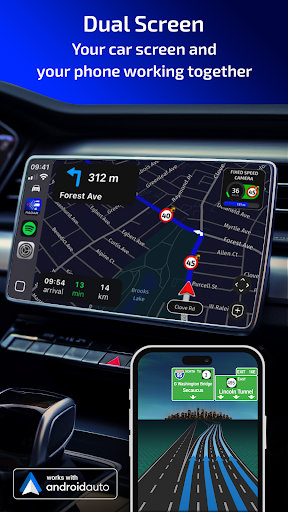
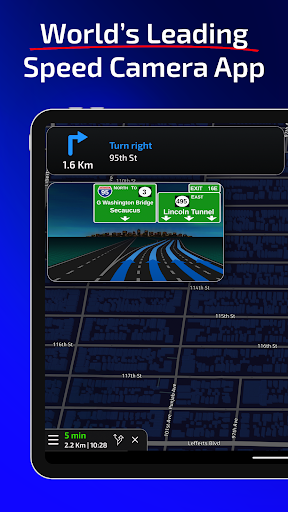
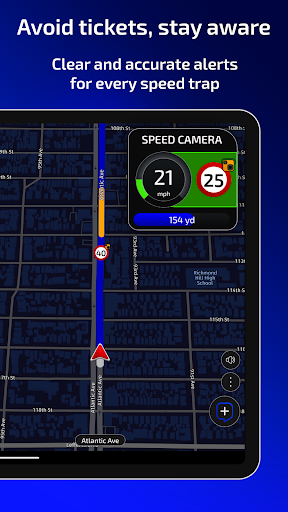
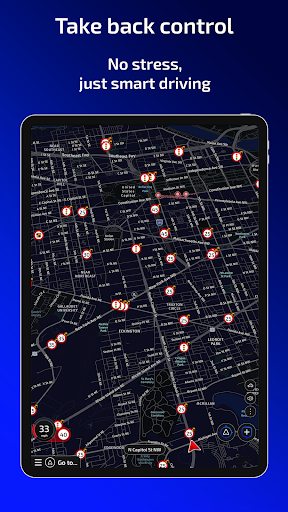
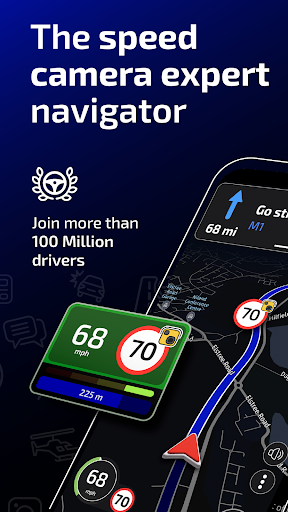
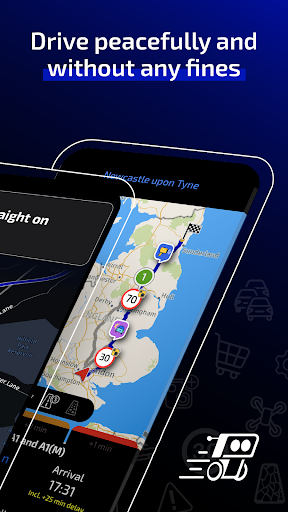
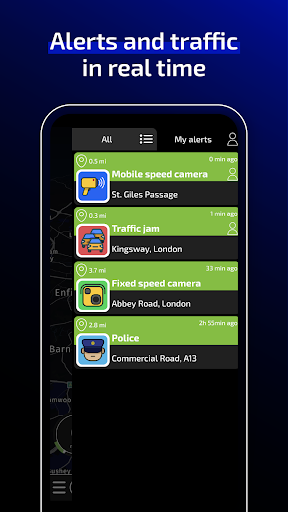
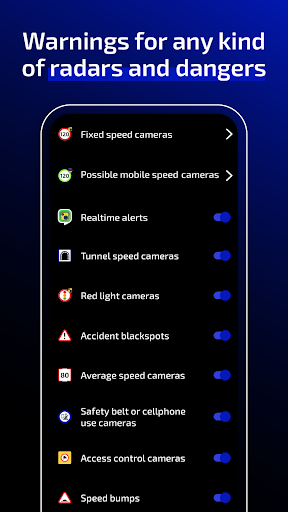
Radarbot Speed Camera Detector is a highly regarded mobile app designed for drivers who want to stay informed about speed cameras and various road hazards. Available for Android devices, this app combines real-time alerts with extensive databases of speed traps, red-light cameras, and other traffic enforcement tools, making it a trusted companion for safer driving. As an app-based solution, Radarbot aims to enhance your journey by providing timely updates, helping you avoid speeding fines and stay within legal limits.
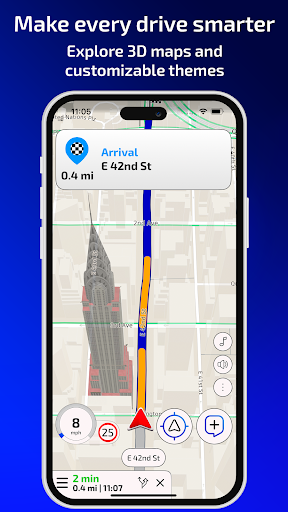
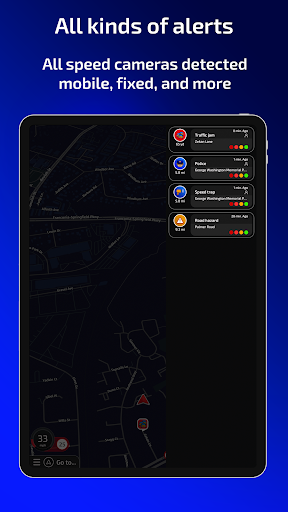
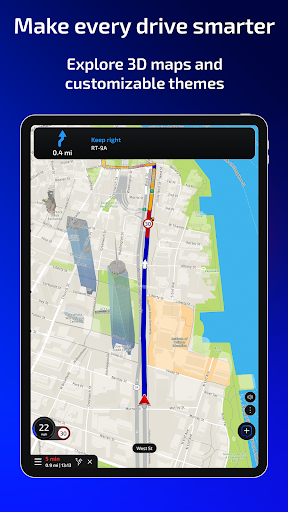
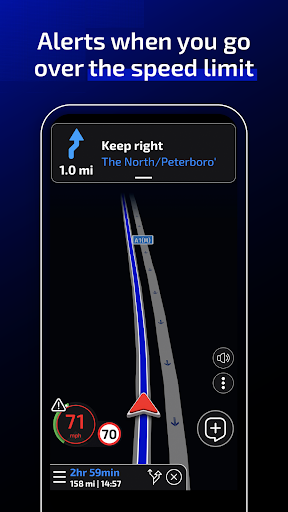
The app features include live alerts, voice notifications, and community reports that keep you updated on current road conditions. Its primary purpose is to improve your app experience by offering accurate and reliable information on speed cameras, traffic cameras, and accident-prone zones. Radarbot's user-friendly interface and real-time data deliver an efficient, seamless navigation experience, particularly suited for those using their Android device as a launcher app or within a comprehensive maps and navigation setup. Thanks to its extensive features and accurate app experience, Radarbot has earned a reputation as a dependable tool for drivers seeking to stay informed on the road.
Whether you are a frequent driver, a professional courier, or someone who simply wants to stay within speed limits, Radarbot Speed Camera Detector is designed for a wide range of users who value safe and informed driving. If you're someone who relies heavily on their Android device for navigation and appreciates precise, real-time alerts, this mobile app caters to your needs. The app experience is tailored for those who want a reliable and accurate app-based solution to avoid speeding tickets while on the road.
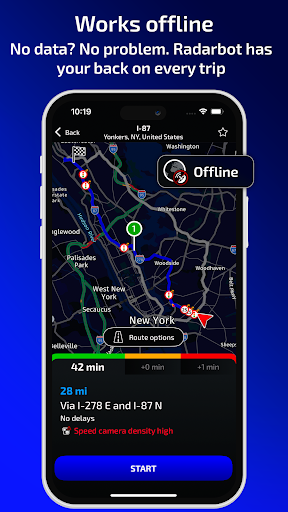
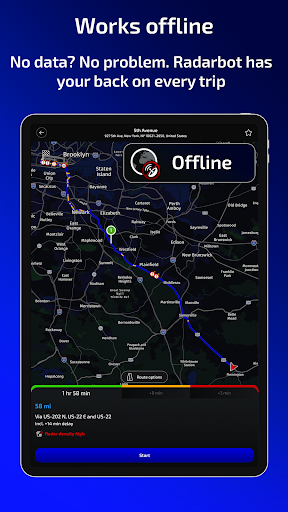
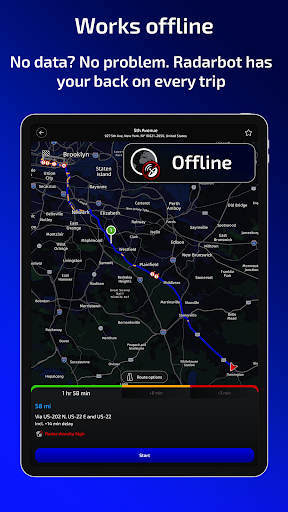
Drivers unfamiliar with new routes or those who often navigate through unfamiliar areas will find this app particularly beneficial. Its ability to warn about both fixed and mobile speed cameras makes it useful for urban commutes and highway trips alike. If you prefer an app that offers community-driven updates and offline capabilities, Radarbot Speed Camera Detector provides an excellent tool for safer driving, ensuring you stay aware of speed restrictions no matter where you are on your journey.
Choosing Radarbot Speed Camera Detector means opting for an app that combines reliability, accuracy, and user trustworthiness. Unlike many standard navigation apps, this app features specialized alerts for speed cameras, making it an essential companion for drivers who want to avoid fines and drive more responsibly. Its intuitive interface and comprehensive app features ensure you get timely notifications, helping you maintain a smooth, stress-free driving experience. As a dedicated app-based solution, it delivers real-time updates, which are critical for safe navigation in today's fast-paced roads.
What sets Radarbot apart from other GPS or launcher apps is its focus on safety and user contributions. The app's real-time community alerts improve accuracy, and offline mode ensures you're protected even when internet access is spotty. Its expert-designed app features make it a trusted tool for drivers prioritizing safety and legal compliance. Overall, Radarbot Speed Camera Detector stands out as a valuable addition to your preferred Android app, especially if you want a dedicated app for speed camera alerts that enhances your common app experience on the road.
Accurate radar detection
Real-time alerts
GPS database updates
Sound and visual alerts
Community reporting feature
Limited coverage in rural areas
Possible false positives
Battery consumption
Dependence on GPS signal
Limited free features

Maps & Navigation
4.8

Maps & Navigation
4

Maps & Navigation
4.9

Maps & Navigation
4.9

Maps & Navigation
4.6

Maps & Navigation
4.6
Maps & Navigation
4.1

Maps & Navigation
4.3

Maps & Navigation
4.7

Maps & Navigation
4.3

Maps & Navigation
4.1

Maps & Navigation
4.1

Social
4.7

Shopping
4.7

Social
4

Personalization
4

Productivity
4.9

Video Players & Editors
4.6

Social
4.3

Communication
4.7

Entertainment
4.7

Communication
4.5