Video Players & Editors
0.0
0.50B
4.3
PLAYit-All in One Video Player is a versatile mobile app designed to enhance your video viewing experience. Available for Android devices, this app consolidates various video playback features into a single, easy-to-use platform. Whether you want to watch videos stored locally on your device or stream content online, PLAYit provides a seamless and convenient solution for all your video needs. Its user-friendly interface makes navigation simple, even for those who aren't tech-savvy, ensuring that accessing your favorite videos is straightforward and stress-free.
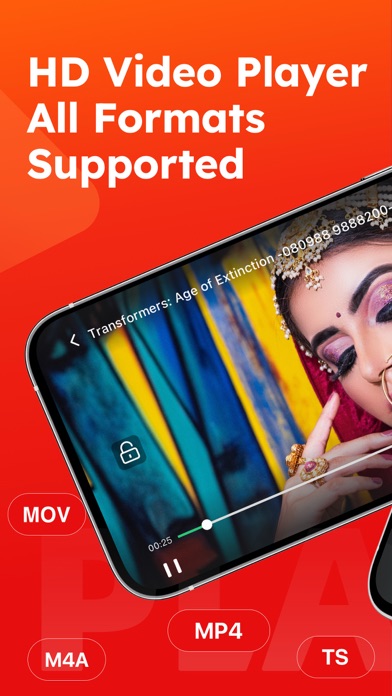
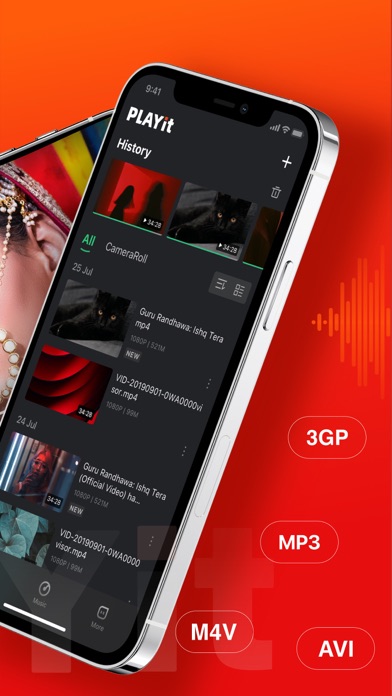
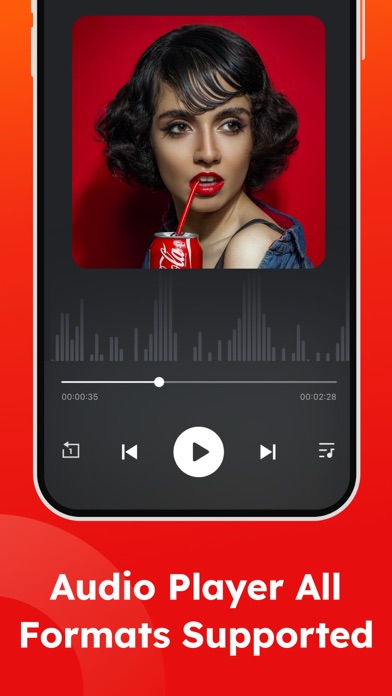
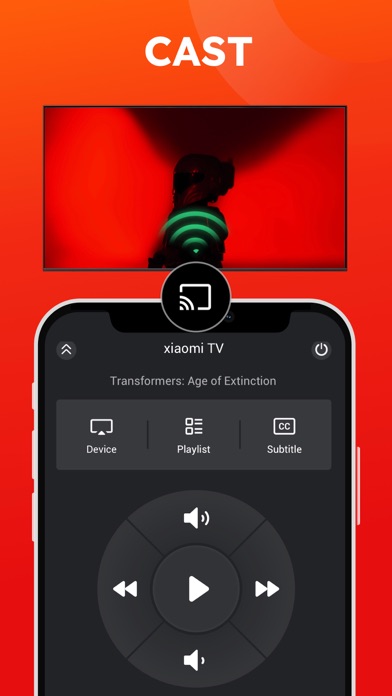
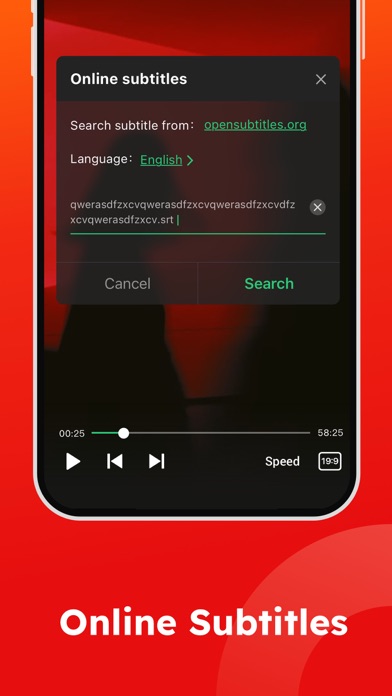
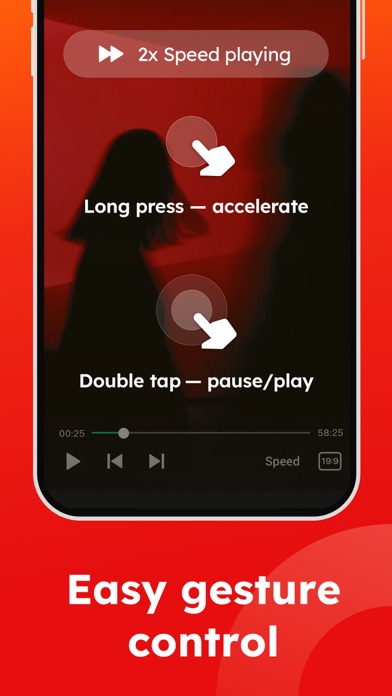
The main purpose of the PLAYit app is to serve as a comprehensive app-based solution for playing all kinds of video formats. It supports multiple formats and subtitles, so you can enjoy movies, clips, or personal recordings without worrying about compatibility issues. As an Android app, PLAYit also offers features like smooth playback, speed control, and playlists. If you're looking for a reliable launch app that focuses on delivering an excellent app experience, PLAYit's robust app features are designed with user convenience and performance in mind, making it a top choice among video players and editors alike.
If you're someone who loves watching videos on your mobile device, the PLAYit-All in One Video Player is designed for a wide range of users, from teenagers to seasoned media enthusiasts. If you prefer a reliable Android app that supports various formats and provides a smooth, ad-free viewing experience, this mobile app could be just what you need. Whether you're a casual viewer or someone who frequently edits videos, the app's features cater to everyday users seeking convenience and quality in a single package.
Individuals who frequently travel or have limited internet access will find the offline mode particularly useful, allowing them to download and enjoy videos offline. Content creators and social media users who want quick editing tools can benefit from the integrated video editing features within this app-based solution. Overall, if you're looking for an easy-to-use launcher app that enhances your app experience by combining playback, editing, and offline capabilities, PLAYit-All in One Video Player is a solid choice.
Choosing PLAYit-All in One Video Player means opting for an app that prioritizes a high-quality app experience through its extensive app features and comprehensive functionality. Unlike many other video players, this mobile app supports a wide range of video formats, ensuring compatibility with your media library and eliminating the need for multiple apps. The seamless sync across devices and offline mode add to its value, making it suitable for users who demand flexibility and reliability from their video viewing experience.
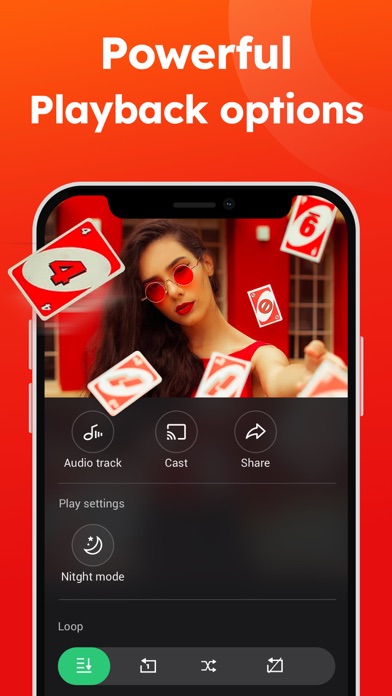
This app stands out because it combines core video playback features with built-in editing tools and customization options, offering an all-in-one app-based solution. With a focus on user convenience and functionality, PLAYit provides a smooth, ad-free environment that enhances your entertainment experience. Its intuitive interface and robust features are backed by a trustworthy development team, ensuring consistent updates and support. For anyone seeking a dependable Android app that caters to diverse media needs, this app offers a compelling choice that balances performance, versatility, and user satisfaction.
Wide Format Support
User-Friendly Interface
Integrated Download Feature
Advanced Playback Controls
Built-in Media Library Management
Limited Offline Features
Advertisement Interruptions
Crashes on Some Devices
Limited Customization Options
File Management Complexity

Video Players & Editors
4
Video Players & Editors
4.3

Video Players & Editors
4.3

Video Players & Editors
4.7

Video Players & Editors
3.8

Video Players & Editors
4.8

Video Players & Editors
3.9

Video Players & Editors
4.5

Video Players & Editors
3.7

Video Players & Editors
4.3

Video Players & Editors
4.5

Video Players & Editors
4.5

Social
4.7

Shopping
4.7

Social
4

Personalization
3.9

Productivity
4.9

Video Players & Editors
4.6

Social
4.3

Communication
4.7

Entertainment
4.7

Communication
4.5