Parenting
0.0
5.00M
4.4
FamiSafe is a comprehensive parental control app designed to help parents monitor and manage their children's smartphone usage. As a trusted mobile app in the parenting category, FamiSafe offers a range of features that provide peace of mind while allowing kids to use their devices safely. Whether it's on an Android app or another platform, FamiSafe is built to be user-friendly and accessible for parents who want to stay connected to their children's online activities.
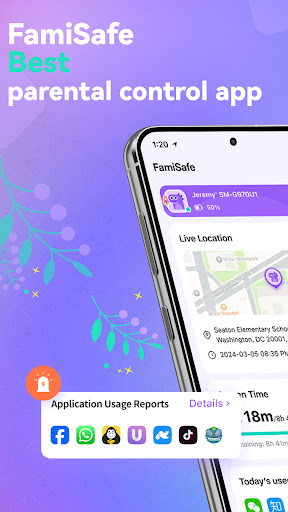
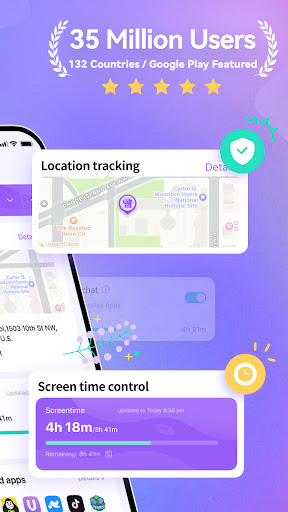
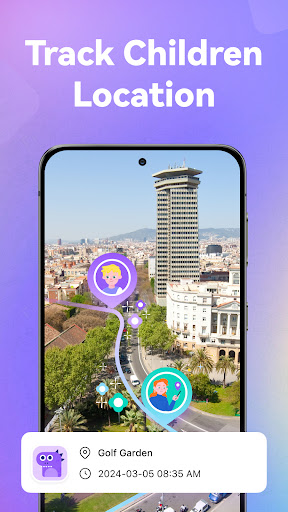
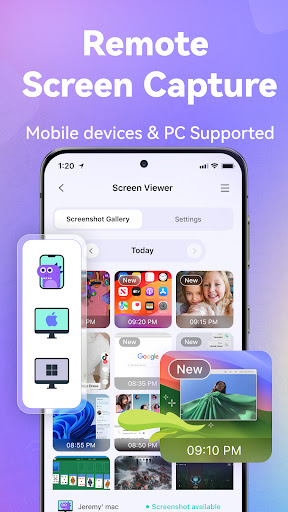
Primarily, FamiSafe is an app-based solution that helps you keep track of your child's device activity, including app usage, browsing history, and location. It also functions as a launcher app, enabling you to set restrictions or block inappropriate content directly from the app. The app features include real-time location tracking, screen time management, and content filtering, all designed to create a safer digital environment. With its intuitive app experience, FamiSafe ensures that managing your child's digital life is straightforward and effective, regardless of whether you are using the Android app or the iOS version.
This app is designed for parents and guardians who want a reliable mobile app to help manage their children's digital activities. It is especially useful for parents of children and teenagers in the age range of 6 to 16, who are increasingly active on smartphones and tablets. If you're concerned about online safety, screen time, or inappropriate content, this app-based solution provides a comprehensive way to supervise and protect your kids in a digital environment. By leveraging an Android app, parents can gain peace of mind knowing they can stay connected to their children's device activity from anywhere.
People who are new to parental controls or prefer simple, easy-to-use tools will find this mobile app particularly helpful. It's perfect for busy parents who need effective supervision without complicated setups. Teachers and caregivers may also find it useful for monitoring devices in educational settings. Whether you're trying to limit gaming, safeguard your child from harmful online content, or ensure they focus on homework during study hours, this app offers tailored features that adapt to various scenarios. Its user-friendly design makes it accessible for everyone, regardless of technical knowledge, providing an effective app experience for managing children's digital lives.
Choosing FamiSafe means opting for a trusted and feature-rich app that truly understands modern parenting needs. Its app features are designed with both safety and ease of use in mind, offering a comprehensive app experience that other solutions might lack. This Android app provides detailed control over device activities, giving parents the ability to set restrictions, monitor location, and view activity logs effortlessly. The app-based solution not only makes supervision straightforward but also allows remote management, which is essential in today's busy world. Moreover, its emphasis on security and privacy ensures that your family's data remains protected, fostering a sense of trustworthiness that's crucial when managing sensitive information.
What sets FamiSafe apart from similar apps is its balance of powerful features and intuitive design. It addresses common parenting challenges such as online safety, excessive screen time, and device misuse with practical tools that integrate seamlessly into daily routines. The app experience is crafted to be straightforward so that users of all ages can navigate it comfortably. Its versatility as both a parental control and launcher app means you can customize your child's device environment while maintaining full control. This focus on reliability, safety, and user empowerment makes FamiSafe a preferred choice for responsible parents seeking an effective app-based solution for digital supervision.
Real-time location tracking
App and website usage filtering
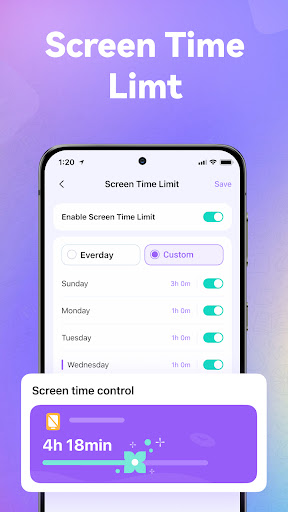
Screen time scheduling
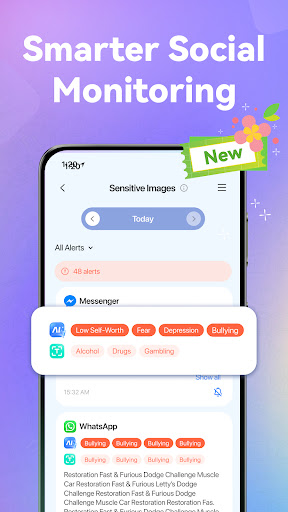
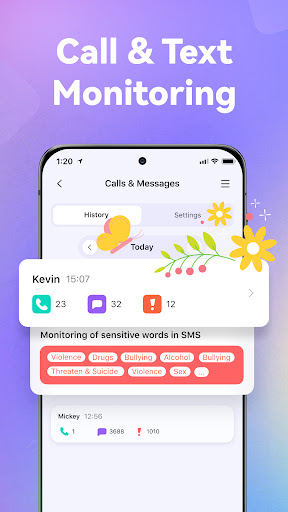
Content filtering and monitoring
User-friendly interface
Limited Android device support
Battery consumption concerns
Occasional false positives in content filtering
Limited customization for different age groups
In-app purchase prompts

Parenting
4.6

Parenting
4.8

Parenting
4.2

Parenting
4.8

Parenting
4.8

Parenting
4.9
Parenting
4.4

Parenting
4.8

Parenting
4

Parenting
3.6

Parenting
3.1

Parenting
4.7

Social
4.7

Shopping
4.7

Social
4

Personalization
3.9

Productivity
4.9

Video Players & Editors
4.6

Social
4.3

Communication
4.7

Entertainment
4.7

Communication
4.5