

Parenting
0.0
0.50M
4.5
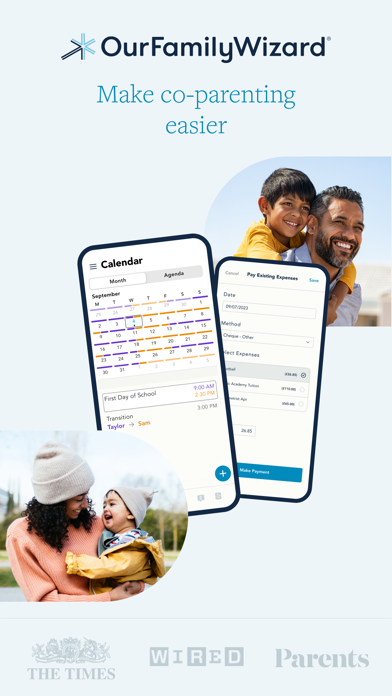
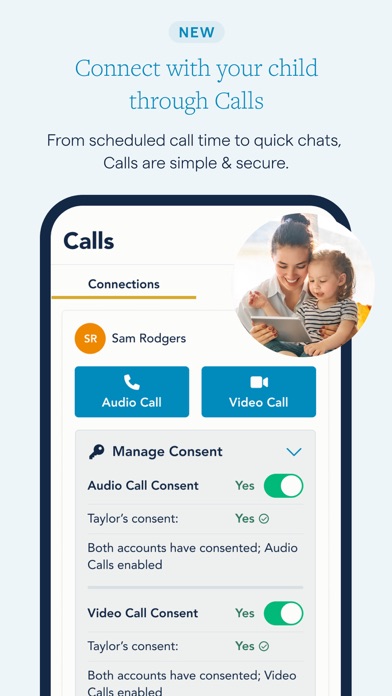
The OurFamilyWizard Co-Parent App is a specialized mobile app designed to facilitate communication and organization between co-parents. Available for both Android and iOS devices, this app provides a secure and dedicated platform for managing shared parenting responsibilities. Its intuitive interface makes it simple for users to stay connected and keep track of important appointments, expenses, and messages. Whether you're navigating a custody agreement or coordinating daily routines, the OurFamilyWizard app helps ensure everyone stays on the same page.
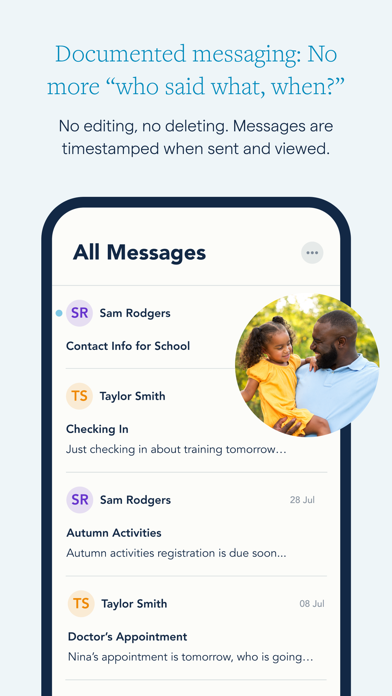
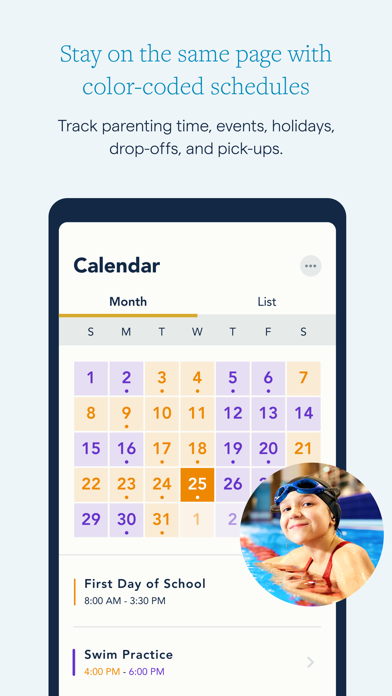
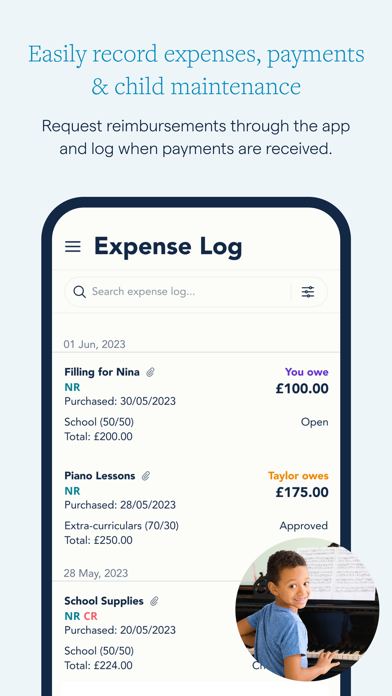
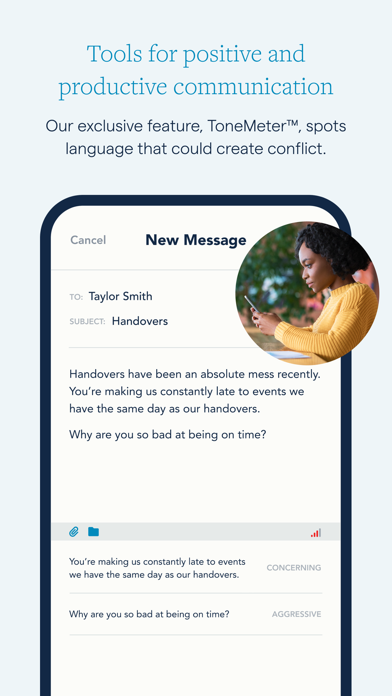
The primary purpose of the OurFamilyWizard Co-Parent App is to serve as a comprehensive app-based solution for co-parenting challenges. The app features include a calendar for scheduling, expense logs, message center, and document sharing functions. These tools are designed to streamline communication, reduce misunderstandings, and promote collaboration. As a trusted and experienced solution for families, the OurFamilyWizard app aims to improve the overall app experience for both parents and children by offering a secure and organized way to manage shared responsibilities.
This app is designed primarily for divorced or separated parents who want to manage their co-parenting responsibilities more effectively. It's perfect for those who need an organized and reliable mobile app to coordinate schedules, communicate clearly, and handle shared expenses. Whether you're a busy parent juggling work and family or someone looking for a straightforward way to keep your parenting arrangements in check, OurFamilyWizard offers a practical app experience tailored to your needs.
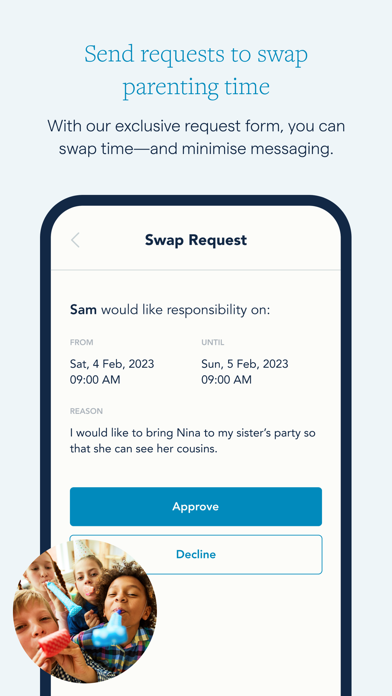
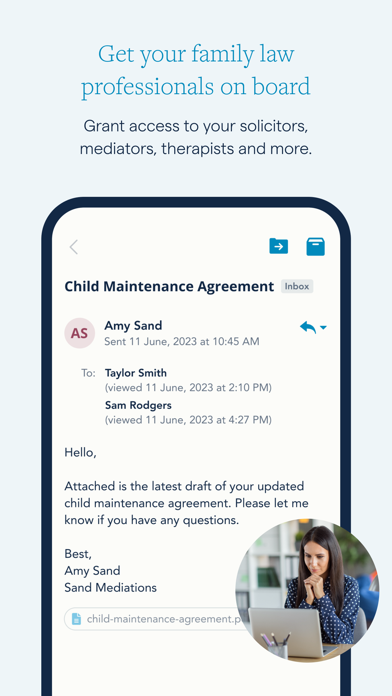
If you're trying to reduce misunderstandings or avoid conflicts related to custody and child-rearing, this app-based solution provides a central platform for all communication and coordination. Its targeted features support real-world scenarios, like adjusting visitation plans, sharing important documents for medical or school purposes, or tracking child expenses. By creating a structured and transparent communication environment, OurFamilyWizard helps ensure both parents stay actively engaged and informed, contributing to a more harmonious co-parenting relationship.
Choosing the OurFamilyWizard Co-Parent App means opting for a trusted, user-friendly solution that enhances your app experience with its comprehensive features and focus on security. Unlike many generic apps, this mobile app is specially designed to meet the unique needs of co-parents, streamlining communication, organization, and financial management. Its intuitive interface makes managing complex schedules and shared responsibilities much simpler, which can significantly reduce stress and misunderstandings. The app features developed by experts in family law and co-parenting ensure that it provides reliable tools tailored to real-world parenting challenges.
What sets OurFamilyWizard apart from other apps is its emphasis on trustworthiness and proven effectiveness. It offers a well-rounded app experience that fosters cooperation and minimizes conflicts, making it a preferred choice for families seeking an app-based solution that really works. Its features help parents stay accountable and connected, ultimately supporting smoother co-parenting arrangements. If stability, security, and practical tools are what you need, this Android app and its comprehensive app features make it a wise investment for maintaining effective communication and organization during your co-parenting journey.
User-Friendly Interface
Comprehensive Communication Tools
Secure Data Sharing
Notification System
Legal Support Features
Limited Customization Options
Occasional Syncing Issues
Premium Subscription Cost
Limited International Support
Learning Curve for New Users

Parenting
4.6

Parenting
4.8

Parenting
4.2

Parenting
4.8

Parenting
4.8

Parenting
4.9

Parenting
4.4

Parenting
4.8

Parenting
4

Parenting
3.6

Parenting
3.1

Parenting
4.7

Social
4.7

Shopping
4.7

Social
4

Personalization
3.9

Productivity
4.9

Video Players & Editors
4.6

Social
4.3

Communication
4.7

Entertainment
4.7

Communication
4.5