Music & Audio
0.0
5.00M
4.8
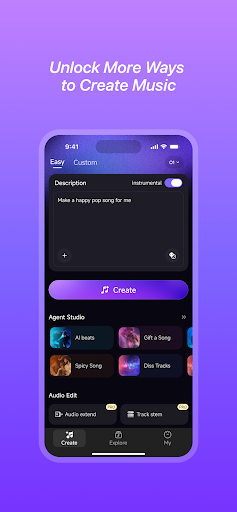
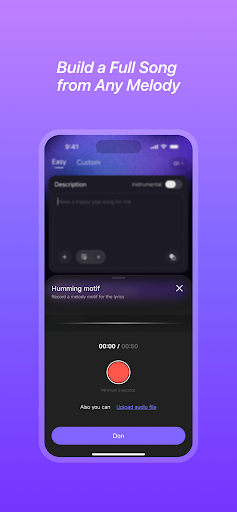
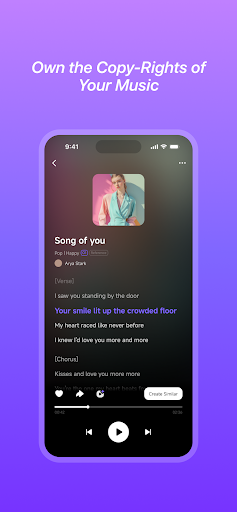
Mureka - AI Song & Music Maker is an innovative mobile app designed for music enthusiasts and creators alike. Available on the Android platform, this app offers a seamless experience for those looking to craft, remix, and produce music using artificial intelligence. Whether you're a beginner or an experienced musician, Mureka provides user-friendly tools that make music creation accessible and enjoyable. Its intuitive interface and robust features set it apart as a must-try music and audio app for Android users seeking creative inspiration.
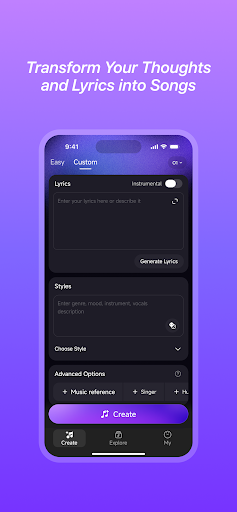
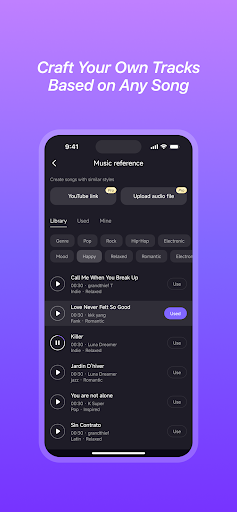
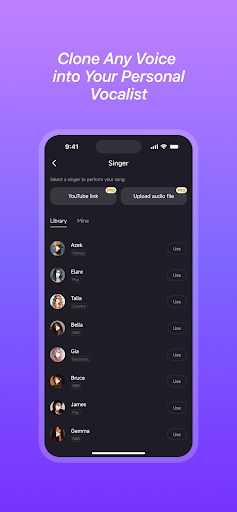
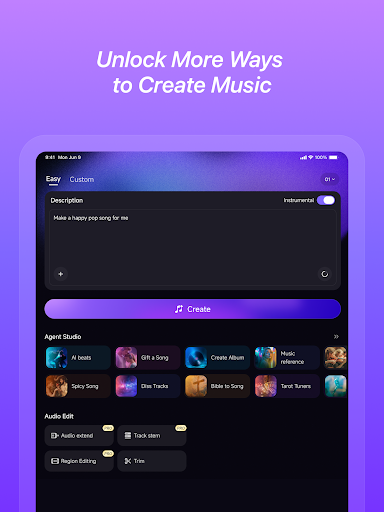
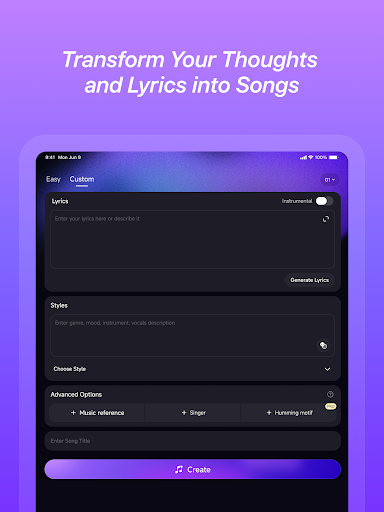
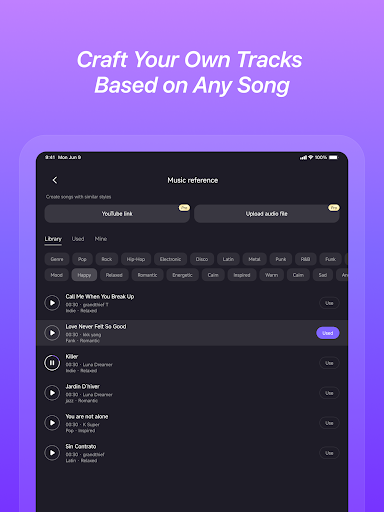
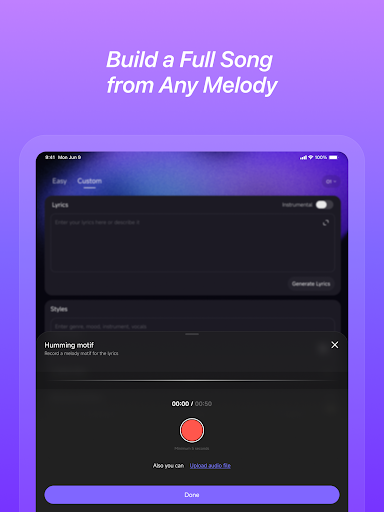
The app's primary purpose is to serve as an AI-powered music composer and songwriter, allowing users to generate original tunes and experiment with various audio styles easily. Mureka's app features include customizable song templates, real-time music generation, and the ability to fine-tune melodies or beats. With these capabilities, users can develop their unique soundscapes without needing advanced technical skills. Overall, Mureka - AI Song & Music Maker delivers a quality app experience for those in search of an app-based solution for music production, whether you're producing for fun or professional projects.
This mobile app is designed for music lovers and aspiring artists of all ages who want to explore their creativity without needing expensive studio equipment. Whether you're a student trying to experiment with music production or a hobbyist looking for an easy-to-use Android app to compose songs in your free time, this app-based solution can be a great fit. It appeals to those who prefer intuitive tools that simplify the music creation process while maintaining high-quality output, making it an attractive choice for both casual users and semi-professional musicians.
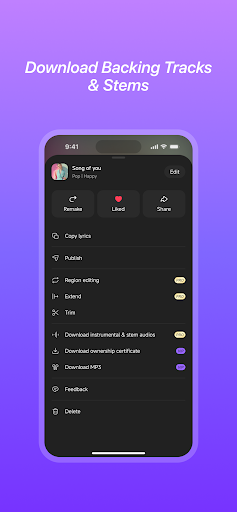
People who enjoy creating personalized playlists, recording cover songs, or experimenting with musical ideas will find this app especially useful. It's ideal for individuals looking to enhance their musical skills or produce original tracks on their smartphones. Whether you're on a commute, at home, or traveling, the app experience allows you to turn your ideas into polished songs, thanks to features like real-time editing and extensive sound libraries. Its compatibility with Android devices makes it accessible to a broad audience, providing a convenient app-based solution for music production on the go.
Choosing Mureka - AI Song&Music Maker offers a compelling value for anyone interested in music creation, especially for those seeking an efficient and accessible Android app. Its blend of powerful AI-driven features with a simple, straightforward interface makes it stand out among other music apps. Users can benefit from rich app features that enable quick composition, editing, and sharing—streamlining the entire creative process from start to finish. As a trusted app-based solution, it provides an experience that balances advanced capabilities with user-friendliness, making it suitable for both beginners and experienced musicians alike.
What sets Mureka apart is its dedication to delivering a comprehensive app experience. Unlike many competing apps, this platform combines real-time AI assistance with practical tools like offline mode and extensive sound libraries, allowing users to focus on making music without interruptions. Its ability to address common challenges in digital music creation—such as complex editing or limited sound options—is a key advantage. By providing a trustworthy and innovative Android app, Mureka ensures users can produce high-quality music efficiently, making it a smart choice for artists looking to enhance their craft using an accessible app-based solution.
User-friendly interface
AI-generated music quality
Wide variety of styles and presets
Real-time collaboration features
Affordable pricing model
Limited advanced editing tools
Occasional AI inconsistencies
Limited export options
Performance issues on older devices
Learning curve for advanced features

Music & Audio
4.8

Music & Audio
4.9

Music & Audio
4.6

Music & Audio
4.4

Music & Audio
4.1

Music & Audio
4.7

Music & Audio
4.9

Music & Audio
4.4

Music & Audio
3.1

Music & Audio
4.7

Music & Audio
4.6

Music & Audio
4.5

Social
4.7

Shopping
4.7

Social
4

Personalization
3.9

Productivity
4.9

Video Players & Editors
4.6

Social
4.3

Communication
4.7

Entertainment
4.7

Communication
4.5