Libraries & Demo
0.0
0.50M
3.5
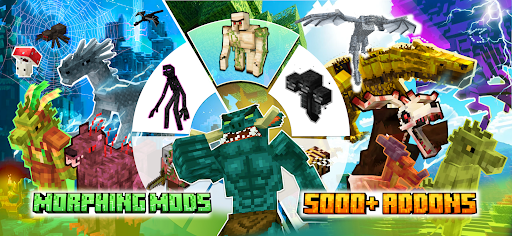
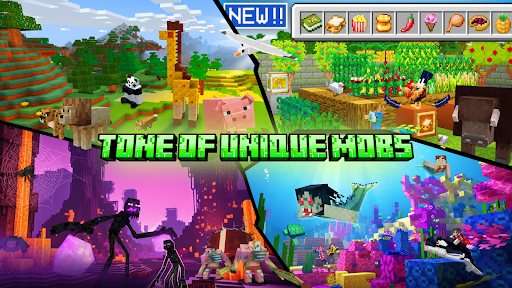
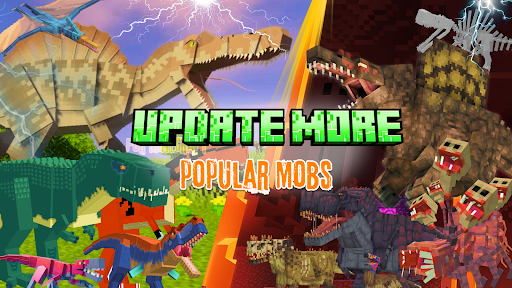
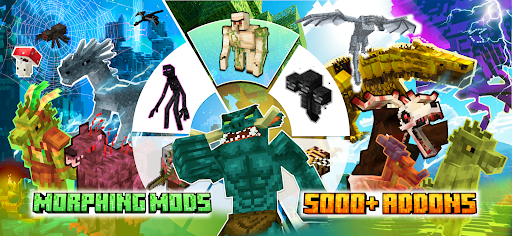
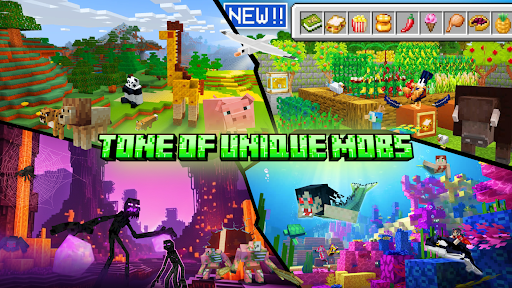
Mobs Maker for Minecraft PE is a specialized mobile app designed for fans and creators within the Minecraft Pocket Edition community. This Android app provides a seamless way to design and customize various mobs and characters directly on your device. Whether you're into creating unique in-game creatures or experimenting with different skins, Mobs Maker offers a user-friendly experience tailored to mobile platforms. As a part of the Libraries & Demo category, this launcher app stands out by giving users a flexible and accessible tool to enhance their Minecraft gameplay without needing complex software on a computer.
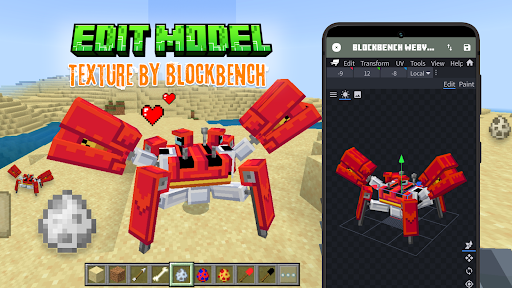
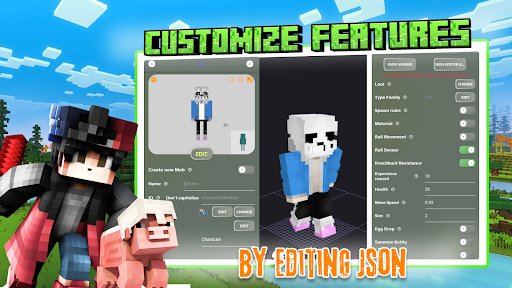
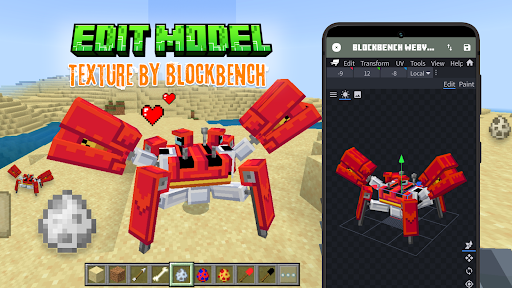
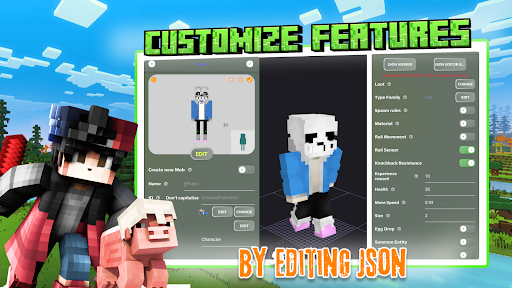
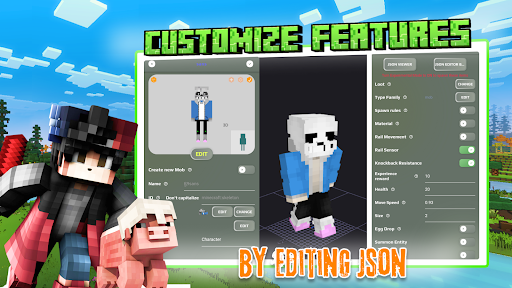
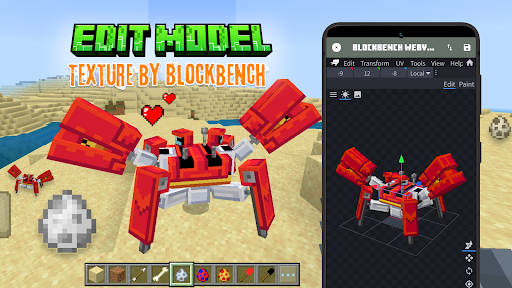
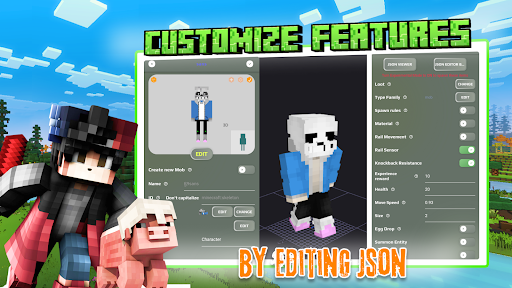
The main purpose of Mobs Maker for Minecraft PE is to allow players to craft custom mobs and automate their creation process right from their smartphones or tablets. The app features an intuitive interface that simplifies the design process, making it accessible to both beginners and experienced users. With its variety of app features, users can modify textures, adjust behaviors, and even preview their creations in real-time. As an app-based solution for Minecraft enthusiasts, Mobs Maker helps enhance the overall app experience by offering creative freedom and convenient access to mob customization, all within a lightweight Android app designed specifically for mobile devices.
This mobile app is particularly beneficial for Minecraft PE players and modders who enjoy customizing their gaming experience. Whether you're a beginner exploring your creativity or an experienced builder, Mobs Maker for Minecraft PE offers tools that simplify the process of designing custom skins and mobs. The app appeals to teenagers, young adults, and anyone passionate about enhancing their Minecraft world with personalized assets. Its user-friendly interface makes it accessible even for those new to skin creation, while its advanced features satisfy more seasoned users who seek detailed customization options.
In real-world scenarios, users often turn to this app when they want to quickly create themed skins for multiplayer servers, develop unique mobs for their private worlds, or prepare personalized avatars for streaming and sharing. Artists, content creators, and Minecraft enthusiasts can leverage the app as an efficient app-based solution to boost their in-game expression. The ability to work offline means you can craft and fine-tune designs during commutes or in areas with limited internet access, making this Android app a versatile tool for both casual players and dedicated modders alike.
What sets Mobs Maker for Minecraft PE apart from other similar apps is its blend of powerful app features and ease of use. It offers a smooth app experience that combines comprehensive editing tools with an intuitive layout, eliminating the frustration often associated with complex design software. This makes it a reliable app-based solution for creating high-quality skins and mobs without requiring advanced graphic skills. Its offline capabilities and real-time previews ensure your creative process remains uninterrupted, whether you're working at home or on the move.
Additionally, the app stands out by providing a community-inspired gallery and straightforward sharing options, fostering a collaborative environment for players to showcase their creations and exchange ideas. Its compatibility with Android devices ensures broad accessibility, making it a practical choice for many Minecraft fans seeking a versatile launcher app. Overall, Mobs Maker for Minecraft PE delivers real value by empowering users to craft customized content that enhances their app experience, all within a trustworthy and well-supported platform. This makes it an excellent choice for anyone serious about personalizing their Minecraft adventures through a reliable app-based solution.
User-friendly interface
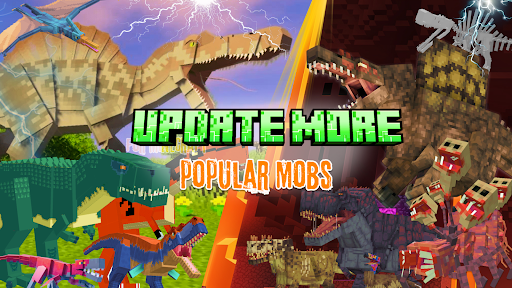
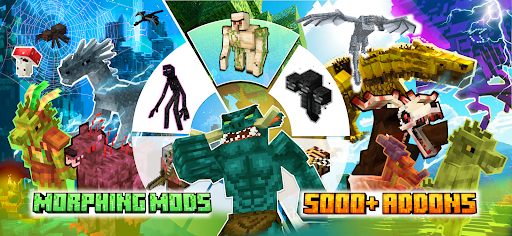
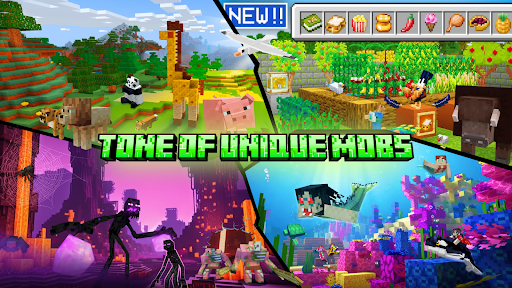
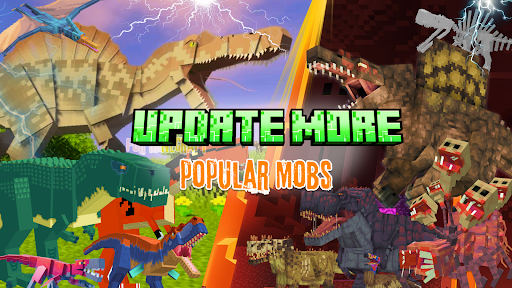
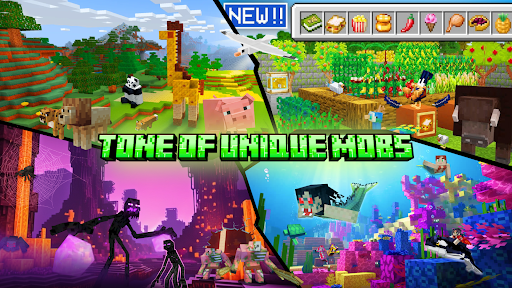
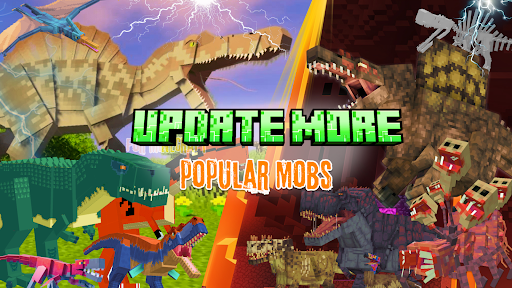
Wide variety of mobs
Easy mob customization
No coding required
Frequent updates
Limited free features
Occasional app crashes
Moderate learning curve for advanced options
Limited support for older devices
Lack of detailed tutorial content

Libraries & Demo
3.2

Libraries & Demo
4.6

Libraries & Demo
4.5

Libraries & Demo
3.8

Libraries & Demo
4.1

Libraries & Demo
3.9

Libraries & Demo
4.3
Libraries & Demo
3.5

Libraries & Demo
4.2

Libraries & Demo
4.2

Libraries & Demo
3.9

Libraries & Demo
4.8

Social
4.7

Shopping
4.7

Social
4

Personalization
3.9

Productivity
4.9

Video Players & Editors
4.6

Social
4.3

Communication
4.7

Entertainment
4.7

Communication
4.5