Menu
Minimal Black v30 Watch Face

Minimal Black v30 Watch Face

4.5
Advertisement

Information

Category:

Personalisation

Price:

1.49

Downloads:

1.00K

Rating:

4.5

Advertisement

Overview

About Minimal Black v30 Watch Face

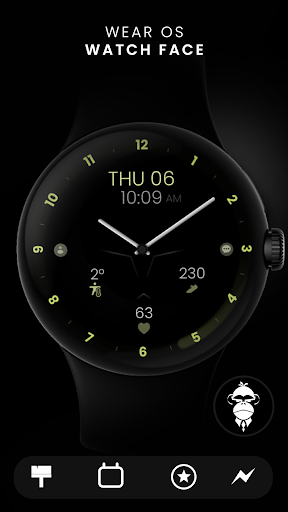
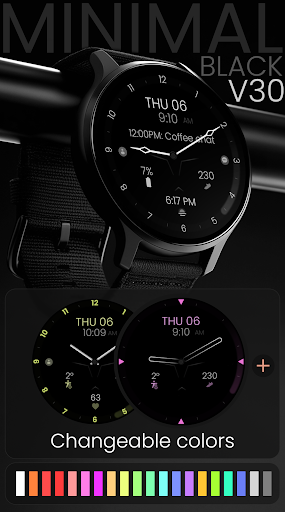
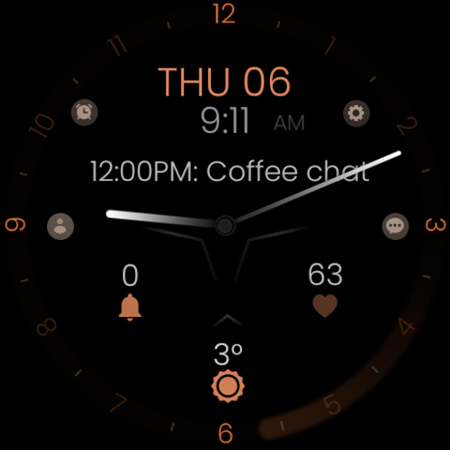
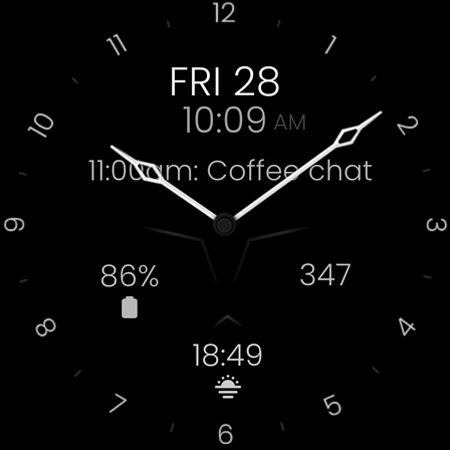
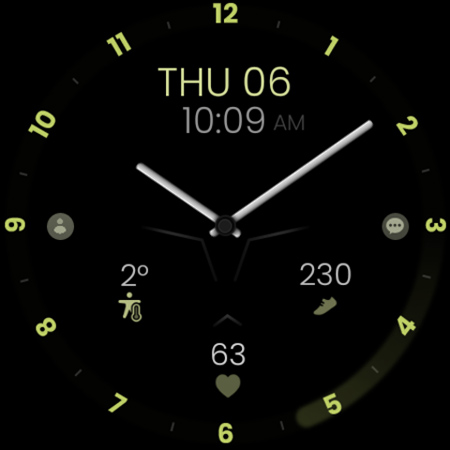
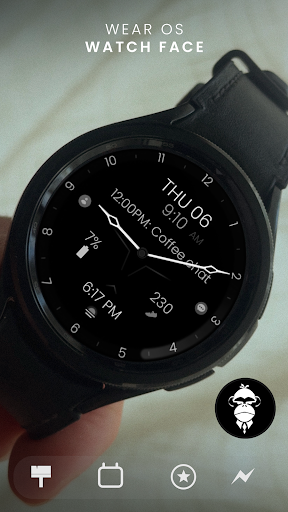
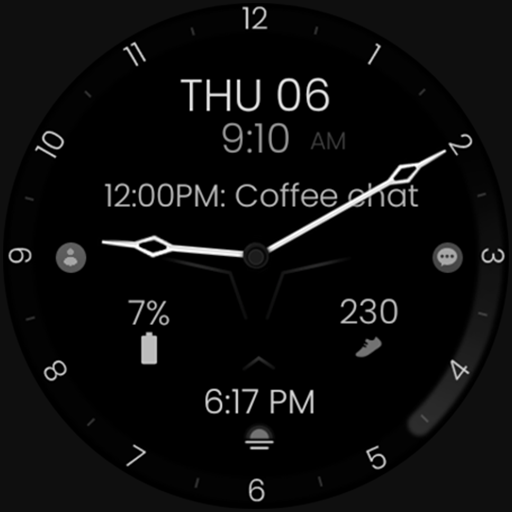
The Minimal Black v30 Watch Face is a sleek, stylish app designed to enhance your smartwatch's appearance and functionality. This Android app provides a minimalist watch face that focuses on simplicity and elegance, making it perfect for users who prefer a clean look on their wearable device. Its straightforward design ensures that your watch screen remains uncluttered, giving you quick access to vital information at a glance.

Core Features

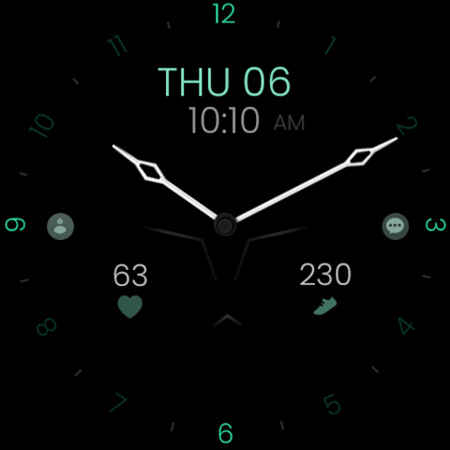
  • The Minimal Black v30 Watch Face offers a sleek and minimalistic design that enhances your smartwatch's appearance with a clean, black-themed interface. Its sharp lines and simple layout make it easy to read at a glance.
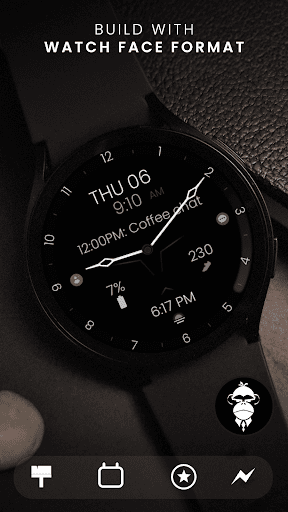
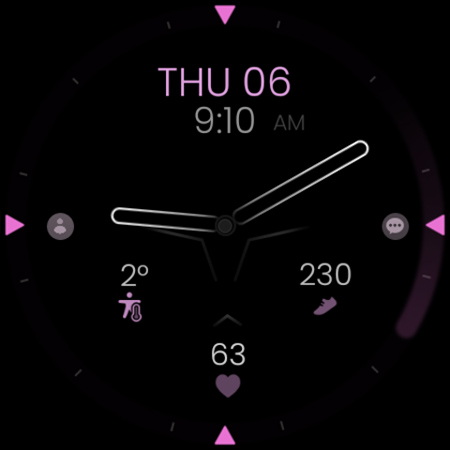
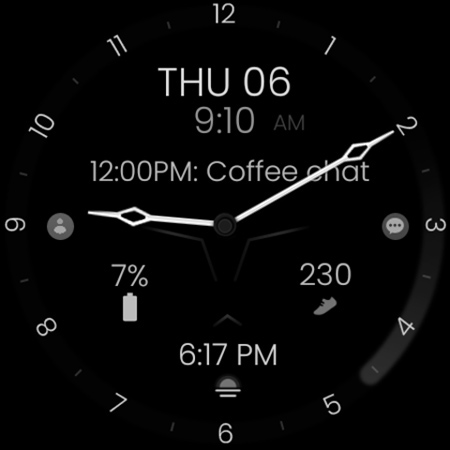
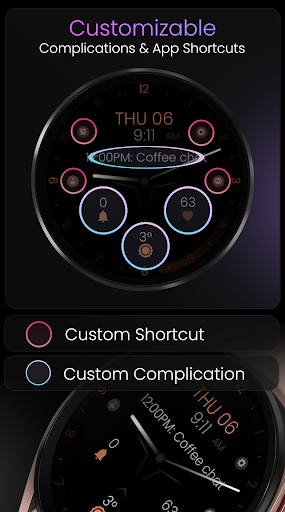
  • This Android app features customizable watch face elements, allowing users to adjust time, date, and additional data displays to suit their personal style and preferences, providing a highly personalized app experience.
  • The app includes real-time sync with your device, ensuring that any changes made are instantly reflected on your smartwatch, which improves the overall app experience by offering smooth, seamless updates.
  • Designed as an app-based solution for wearables, Minimal Black v30 Watch Face supports various smartwatch models and integrates effortlessly, making it a versatile launcher app for your daily use.
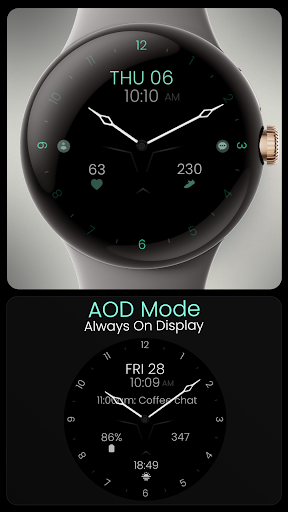
  • One of its notable app features is the low power consumption mode, helping extend your device's battery life without compromising on the visual appeal or functionality of your watch face.
  • The app also supports easy installation and updates through user-friendly interfaces, emphasizing a hassle-free app experience for both new and experienced users.

Who This App Is For

If you're someone who values a clean and elegant look for your smartwatch, Minimal Black v30 Watch Face is ideal for tech enthusiasts, professionals, and minimalists alike. If you enjoy customizing your device to match your style or prefer a straightforward, distraction-free display, this mobile app is tailored for you. It's particularly suitable for users who appreciate high-quality app features that focus on simplicity without sacrificing functionality, making it a great addition to any Android app collection.

In addition, those looking for a reliable app-based solution to enhance their smartwatch's appearance and usability will find Minimal Black v30 Watch Face valuable. Whether you're using your device for everyday notifications, fitness tracking, or quick glances at the time, this app helps improve your overall app experience. It's perfect for busy professionals, tech-savvy users, or anyone who wants their smartwatch to look stylish while remaining practical in real-world scenarios.

Why Choose This App

Minimal Black v30 Watch Face stands out among other launcher apps because of its focus on simplicity and user-centric design. Its highly customizable app features let you tailor your watch face exactly how you want, making it more than just a visually appealing option—it's an app experience designed with your needs in mind. The app offers smooth real-time sync and low power consumption, ensuring your device stays functional longer without draining the battery.

Additionally, as a trusted app-based solution for smartwatch customization, Minimal Black v30 Watch Face provides a stable and reliable experience backed by expert design principles and frequent updates. It addresses common user problems like complex setups or excessive battery drain seen in many alternative apps. Why choose this app? Because it combines style, functionality, and reliability into a single package, giving you a better, more consistent app experience that elevates your smartwatch use each day.

pros

Clean and Minimal Design

High Customizability

Low Battery Consumption

Easy to Use Interface

Wide Compatibility

Cons

Limited Decorative Elements

Few Advanced Features

Customization Options Are Basic

Occasional Glitches in Updates

Limited Language Support

Advertisement
Download From Google Play

Frequently Asked Questions

How do I install the Minimal Black v30 Watch Face on my Wear OS device?

Download it from the Google Play Store, then tap and hold your watch face, select 'Customize,' and choose Minimal Black v30 to set it as your watch face.

Can I customize the colors and shortcuts on this watch face?

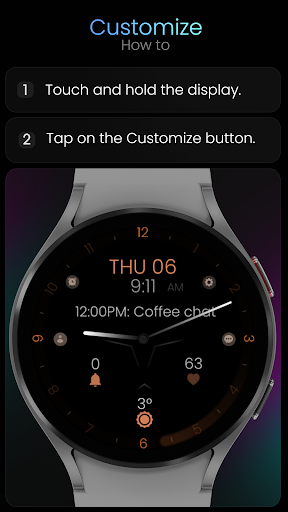
Yes, tap and hold your watch display, select 'Customize,' then adjust colors, app shortcuts, and complications to fit your style and needs.

Is the watch face compatible with my Samsung Galaxy Watch 6?

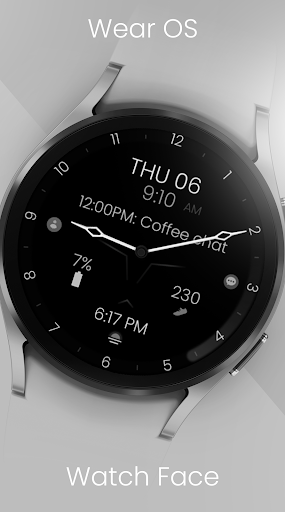
Yes, it supports all Wear OS devices running API 33+, including the Galaxy Watch 6, but it's not suitable for rectangular watches.

How do I change between 12-hour and 24-hour formats?

The watch face syncs automatically with your phone settings. To change, update your device's time format in your phone's settings > Date & Time.

How can I customize the watch face's color scheme?

Tap and hold the watch face, select 'Customize,' then navigate to the color options and choose your preferred scheme.

What are the available options for watch hands customization?

You can select from 7 different pairs of hour, minute, and second hands, or turn the second hand on/off in the customization menu.

Are there any in-app purchases or subscription fees for this watch face?

There are no ongoing subscription fees; you purchase or download the app from the Google Play Store, and some advanced features may require a one-time payment.

How do I add or modify complications on the watch face?

Tap and hold the watch display, select 'Customize,' then tap the complication slots to assign features like weather, steps, or calendar info.

What should I do if the watch face is not syncing or displaying correctly?

Ensure your device is connected and the app is updated. Try reinstalling or restarting your watch and phone, then reapply the watch face.

How do I enable or disable the Always-On Display mode?

In your Wear OS settings, go to Display > Always-On, and toggle it on to keep the watch face visible without draining battery excessively.
Show more