

House & Home
0.0
5.00M
4.6
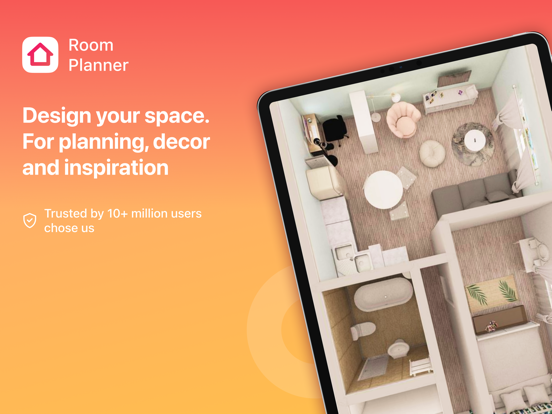
Kitchen Design: 3D Planner is a user-friendly mobile app designed for homeowners, interior designers, and anyone interested in visualizing their kitchen projects. Available on both Android and iOS platforms, this app offers a comprehensive toolset to help you create stunning kitchen layouts with ease. Its intuitive interface makes it accessible for users of all skill levels, whether you're planning a small renovation or designing a brand-new space from scratch. As a trusted app in the House & Home category, Kitchen Design: 3D Planner provides a seamless experience for users looking to plan their ideal kitchen with confidence.
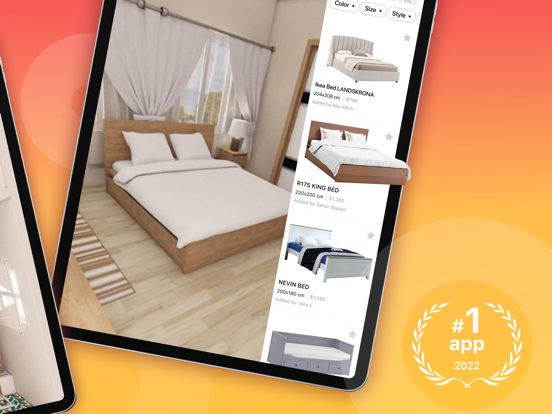
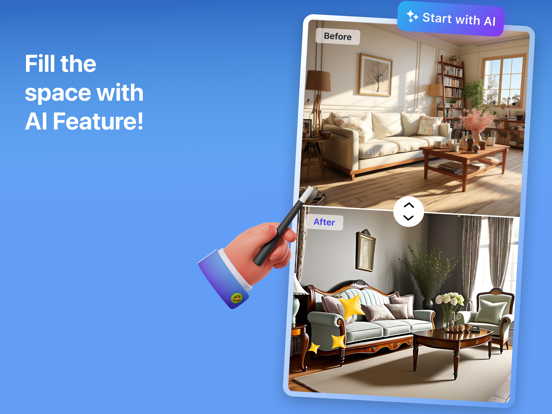
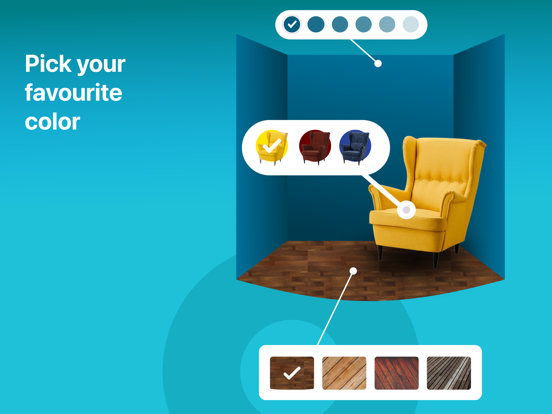
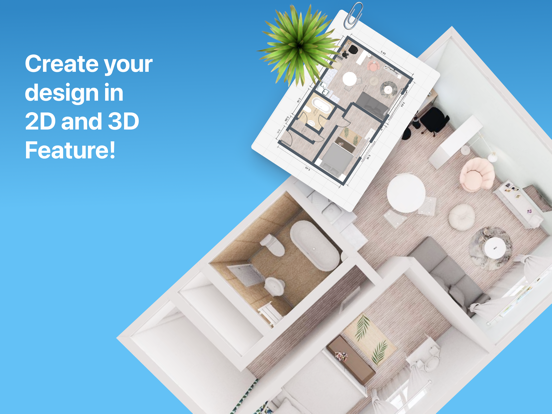
The app features include a variety of customizable 3D models, drag-and-drop functionality, and a broad selection of kitchen cabinets, countertops, appliances, and decor items. Using this app-based solution, you can experiment with different styles, colors, and layouts, giving you a clear visual idea of your project before any physical work begins. The app experience is enhanced by its real-time rendering and easy sharing options, making it a practical launcher app for those wanting to collaborate with relatives, friends, or professionals. Kitchen Design: 3D Planner helps you bring your kitchen visions to life with precise details and a straightforward process.
This kitchen design mobile app is perfect for homeowners, interior enthusiasts, and professional designers who want to plan their kitchens accurately and effortlessly. If you enjoy tackling home improvement projects yourself or need a reliable app-based solution to visualize your ideas, this app is made for you. It provides a simple yet powerful interface that caters to users of all skill levels, from beginners to experts, ensuring everyone can create stunning designs with confidence.
Whether you're preparing for a kitchen remodel, selecting new appliances, or simply exploring design ideas, this Android app offers the tools you need to see your plans come to life. It's especially beneficial for those who prefer working on their projects at their convenience, making it a valuable addition to any home improvement toolkit. Its user-friendly features support detailed planning and help avoid costly mistakes, making your renovation process smoother and more enjoyable.
What sets Kitchen Design: 3D Planner apart from other design apps is its combination of advanced features and ease of use. The app delivers a compelling app experience by providing high-quality 3D visualizations that give you a true sense of how your kitchen will look. Its extensive app features include customizable elements, precise measurement tools, and real-time synchronization, all designed to make the design process straightforward and immersive. As an app-based solution, it's accessible on your mobile device anytime you need it, whether you're out shopping or refining your plans.
This app is a trustworthy choice because it's developed by experienced designers who understand what homeowners and professionals need in a kitchen planning tool. It not only helps you visualize your ideas but also offers practical features like offline mode and detailed renderings, reducing guesswork and ensuring your project stays on track. By choosing this Android app, you get a reliable, comprehensive, and user-centered tool that makes designing your dream kitchen more manageable and enjoyable. It truly stands out as a top choice for anyone looking for an effective app-based solution for home improvement projects.
Intuitive 3D visualization
Extensive library of furniture and materials
Drag-and-drop interface
Real-time rendering updates
Compatible across multiple devices
Limited export options
Occasional lag with complex projects
Some furniture items lack customization options
Learning curve for advanced features
Limited daylight simulation accuracy

House & Home
4.8

House & Home
4.5

House & Home
4.7

House & Home
4.8

House & Home
4.8

House & Home
4.7

House & Home
4.5

House & Home
4.8

House & Home
4.7

House & Home
4.8

House & Home
4.8

House & Home
4

Social
4.7

Shopping
4.7

Social
4

Personalization
3.9

Productivity
4.9

Video Players & Editors
4.6

Social
4.3

Communication
4.7

Entertainment
4.7

Communication
4.5