

Music & Audio
0.0
5.00M
4.9
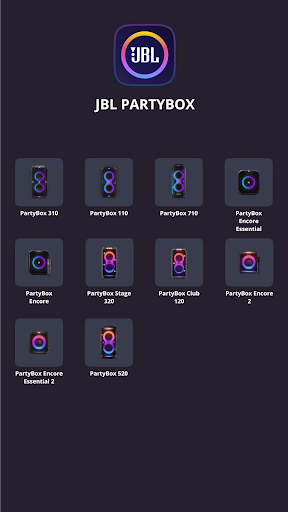
The JBL PartyBox app is a versatile mobile app designed specifically for music enthusiasts and party hosts. It allows users to connect their JBL PartyBox speakers seamlessly, offering a rich and immersive audio experience. Whether you're setting up a home party or a small gathering, this Android app enhances your audio setup with its straightforward interface and reliable connectivity. As a dedicated app for JBL products, it's tailored to optimize sound quality and provide an effortless user experience.
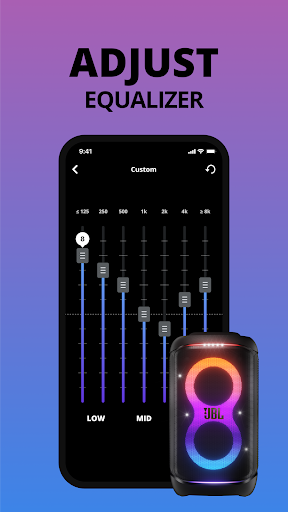
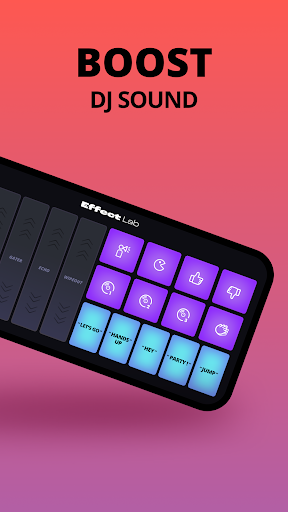
The primary purpose of the JBL PartyBox app is to unlock the full potential of your JBL PartyBox speakers through a user-friendly app experience. It features an intuitive control panel where you can adjust sound settings, manage playlists, and customize lighting effects, all from your mobile device. This app-based solution makes it easy to coordinate music and lighting, adding a personal touch to every event. Designed as a launcher app for JBL portable speakers, it brings together multiple app features that elevate your audio experience and make party planning simpler. With its reliable performance and clear controls, JBL PartyBox truly enhances your music and audio enjoyment in any setting.
The JBL PartyBox app is perfect for music lovers, party enthusiasts, and event organizers who want to elevate their sound experience with minimal hassle. If you enjoy hosting gatherings or simply want control over your music on a mobile app, this app caters to a wide age range, from young adults to seasoned organizers.
Whether you're hosting a backyard party, a family get-together, or a small event, this app-based solution helps you easily manage your JBL speaker settings for optimal sound and lighting effects. Its intuitive design makes it suitable for users with limited technical experience, while the rich app features appeal to audiophiles seeking detailed sound customization. If you prefer a reliable Android app that combines convenience with powerful features for controlling your portable speaker, this app is an excellent choice for enhancing your music enjoyment in various real-world scenarios.
The JBL PartyBox app stands out from other speaker control apps because of its intuitive interface and comprehensive app features tailored specifically for JBL speakers. It provides an app experience that is both simple for beginners and versatile enough for more experienced users who want precise control over their audio environment. The app supports a wide range of app-based solutions, including lighting customization, playlist management, and firmware updates, making it a complete package for enhancing your party setup.
What truly differentiates this Android app is its reliability and focus on delivering a high-quality app experience. By integrating advanced features like real-time sync and offline mode, the app ensures that your music and lighting stay perfectly in sync no matter where you are. Its compatibility with various devices and ease of use make it the ideal app for anyone serious about sound quality and party atmosphere. If you want a trustworthy app that helps you get the most out of your JBL PartyBox speakers, this app offers a dependable, feature-rich app-based solution designed to meet your needs effectively.
Intuitive User Interface
Customizable Light Shows
Remote Control Functionality
Music Streaming Integration
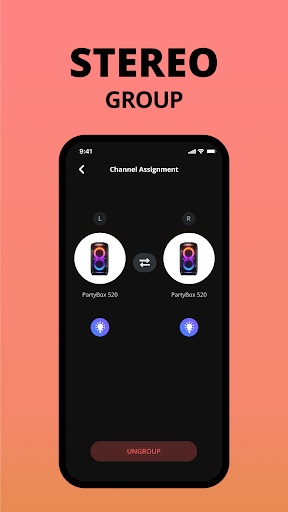
Party Mode Synchronization
Limited Compatibility with Older Devices
Occasional Connectivity Drops
Battery Drain During Use
In-App Updates Can Be Slow
Limited Customization Options for Light Effects

Music & Audio
4.8

Music & Audio
4.9

Music & Audio
4.6

Music & Audio
4.4

Music & Audio
4.1

Music & Audio
4.7

Music & Audio
4.9

Music & Audio
4.4

Music & Audio
3.1

Music & Audio
4.7

Music & Audio
4.6

Music & Audio
4.5

Social
4.7

Shopping
4.7

Social
4

Personalization
3.9

Productivity
4.9

Video Players & Editors
4.6

Social
4.3

Communication
4.7

Entertainment
4.7

Communication
4.5