

News & Magazines
0.0
0.50M
2.9
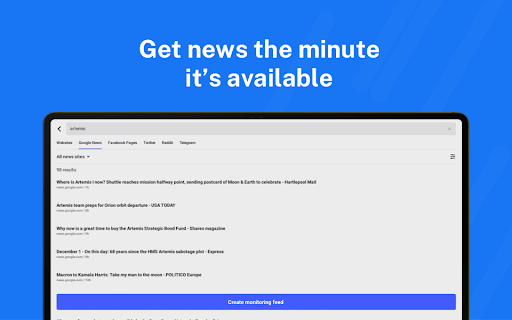
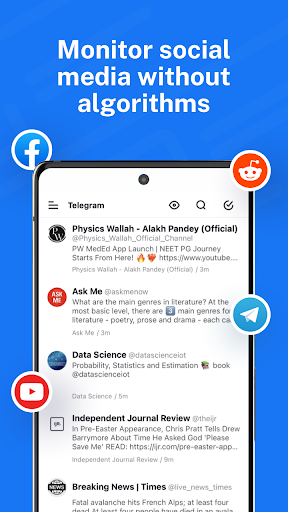
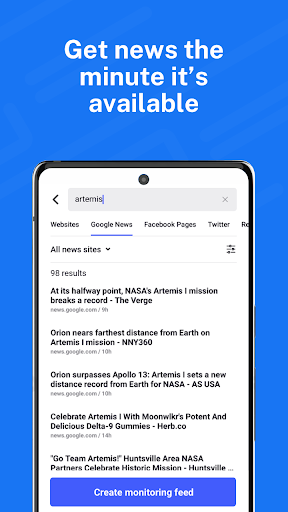
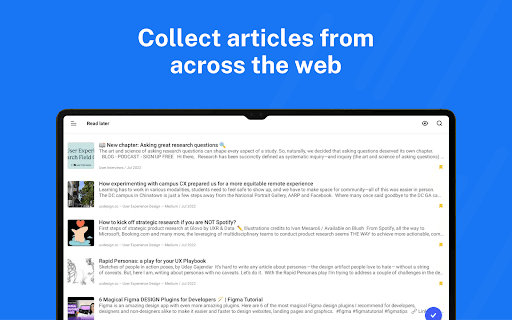
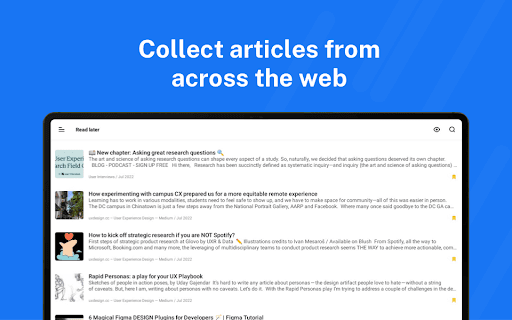
Inoreader: News & RSS reader is a versatile mobile app designed to help users stay updated with the latest news and information from a variety of sources. Available on Android as a dedicated mobile app, Inoreader offers a smooth and efficient way to organize and access your favorite feeds all in one place. Whether you're a news junkie or need to keep track of industry updates, this app provides a straightforward solution to manage your content consumption easily.
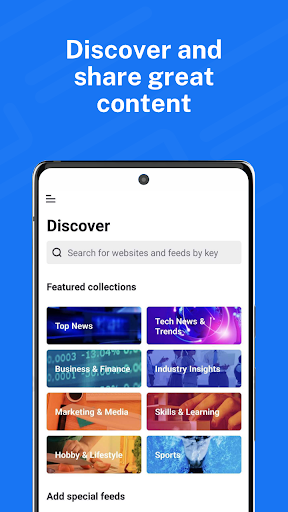
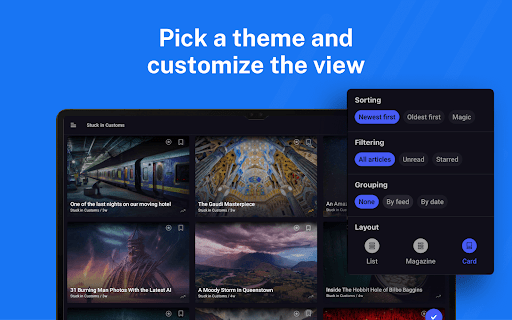
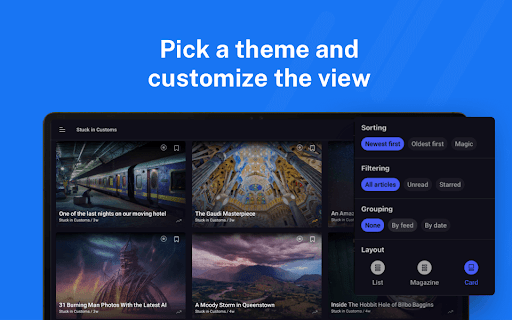
The app features an intuitive interface that allows users to subscribe to RSS feeds, categorize articles, and customize their reading experience. Inoreader's primary purpose is to serve as an app-based solution for news enthusiasts seeking a reliable and organized platform. It supports offline reading, push notifications, and customizable filters, making it a dependable Android app for managing a personalized news stream. Its focus on user experience ensures you can navigate your feeds effortlessly, whether you're at home or on the go.
If you're someone who loves staying updated with the latest news, blogs, and RSS feeds, Inoreader: News & RSS reader is an excellent mobile app choice. Whether you're a professional who needs quick access to industry updates, a student researching topics for assignments, or a casual reader who enjoys keeping tabs on hobbies and interests, this Android app offers a tailored experience designed for diverse user groups. Its user-friendly interface and comprehensive app features make it suitable for both tech-savvy users and those new to RSS readers, ensuring everyone can benefit from a streamlined news consumption process.
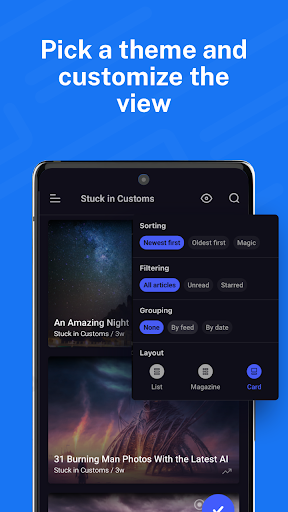
For individuals who rely heavily on organized, personalized content, Inoreader provides an efficient app-based solution to manage multiple feeds and sources in one place. It's particularly useful during daily commutes, travel, or when offline access is needed. By allowing users to customize their app experience – through filters, notifications, and themes – the app adapts to various use scenarios, from staying updated during busy workdays to relaxing with a curated news feed at home. Overall, this mobile app is ideal for anyone looking for a reliable, feature-rich news reader that simplifies information management and enhances your app experience in everyday life.
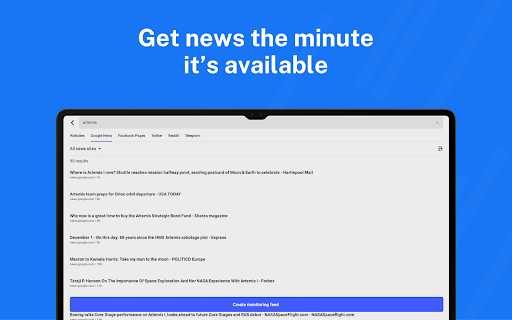
Inoreader: News & RSS reader stands out as a top choice among news apps because of its robust app features and focus on user customization. The app offers a reliable app experience, supporting real-time updates, offline reading, and personalized content management. Its intuitive interface and powerful search tools ensure that you never miss important updates, making it a superior app-based solution for staying organized and informed. Unlike many other RSS readers, Inoreader combines advanced filtering with seamless synchronization, saving you time and effort while providing accurate, up-to-date information.
What makes this Android app truly trustworthy and authoritative is its long-standing reputation for delivering a stable and secure app experience. The app's commitment to user privacy, combined with regular updates that introduce new features and improve performance, demonstrates its reliability. Whether you're a busy professional, a social media enthusiast, or a dedicated news junkie, Inoreader's comprehensive app features help you stay connected to your interests effortlessly. This combination of expertise, user-centric design, and dependable functionality makes it a standout choice among RSS feed and news management apps, giving you confidence in your app-based solution for news consumption.
Customizable feed organization
Robust offline reading
Powerful search and filtering capabilities
Multiple platform synchronization
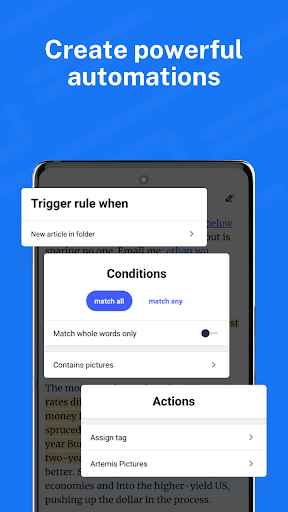
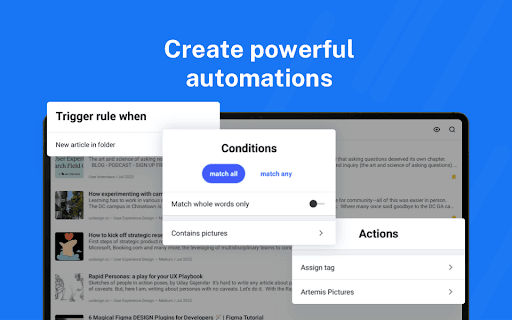
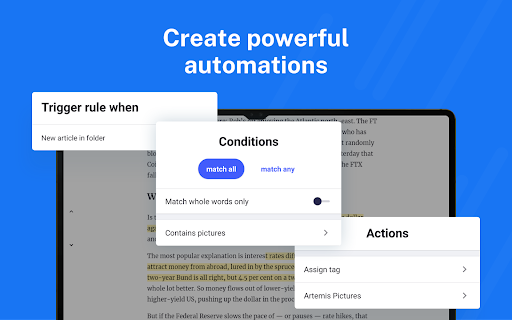
Automation with rules and filters
Interface can feel cluttered for new users
Limited free features compared to premium plans
occasionally syncing delays
Mobile app UI could be more intuitive
No native translation feature

News & Magazines
4.3

News & Magazines
4.1

News & Magazines
4.6

News & Magazines
3.7

News & Magazines
4.7

News & Magazines
4.5

News & Magazines
4.5

News & Magazines
4.4

News & Magazines
4.6

News & Magazines
4.2

News & Magazines
4.2

News & Magazines
4.3

Social
4

Shopping
4.5

Social
4

Personalization
3.9

Productivity
4.8

Video Players & Editors
3.5

Social
4.3

Communication
4.7

Entertainment
3.9

Communication
4.2