Auto & Vehicles
0.0
5.00M
3.9
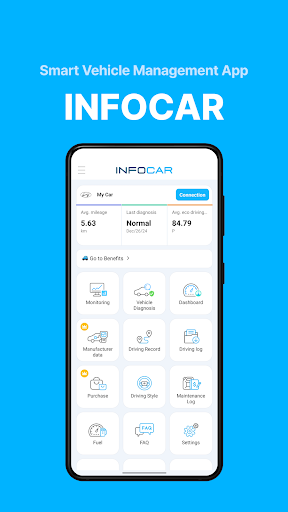
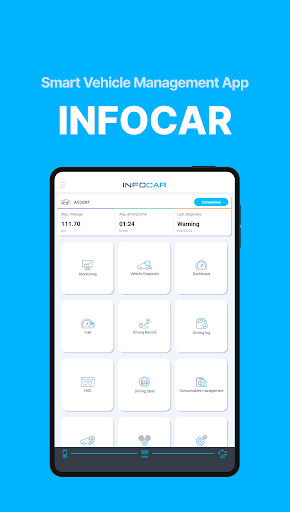
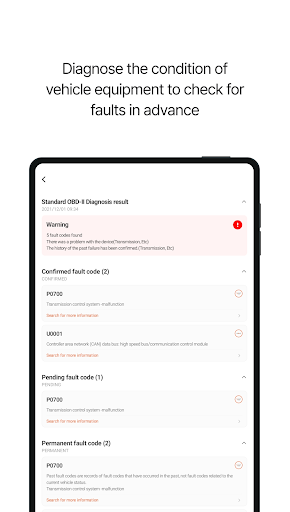
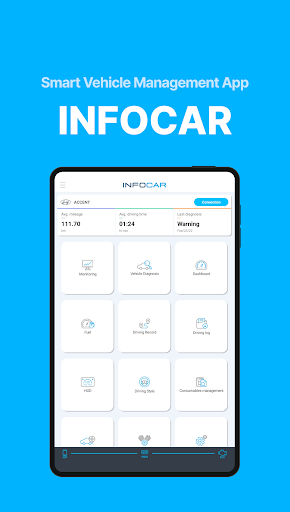
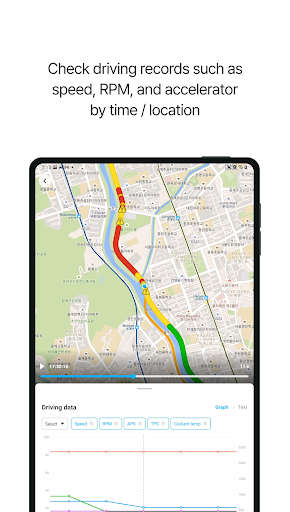
Infocar - OBD2 ELM Scanner is a mobile app designed to help vehicle owners and auto enthusiasts easily monitor their car's health through their smartphones. Whether you drive a car, truck, or even a motorcycle, this Android app provides a straightforward way to connect to your vehicle's onboard diagnostics system. The app is part of the auto and vehicles category and aims to make vehicle diagnostics accessible to everyone, right from their mobile devices.
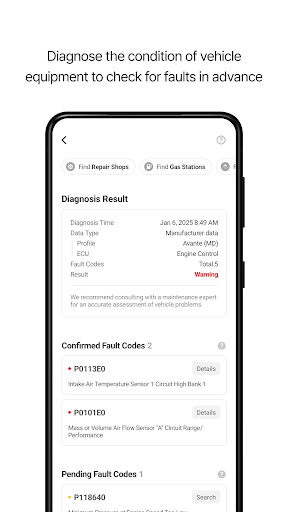
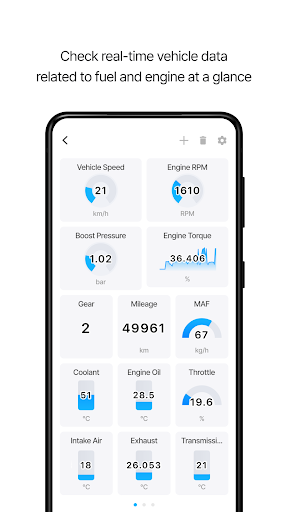
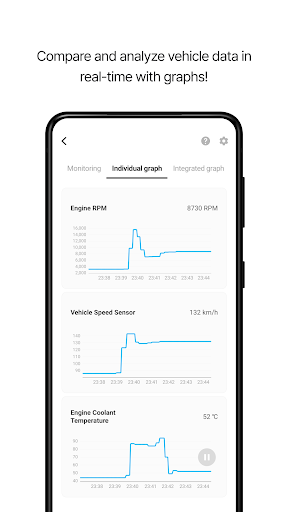
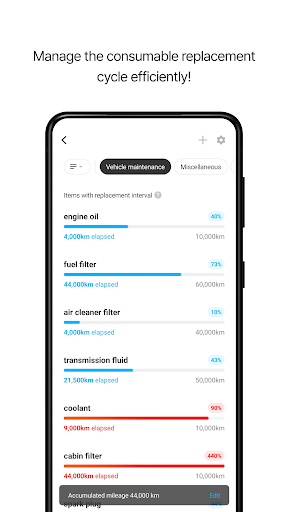
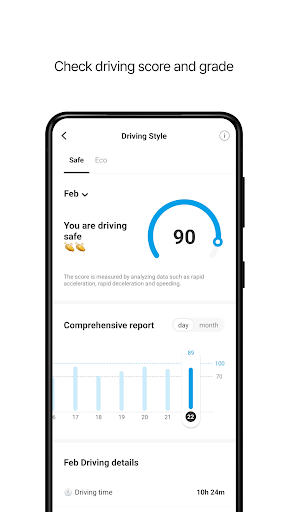
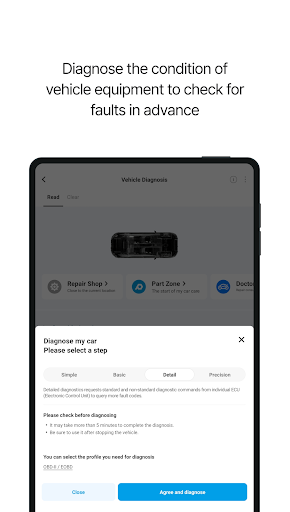
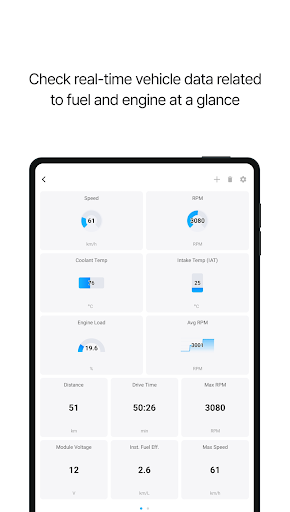
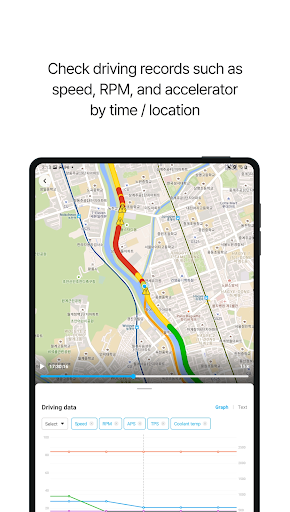
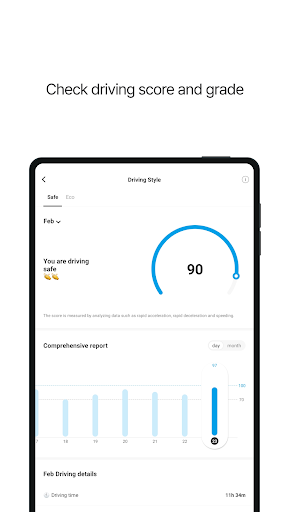
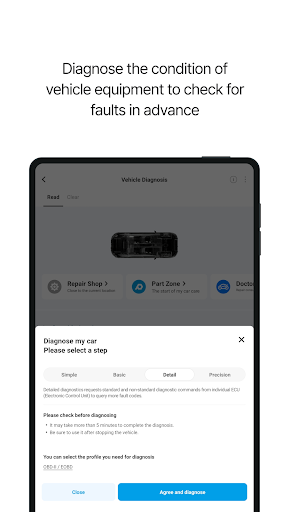
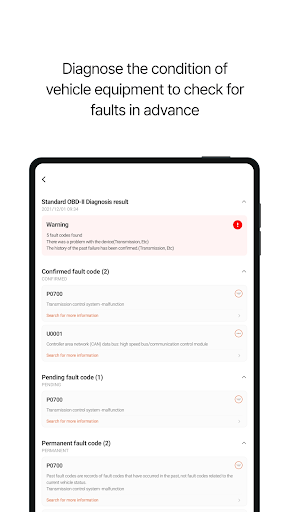
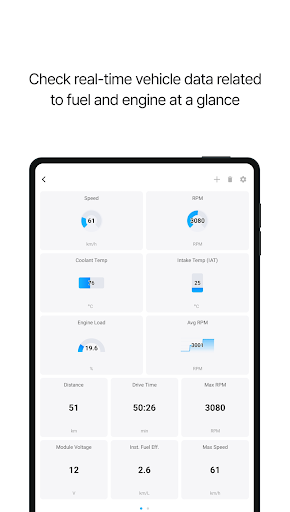
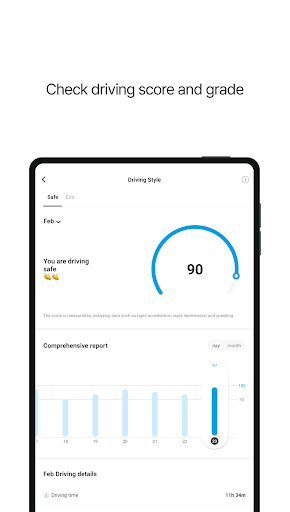
Built with user experience in mind, Infocar - OBD2 ELM Scanner offers a range of features that allow you to read and clear error codes, view live sensor data, and better understand your vehicle's status. The app acts as a reliable app-based solution for vehicle diagnostics, making it easier to troubleshoot issues without needing professional tools. Its intuitive interface makes it suitable for both beginners and experienced users, giving you detailed insights into your vehicle's performance directly through your Android smartphone or tablet.
This app is ideal for car owners who want to keep tabs on their vehicle's health without spending money at the repair shop. If you're someone who enjoys understanding how your car runs or troubleshooting minor issues yourself, this mobile app is a great fit. It's also useful for auto mechanics and technicians who need a portable diagnostic tool that works with their Android devices. Whether you're a DIY car enthusiast or a professional in the auto industry, Infocar provides the expertise and app features needed to diagnose and monitor vehicle systems efficiently.
In real-world scenarios, many users turn to this app to quickly identify engine lights coming on or to check sensor statuses before heading to a mechanic. Its user-friendly app experience makes it straightforward to scan, interpret data, and act accordingly. If you're often on the go and need a reliable, app-based solution to keep your vehicle in check, Infocar - OBD2 ELM Scanner caters to a wide range of automotive diagnostic needs, making vehicle maintenance more accessible and convenient.
Choosing Infocar - OBD2 ELM Scanner means opting for an app that combines reliability, ease of use, and comprehensive app features. Unlike many generic diagnostic apps, Infocar offers a smooth app experience with accurate data interpretation and stable Bluetooth connectivity, ensuring you get consistent results. Its support for standard OBD2 protocols and compatibility with Android devices makes it a popular choice among car owners looking for a trusted app to monitor their vehicle's health.
This app stands out because it is designed specifically for users who demand both simplicity and detailed insights. It tackles common automotive diagnostic challenges by providing real-time data, troubleshooting tips, and the ability to clear fault codes, all within a straightforward interface. For those seeking an app-based solution that saves time and money, Infocar is built with your needs in mind, offering an experience backed by automotive expertise. This focus on quality, usability, and accurate diagnostics makes it a top contender in the realm of vehicle health management apps.
Comprehensive OBD2 diagnostics
User-friendly interface
Real-time monitoring
Code clearing feature
Additional tools and features
Limited advanced diagnostics
Occasional connectivity issues
Requires compatible device and Bluetooth connection
Language support limitations
Data interpretation may require some knowledge

Auto & Vehicles
4.3

Auto & Vehicles
4

Auto & Vehicles
4.6

Auto & Vehicles
4.2

Auto & Vehicles
4.6

Auto & Vehicles
4.6

Auto & Vehicles
4.8

Auto & Vehicles
4.7

Auto & Vehicles
4.5

Auto & Vehicles
4.7

Auto & Vehicles
4.1
Auto & Vehicles
3.9

Social
4.7

Shopping
4.7

Social
4

Personalization
3.9

Productivity
4.9

Video Players & Editors
4.6

Social
4.3

Communication
4.7

Entertainment
4.7

Communication
4.5