Communication
0.0
5.00M
4.7
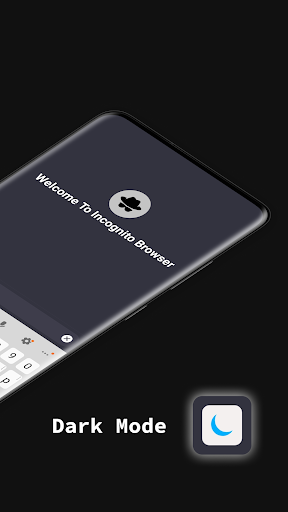
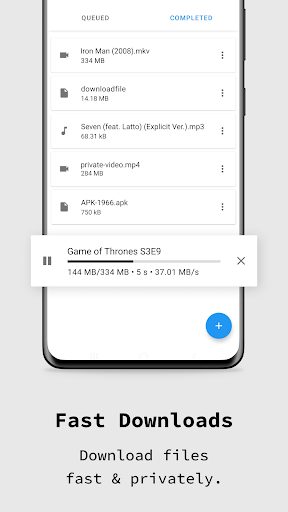
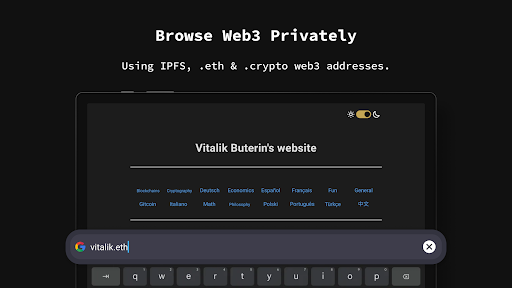
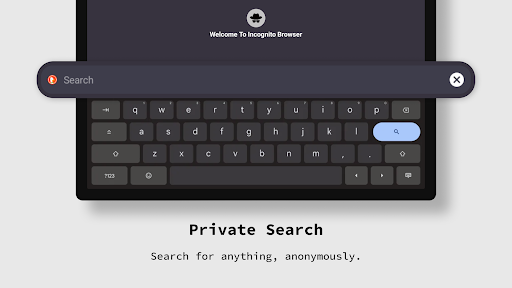
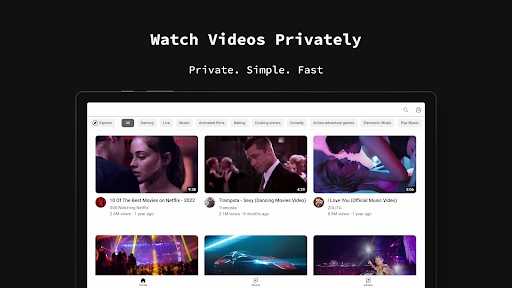
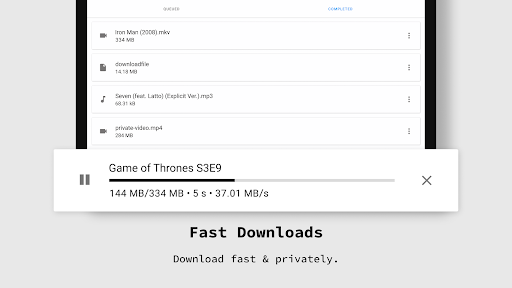
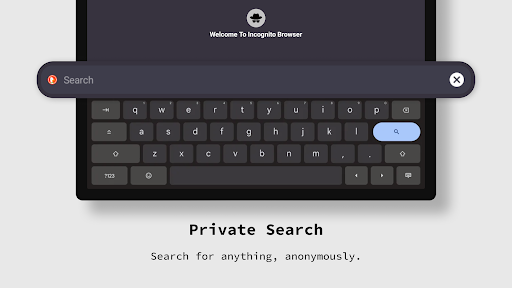
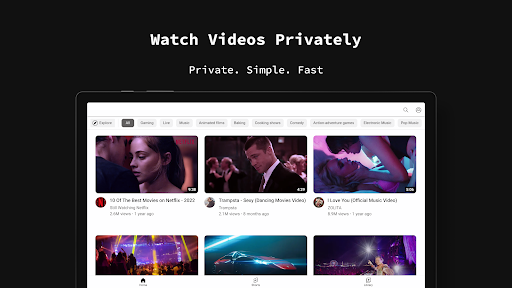
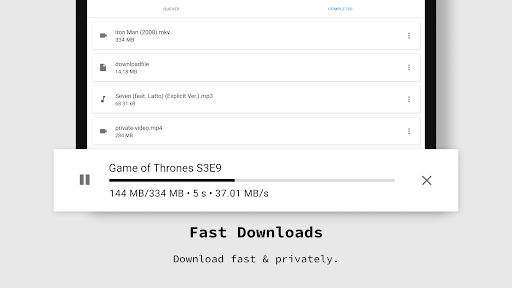
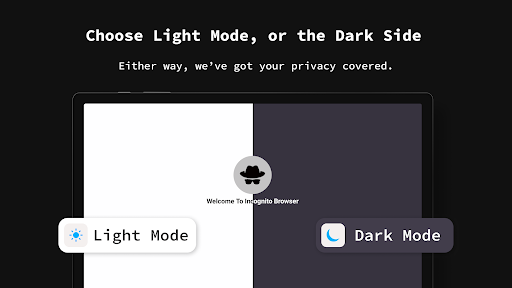
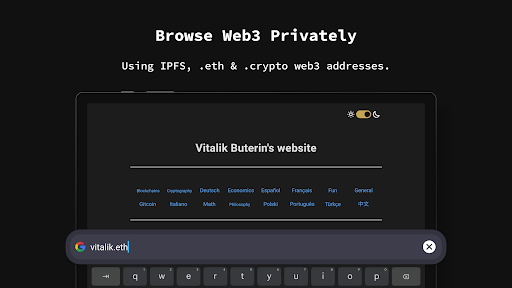
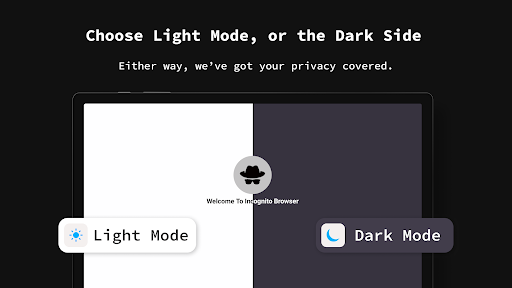
Incognito Browser - Go Private is a privacy-focused mobile app designed to help users browse the internet securely and anonymously. Available on Android devices, this app serves as a straightforward solution for those who want to protect their online activity from unwanted tracking and surveillance. With increasing concerns about privacy, many users look for reliable tools to enhance their app experience, and Incognito Browser delivers just that by emphasizing privacy and security features.
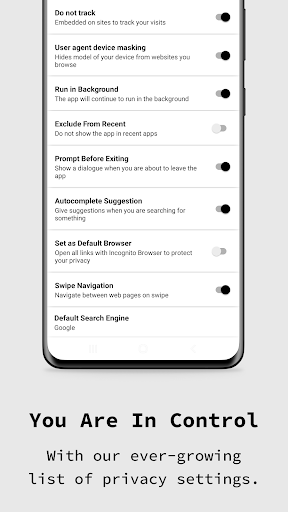
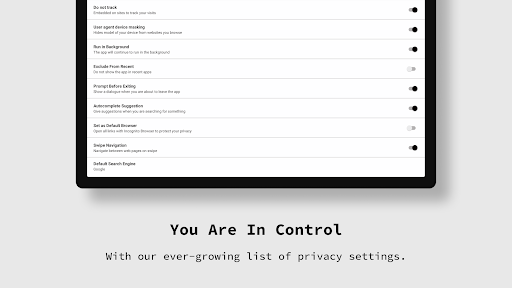
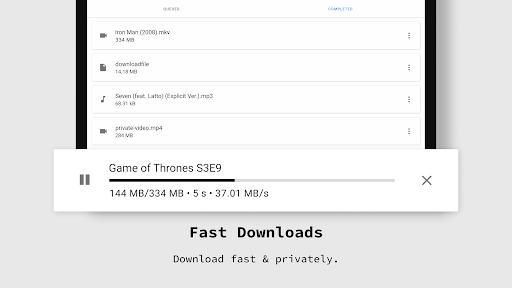
This Android app acts as a dedicated browser that allows you to surf the web without leaving traces on your device. It features a simple interface that closely resembles standard browsers but with added privacy options. Incognito Browser supports multiple privacy tools, such as blocking trackers, erasing browsing history automatically, and preventing third-party ads. Its core app features make it an appealing launcher app for users seeking a quick and easy way to browse anonymously while maintaining a smooth and secure app experience. Overall, Incognito Browser provides an effective app-based solution for privacy-conscious users who want their online activity to stay private and protected.
This mobile app is designed primarily for privacy-conscious individuals who want to browse the internet without leaving a trace. It appeals to users ranging from tech-savvy teens to older adults who value their online privacy and security on their Android devices. Whether you are concerned about data tracking or wish to keep your browsing habits private, this app caters to a wide demographic looking for a trustworthy and easy-to-use solution.
Additionally, this app-based solution is perfect for professionals and frequent travelers who need secure browsing on the go. It's also ideal for those using a launcher app that integrates privacy features directly into their home screen, making private browsing quick and accessible. If you often handle sensitive information online or simply prefer a cleaner digital footprint, this mobile app offers a practical and reliable way to enhance your overall app experience while maintaining your anonymity and security.
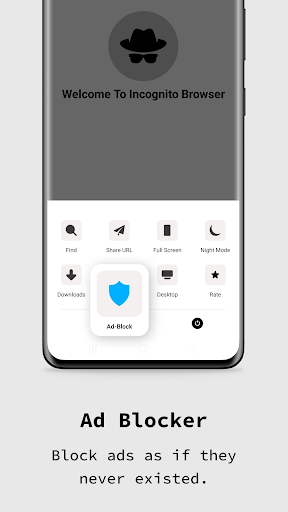
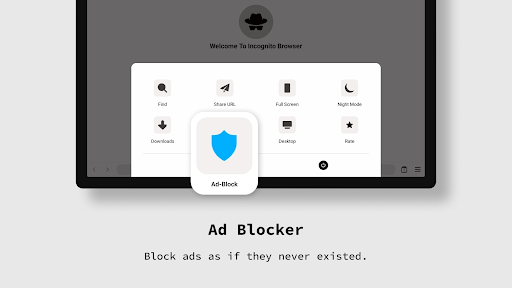
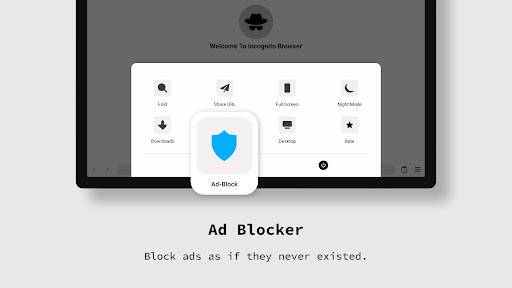
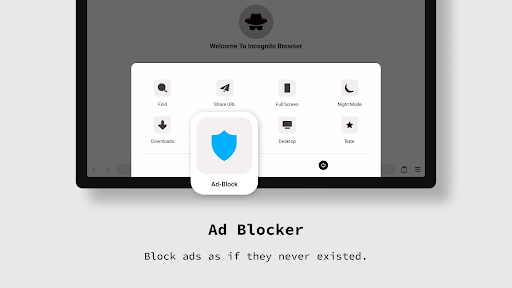
When compared to other security-focused Android apps, Incognito Browser - Go Private stands out due to its intuitive design and comprehensive app features that prioritize user privacy without compromising usability. Its smart combination of incognito mode, ad blocking, and encryption creates a robust app experience ideal for safeguarding personal data while browsing. This app is built with the user in mind, offering a streamlined interface that makes privacy simple and accessible for everyone.
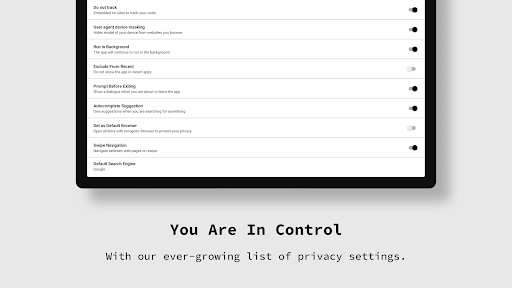
What truly sets Incognito Browser apart is its focus on delivering an app-based solution that seamlessly integrates privacy tools into everyday browsing activities. It tackles common issues like intrusive ads, tracker cookies, and unsecured connections head-on, providing real value through tangible app features. Whether you need a secure launcher app or just want peace of mind while surfing the web, Incognito Browser - Go Private offers a trusted, effective way to browse confidently on your Android device, giving you full control over your digital footprint.
Strong Privacy Features
User-Friendly Interface
Fast Browsing Speed
Built-in Ad Blocker
Minimal Data Storage
Limited Customization Options
Occasional Compatibility Issues
Lack of Sync Across Devices
Basic Features Only
Potentially Reduced Site Compatibility

Communication
3.5

Communication
4.6

Communication
4.2

Communication
4.7

Communication
4.7

Communication
4.7

Communication
4.7

Communication
4

Communication
3.9

Communication
4.3

Communication
4.4

Communication
4.7

Social
4.7

Shopping
4.7

Social
4

Personalization
4

Productivity
4.9

Video Players & Editors
4.6

Social
4.3

Communication
4.7

Entertainment
4.7

Communication
4.5