

House & Home
0.0
0.50M
4.8
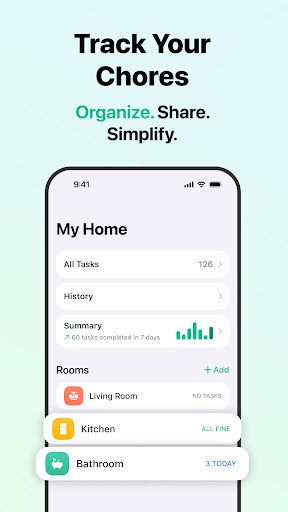
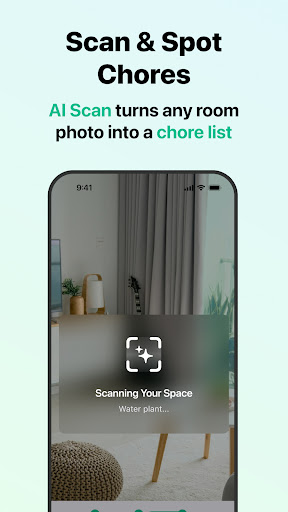
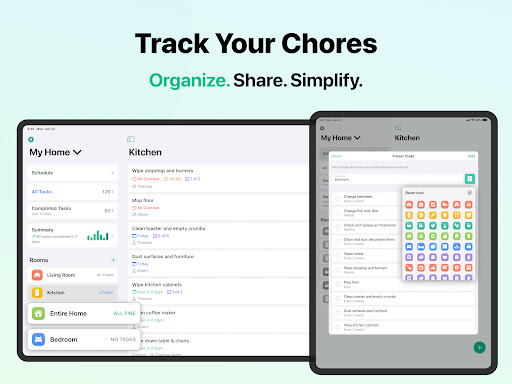
House Chores Cleaning Schedule is a user-friendly mobile app designed to help you manage household chores efficiently. Available on both Android and iOS platforms, this app offers a straightforward way to organize and track cleaning tasks around your home. Whether you're looking to share responsibilities with family members or keep your space tidy without hassle, House Chores provides a practical solution tailored for everyday use.
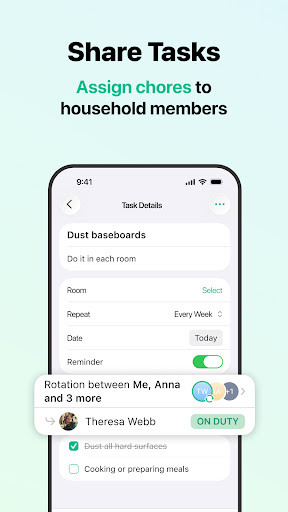
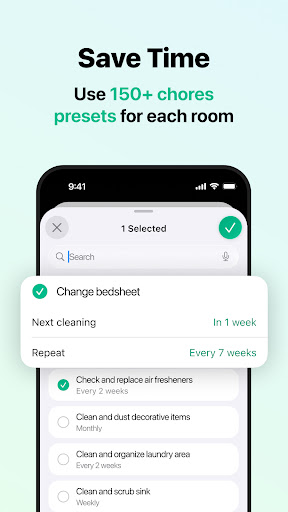
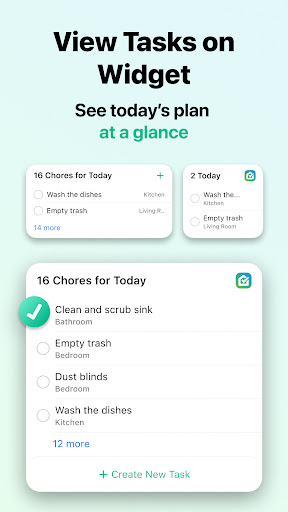
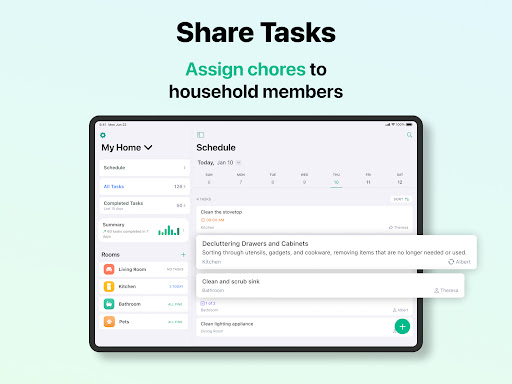
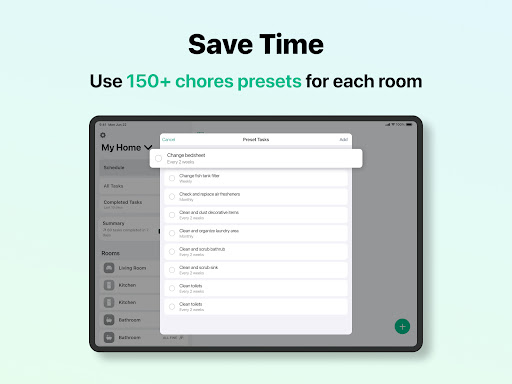
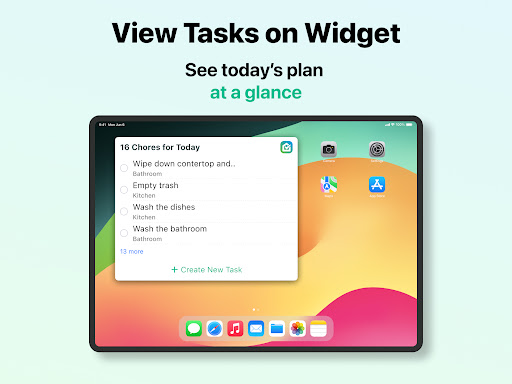
The app features a clean, intuitive interface that makes setting up chores simple and quick. You can create customized cleaning schedules, assign specific tasks to family members, and receive timely reminders to stay on top of your household chores. As an app-based solution, House Chores enhances your app experience by offering offline access and seamless synchronization across multiple devices. Its versatile features make it ideal for anyone seeking to streamline home maintenance routines and create a more organized living environment.
This mobile app is ideal for homeowners, busy families, and individuals looking for an easy way to organize and manage household chores. Whether you're a working professional juggling multiple responsibilities or a parent managing a busy household, this app helps make chores less stressful. Its straightforward app experience is designed for users who prefer simple yet effective solutions to keep their home tidy and organized. With features tailored to accommodate various lifestyles, this Android app offers a practical app-based solution for everyday household management.
If you're someone who values organization and accountability, this app suits your needs perfectly. It's particularly beneficial for those who want to teach kids responsibility through shared chores or for roommates coordinating cleaning schedules. The app can be used in different scenarios — from daily cleaning routines to special cleaning projects. Its flexibility makes it suitable for anyone who prefers to track chores digitally, whether at home, in small apartments, or even in shared living spaces. As a reliable launcher app, it simplifies household management by putting everything you need in one place, accessible via your mobile device.
House Chores Cleaning Schedule stands out because it combines essential app features with a clean, user-focused design that enhances your overall app experience. Unlike many generic cleaning apps, this one offers customizable schedules, real-time synchronization, and offline access, making it a comprehensive app-based solution. Its intuitive interface minimizes setup time and ensures that even less tech-savvy users can start organizing chores effortlessly. The app's ability to adapt to different household sizes and routines adds to its value, helping users maintain a cleaner, more organized home with less effort.
What truly sets House Chores Cleaning Schedule apart is its focus on user trust and reliability. By providing timely notifications, easy editing tools, and seamless sync across devices, it addresses common pain points like forgotten chores or miscommunication. These features, combined with its focus on privacy and data security, demonstrate its expertise as a trusted app in the household management category. Whether you're seeking a simple launcher app or a robust app experience, this app offers clear benefits and solutions for anyone looking to improve their home maintenance routines through a dependable app-based approach.
User-friendly interface
Customizable cleaning routines
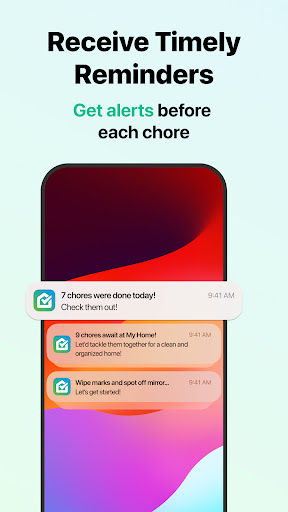
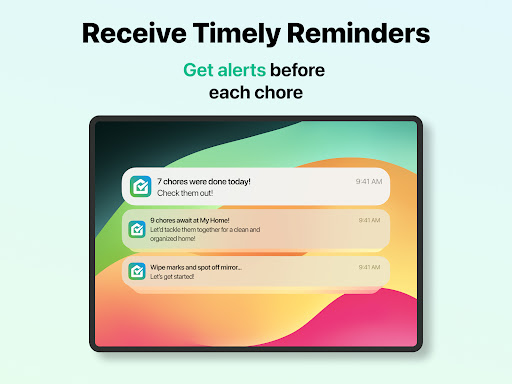
Smart reminders and notifications
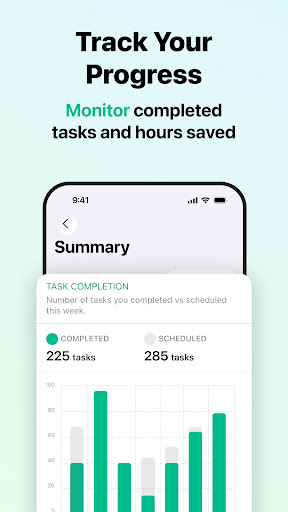
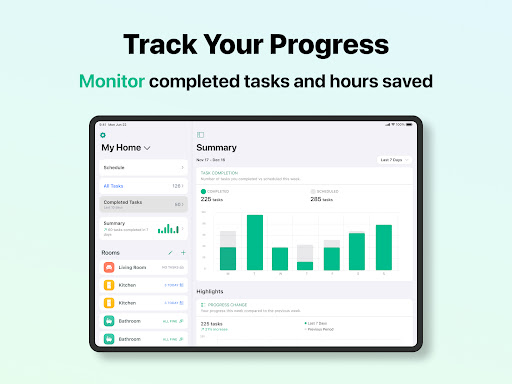
Progress tracking features
Multi-user support
Limited customization options for specific chores
Occasional syncing delays between devices
Basic design may seem too simple for advanced users
Limited offline functionality
Some features are only available in premium version

House & Home
4.8

House & Home
4.8

House & Home
4.2

House & Home
4.6

House & Home
4.8

House & Home
4.7

House & Home
4.7

House & Home
4.5

House & Home
4.8

House & Home
4.8

House & Home
4.7

House & Home
4.8

Social
4.7

Shopping
4.7

Social
4

Personalization
3.9

Productivity
4.9

Video Players & Editors
4.6

Social
4.3

Communication
4.7

Entertainment
4.7

Communication
4.5