Menu
Fitbit

Fitbit

4.2
Advertisement

Information

Category:

Health & Fitness

Price:

0.0

Downloads:

0.10B

Rating:

4.2

Advertisement

Overview

About Fitbit

Fitbit is a popular health and fitness mobile app designed to help you monitor your physical activity, sleep patterns, and overall wellness. With a user-friendly interface, Fitbit transforms your smartphone into a comprehensive health tracker. Whether you're looking to stay active, manage your weight, or improve your sleep quality, this app provides a reliable platform to support your goals.

Core Features

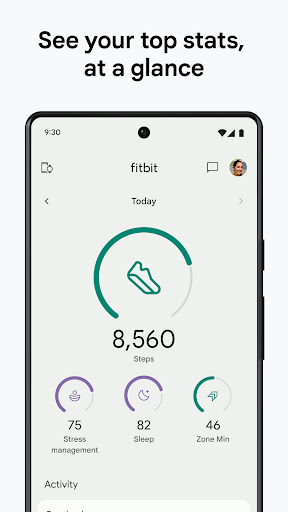
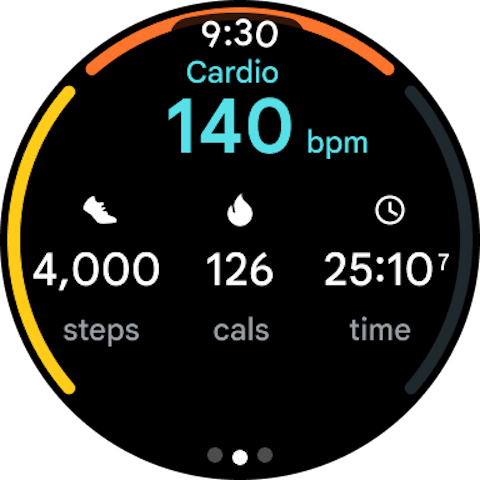
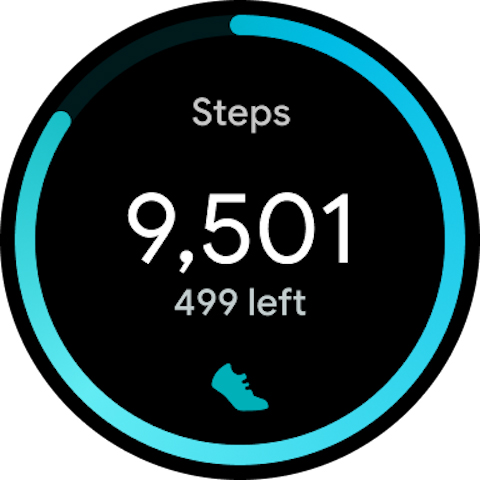
  • The Fitbit app features real-time activity tracking, allowing users to monitor steps, distance, and calories burned effortlessly throughout the day. Its intuitive interface makes it easy to stay motivated and on top of your fitness goals.
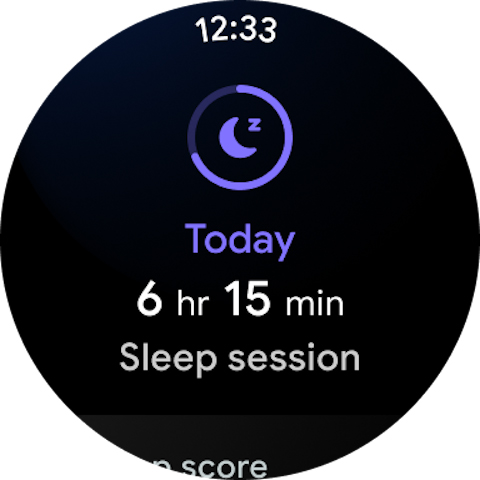
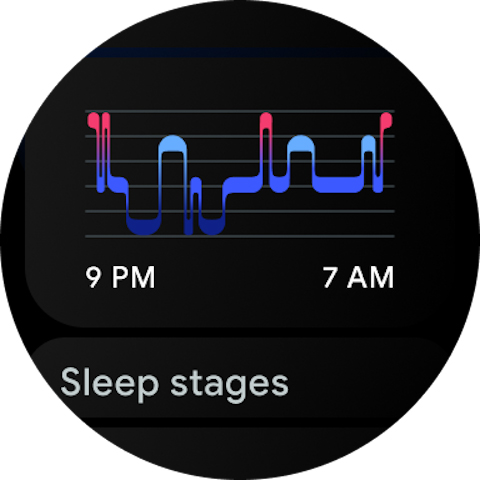
  • This mobile app includes sleep analysis tools that provide insights into sleep duration and quality, helping users adjust routines for better rest. The app also offers personalized sleep coaching based on your patterns.
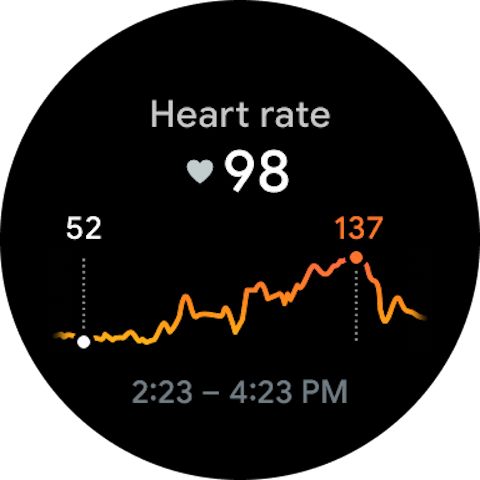
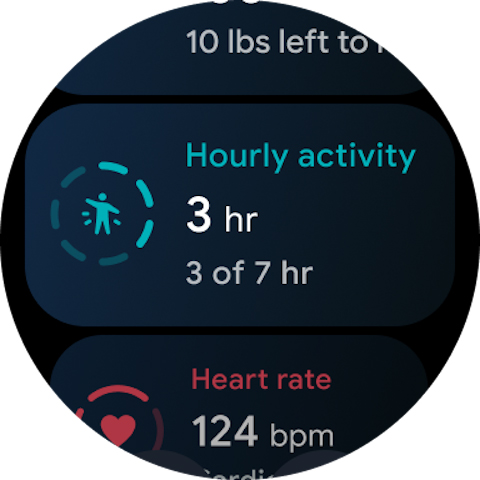
  • The app features a comprehensive dashboard that consolidates all health metrics in one place, including heart rate monitoring and activity logs. Its seamless sync with Fitbit devices ensures accurate app experience.
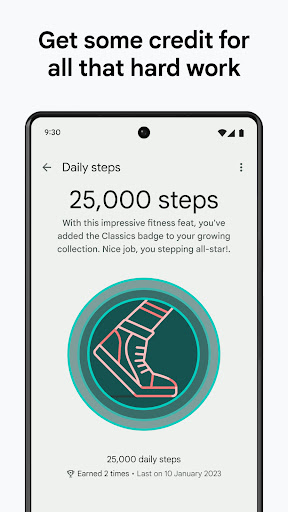
  • With the Fitbit app's goal-setting features, you can set personalized fitness targets and track your progress over time. Its motivational badges encourage continued engagement and healthy habits.
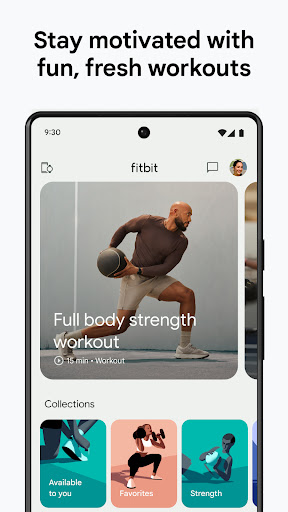
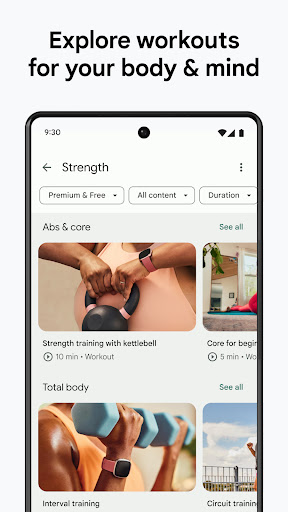
  • The app supports social features, allowing you to connect with friends and share achievements. Plus, it offers guided workouts and health tips, making it a versatile app-based solution for fitness enthusiasts.
  • Another key app feature is its compatibility as a launcher app for quick access to workout data and health summaries directly from your device's home screen, enhancing overall user convenience.

Who This App Is For

The Fitbit app is especially beneficial for individuals who are looking to improve their health and fitness routines with a user-friendly mobile app. It's ideal for beginners as well as seasoned fitness buffs who want a reliable app experience that supports their active lifestyles. Whether you're in your early 20s or well into retirement, this app provides tailored insights that can help you stay on track.

People who prefer an app-based solution for monitoring their health metrics will find Fitbit particularly helpful. It's perfect for those who want to track daily activity, sleep, and wellness data seamlessly on their Android app or within a launcher app setting. Whether you're managing a busy schedule or training for an event, Fitbit offers practical tools for real-world scenario tracking and motivation, making it suitable for everyday use.

Why Choose This App

The Fitbit app stands out among other health and fitness mobile apps because it combines precise tracking with an easy-to-navigate app experience. Its app features are designed to be accessible, offering both detailed health insights and simple daily summaries that empower users to make informed decisions. Unlike some apps that only track steps or sleep, Fitbit integrates multiple health metrics into one cohesive platform, making it a comprehensive app-based solution for your wellness journey.

What truly sets Fitbit apart is its rich app features backed by years of experience in the health tech space. The app harnesses the power of real-time sync with wearable devices, providing accuracy and reliability. Its ability to adapt to different user needs—whether tracking motivation, sleep patterns, or fitness goals—makes it a top choice among Android app users. By prioritizing user trust and delivering a consistent, personalized experience, Fitbit continues to be a leader in the health and fitness category, ensuring that your app experience is both functional and trustworthy.

pros

User-friendly Interface

Accurate Activity Tracking

Comprehensive Health Insights

Customizable Workout Plans

Community and Social Features

Cons

Occasional Syncing Issues

Limited Food Database in Nutrition Tracking

Battery Drain during Continuous Use

Inconsistent Heart Rate Monitoring During Intense Exercise

Less Detailed Sleep Stages for Certain Sleep Patterns

Advertisement

Frequently Asked Questions

How do I set up the Fitbit app for the first time?

Download the app from your store, create an account, and follow on-screen instructions to sync your Fitbit device via Bluetooth. Access Settings > Devices to complete setup.

Can I use Fitbit without a wearable device?

Yes, you can track basic activity and log food using your smartphone, but full features like heart rate monitoring require pairing with a Fitbit tracker or smartwatch.

How do I connect my Fitbit device to the app?

Open the Fitbit app, go to Settings > Devices > Add Device, and select your device model. Follow prompts to pair via Bluetooth for data synchronization.

What are the main features of the Fitbit app?

The app tracks activity, sleep, heart rate, stress, nutrition, and offers guided workouts, mindfulness sessions, and sleep insights to support overall wellness.

How can I monitor my heart rate using the app?

Ensure your Fitbit device supports heart rate tracking, wear it properly, and navigate to the Heart Rate section in the app dashboard for real-time and trend data.

How does sleep tracking work in the Fitbit app?

Wear your device during sleep; the app records sleep stages and restlessness. View detailed insights under Sleep Statistics to improve your sleep habits.

What is Fitbit Premium and how do I subscribe?

Fitbit Premium offers advanced insights and workouts. To subscribe, go to the app, tap Profile > Premium Subscription, and follow the payment instructions.

What benefits does Fitbit Premium provide?

Premium unlocks detailed sleep analysis, personalized workouts, Daily Readiness Score, nutrition guidance, and exclusive mindfulness sessions, enhancing your health journey.

How much does a Fitbit Premium subscription cost?

Pricing varies by region, but typically it's around $9.99/month or $79.99/year. Check the app under Settings > Premium to see current options and offers.

What should I do if the Fitbit app isn't syncing with my device?

Ensure Bluetooth is enabled, restart your device, and keep the app and firmware updated. Reopen the app and re-synchronize your Fitbit device from Settings > Devices.
Show more