Personalization
0.0
0.05B
4.8
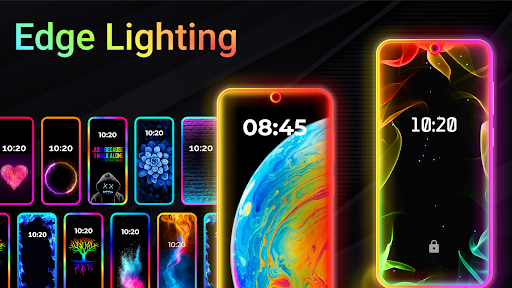
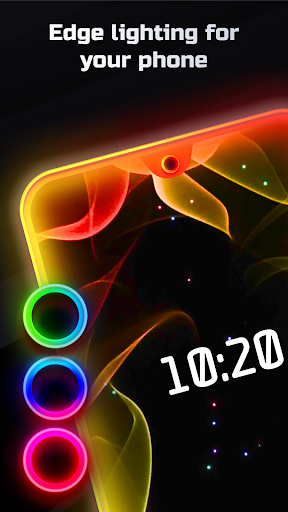
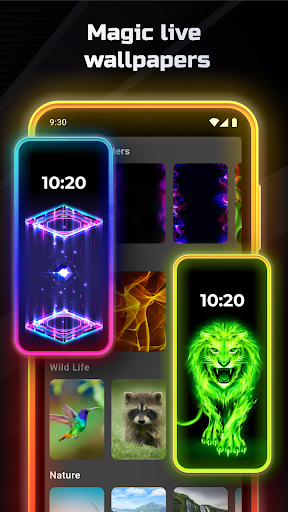
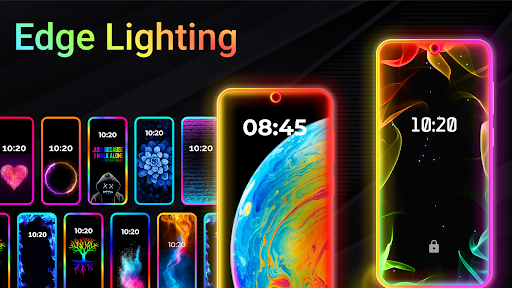
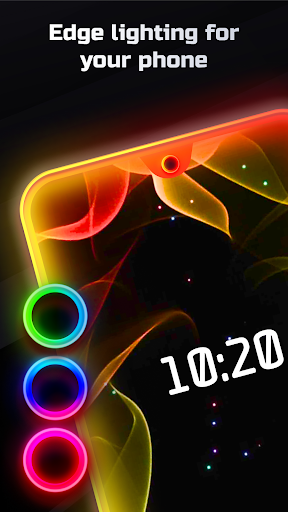
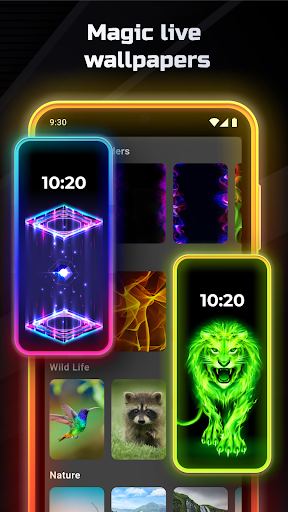
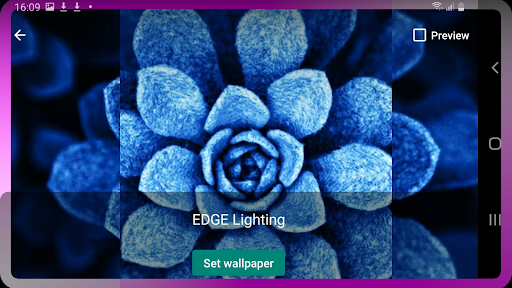
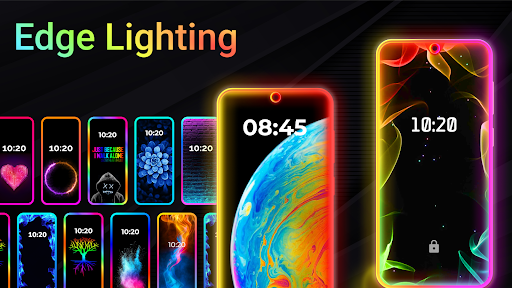
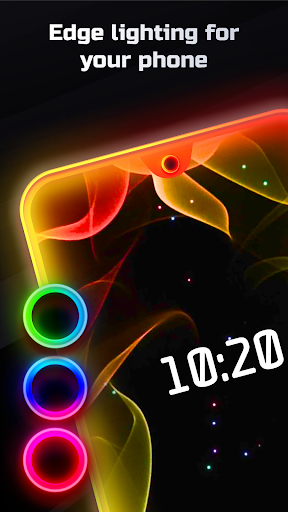
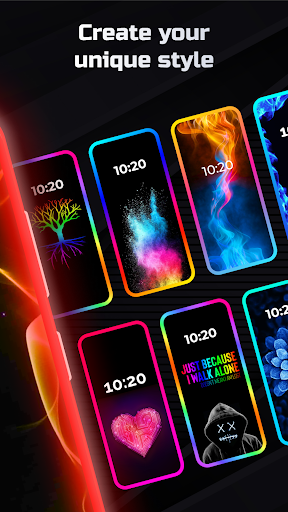
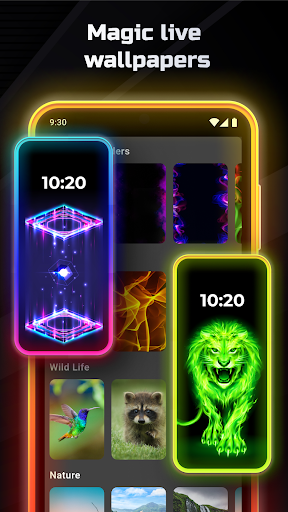
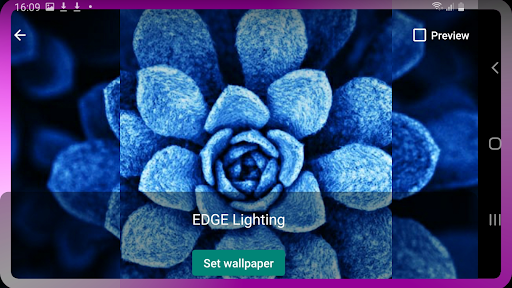
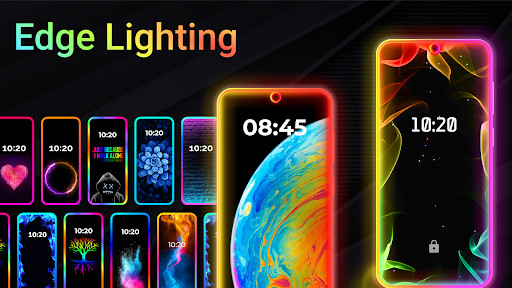
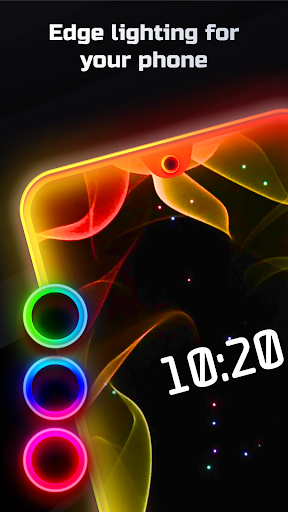
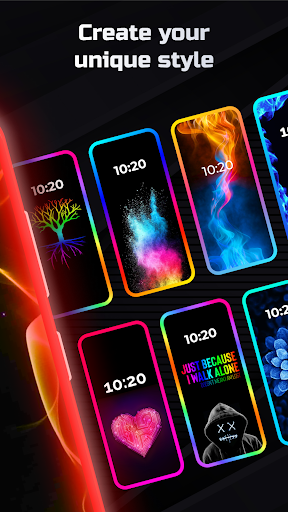
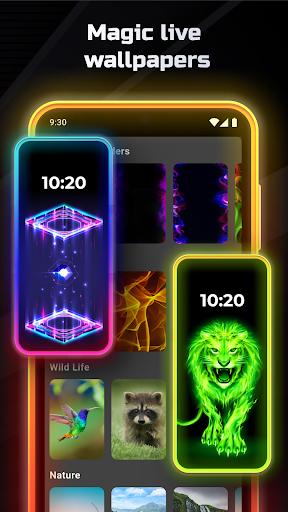
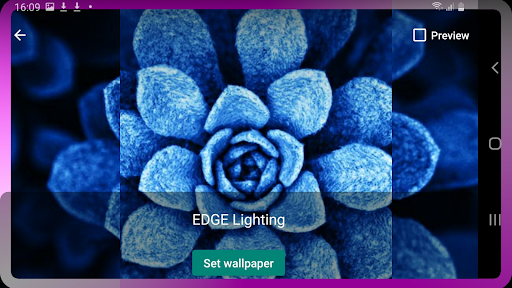
Edge Lighting - Borderlight is a popular personalisation mobile app designed to enhance your device's visual appeal through colorful border effects. Available on the Google Play Store, this Android app offers users stylish lighting features that brighten up your screen edges, making your phone stand out with a unique look. Edge Lighting - Borderlight is specially crafted for those who like to personalise their smartphones and add a touch of creativity to their device interface.
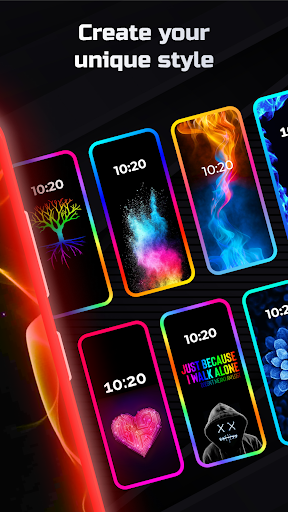
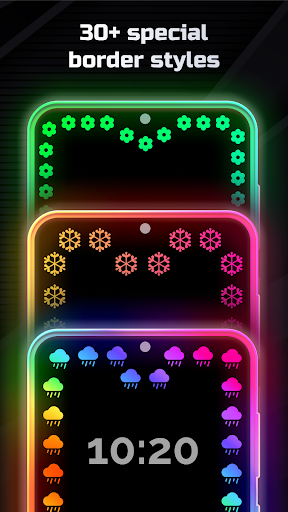
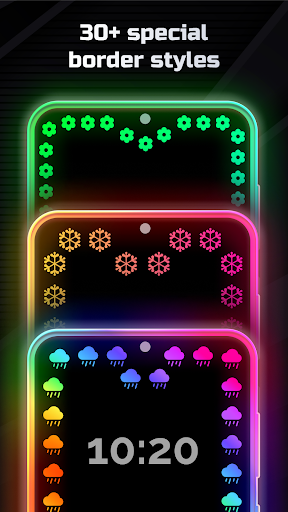
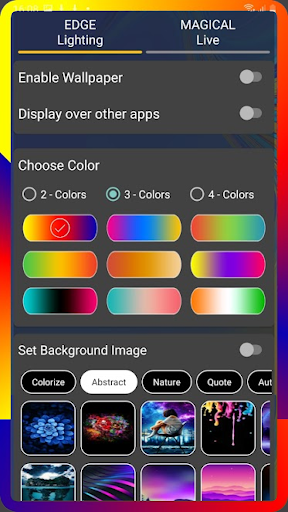
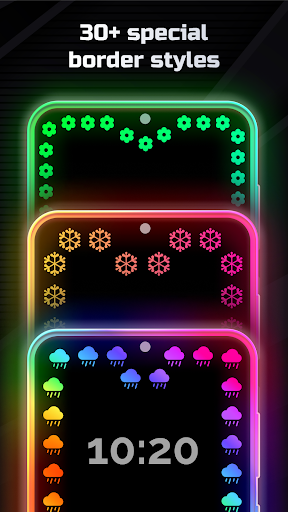
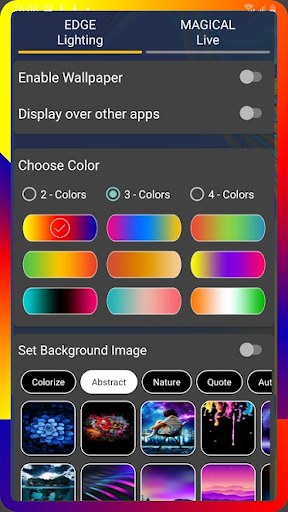
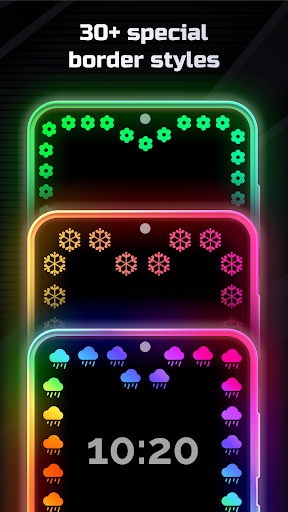
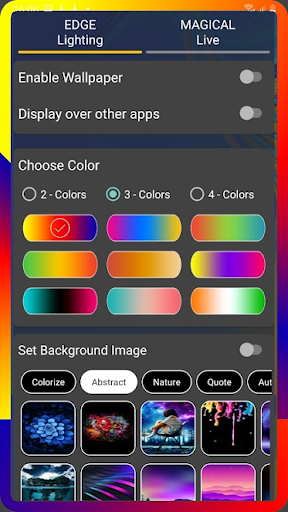
This app provides a wide range of customizable border effects, including different colors, shapes, and lighting patterns, allowing you to tailor the visual experience to suit your mood or style. With its user-friendly interface, Edge Lighting - Borderlight makes it easy to activate and modify lighting settings directly from your launcher app. Its primary purpose is to give your Android app experience a fresh and vibrant look while serving as an effective launcher app that adds visual flair to incoming notifications or app launches. Overall, this app-based solution is perfect for anyone looking to bring more personality and colour to their mobile devices.
Edge Lighting - Borderlight is ideal for Android users who want to add a personal touch to their mobile devices. It appeals to individuals who enjoy customizing their smartphones with unique visual effects and are looking for a straightforward, reliable app to do so. Whether you're a teenager excited about standout features or an adult seeking a subtle aesthetic upgrade, this app caters to a broad demographic that values personalization and modern design. It's especially useful for users who spend a lot of time on their phones and want visual cues for notifications without compromising on style.
People who use their Android devices for work or leisure can benefit from Edge Lighting - Borderlight as it enhances app experience by providing clear visual alerts. For instance, you might customize lighting to differentiate between urgent messages and casual notifications or set automatic modes for different times of the day. As a versatile launcher app, it helps users stay organized and stylish, making it a practical app-based solution for enhancing everyday mobile interaction. Whether you're at home, in the office, or on the go, this app ensures your device stays both functional and visually appealing.
Edge Lighting - Borderlight offers a compelling value proposition by turning simple notification alerts into an eye-catching visual experience. Its targeted app features make it stand out among other customization apps by combining ease of use with advanced lighting effects that are both stylish and battery-conscious. For those tired of dull notification sounds, this app provides a silent yet effective way to stay informed through immersive visual cues, improving your overall app experience. Its intuitive design ensures that even novice users can easily explore and utilize all available options, making it a trustworthy choice for personalization.
What truly sets Edge Lighting - Borderlight apart is its seamless integration with your Android device, providing a reliable app experience that adapts to your lifestyle. The app addresses common problems such as missing critical notifications or monotonous device looks by offering dynamic lighting that responds to incoming calls and messages. Unlike simpler launcher apps, it provides a high level of customization without sacrificing performance. This combination of functionality, aesthetic appeal, and user-centric design makes Edge Lighting - Borderlight a preferred choice for anyone seeking an app-based solution to elevate their smartphone's visual engagement and efficiency.
Customizable Border Effects
Easy-to-Use Interface
Multiple Animation Options
Battery Optimization
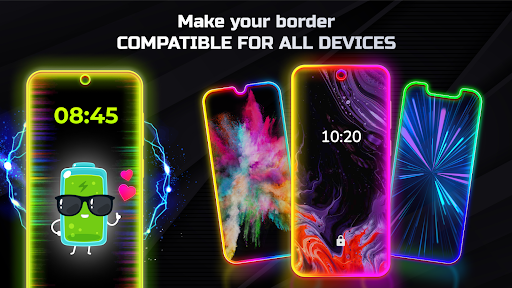
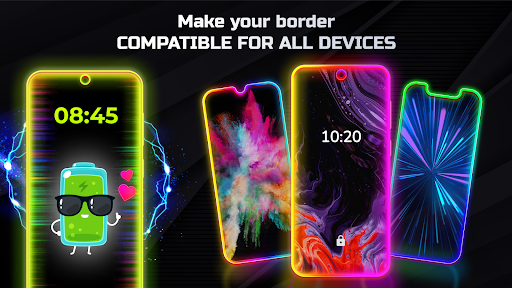
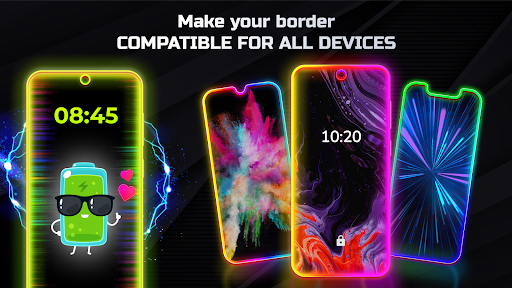
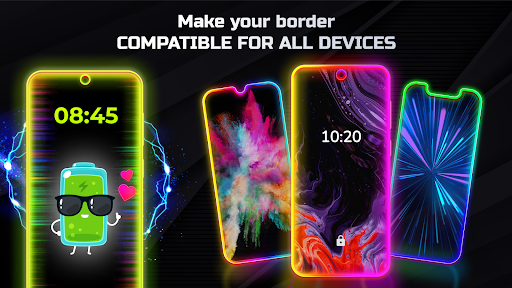
Compatibility with Various Devices
Limited Customization Effects in Free Version
Occasional Lag or Glitches
High Battery Consumption on Continuous Use
Limited Tutorials or Guide Resources
Compatibility Variances

Personalization
4.6

Personalization
4.5

Personalization
4.7

Personalization
4.4

Personalization
4.7
Personalization
4.8

Personalization
4.2

Personalization
4.7

Personalization
4.7

Personalization
4.5

Personalization
4.7

Personalization
4.7

Social
4.7

Shopping
4.7

Social
4

Personalization
3.9

Productivity
4.9

Video Players & Editors
4.6

Social
4.3

Communication
4.7

Entertainment
4.7

Communication
4.5