Books & Reference
0.0
0.05B
3.7
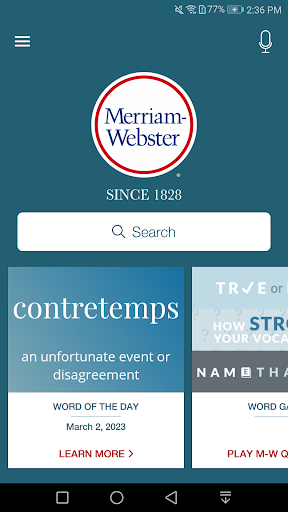
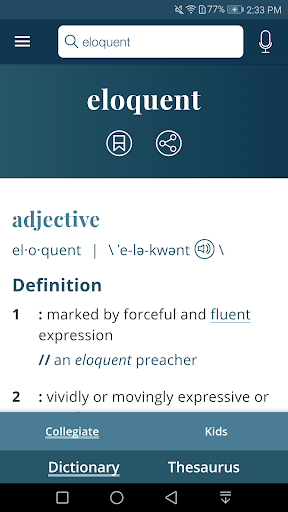
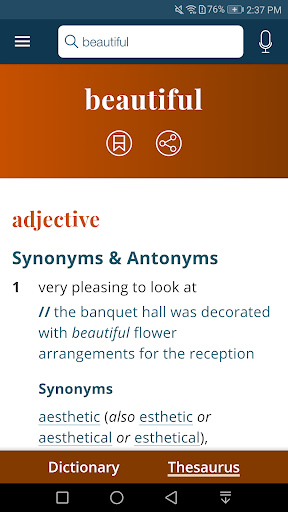
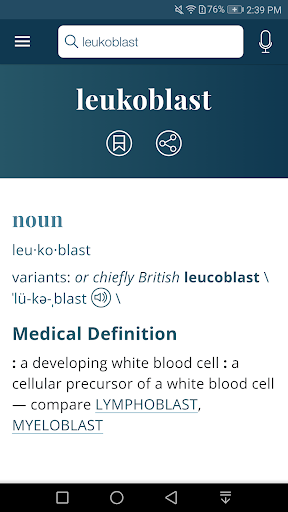
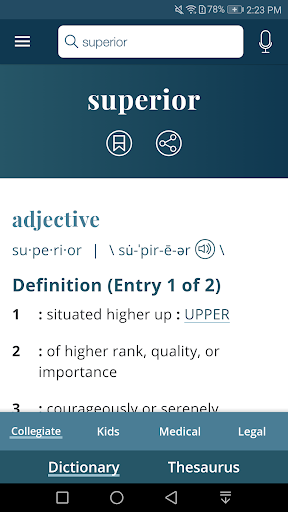
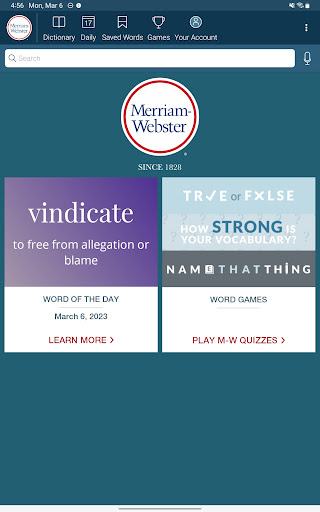
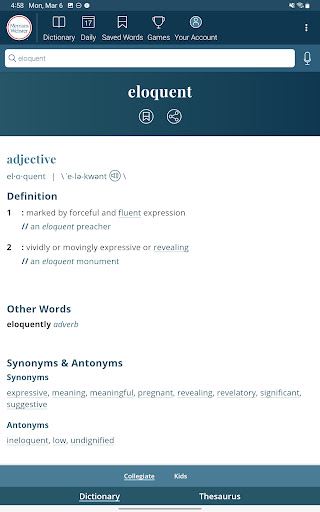
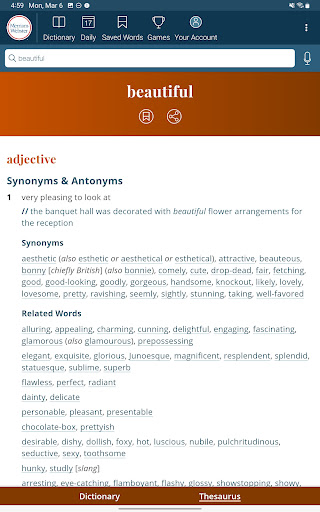
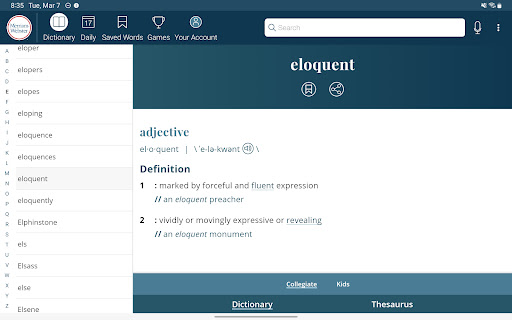
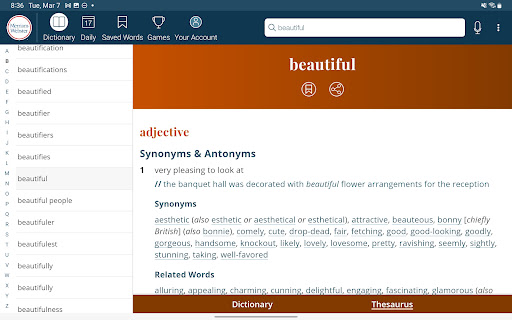
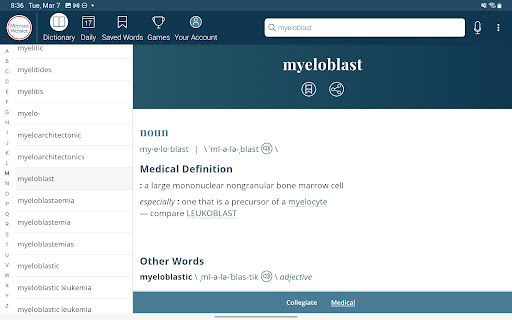
The Dictionary - Merriam-Webster is a widely used mobile app that offers comprehensive language resources right at your fingertips. Designed for anyone who loves to explore words or needs a reliable reference tool, this Android app provides instant access to a vast collection of definitions, synonyms, antonyms, and pronunciation guides. Whether you're a student, teacher, writer, or just someone who enjoys expanding their vocabulary, the Merriam-Webster dictionary app is built to meet your language needs effectively.
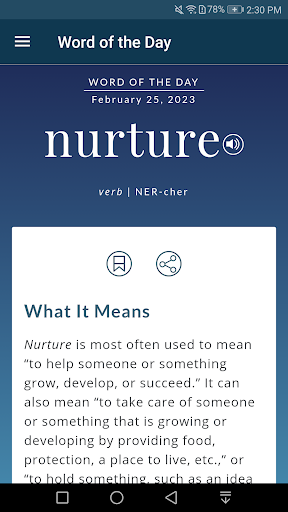
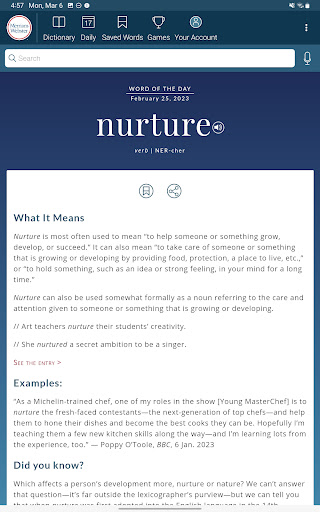
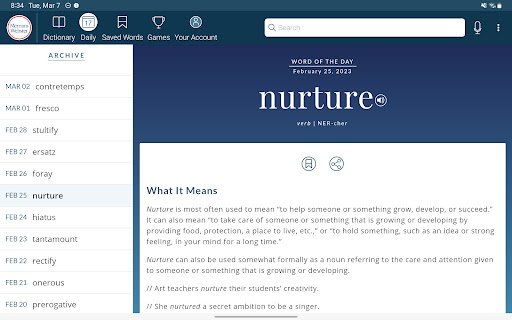
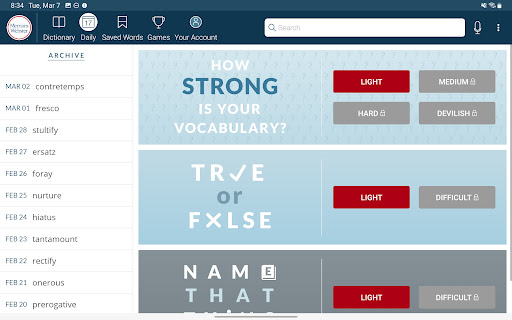
The app features include a user-friendly interface, quick search capabilities, and everyday word of the day updates that help improve your language skills gradually. Its reliable and authoritative content is the result of decades of lexicographical expertise from Merriam-Webster, making it an essential app-based solution for language reference. The app experience is designed to be seamless, whether you're on your mobile device or using a launcher app to access the dictionary quickly. Overall, the Merriam-Webster app stands out as a trusted resource for accurate definitions and learning support on your Android device.
The Dictionary - Merriam-Webster mobile app is ideal for students, educators, writers, and professionals who seek reliable and easy-to-access language resources on their Android app devices. Whether you're preparing for exams, writing reports, or simply want to improve your vocabulary, this app provides an experience that supports your language learning journey. Its trustworthy content and user-friendly interface make it a perfect choice for those who value accuracy and convenience in a dictionary app.
This app is especially useful for travelers, language learners, and busy individuals who need quick definitions and pronunciation help on the go. From classroom use to travel abroad, the app-based solution delivers seamless access to language tools designed to fit into your daily routines. Its offline mode ensures continual use, even without internet access, making it a reliable companion for a wide range of real-world scenarios where understanding and using words correctly is essential.
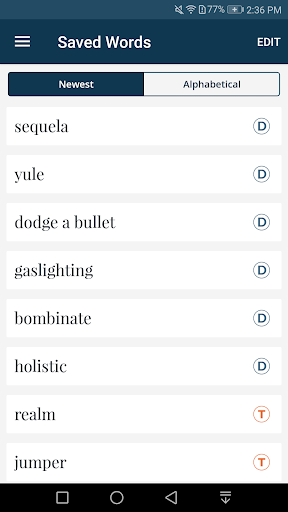
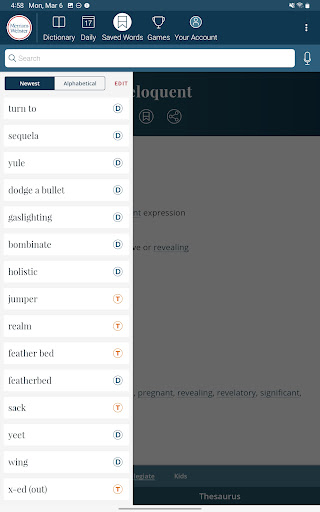
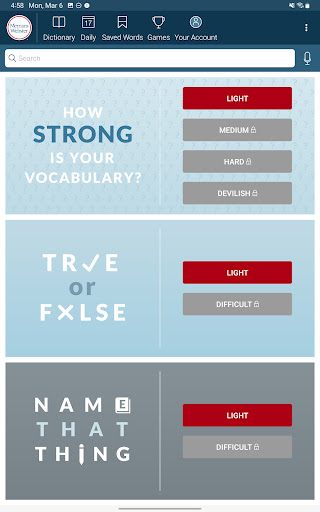
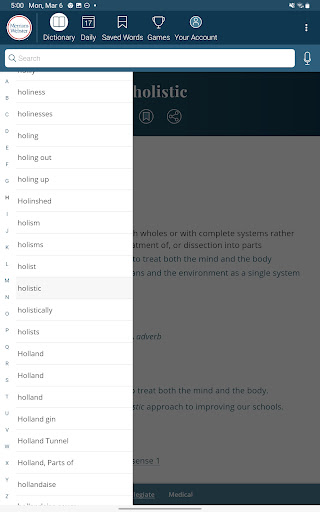
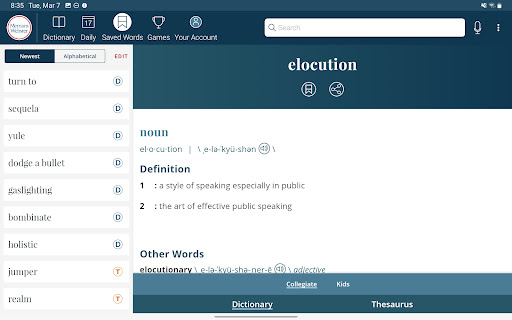
The Dictionary - Merriam-Webster stands out among other dictionary apps because of its extensive, trusted content combined with a user-centric design. It offers an app experience that prioritizes accuracy, ease of use, and additional features like voice search and bookmarking, which many other apps lack. For those who prefer an app-based solution that adapts to their learning style, this app provides a rich set of app features that enhance understanding and retention of words. Its commitment to quality language resources ensures that users can rely on it for both casual reference and more in-depth language studies.
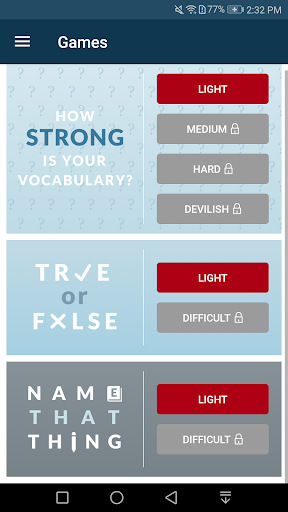
What truly makes Dictionary - Merriam-Webster the preferred choice is its blend of authoritative content and practical features designed to solve real user problems. Whether you're deciphering unfamiliar words during a conversation or preparing for an exam, this Android app delivers quick, trusted results. Its offline mode, customizable quizzes, and word-of-the-day notifications create an engaging app experience that helps users build vocabulary step-by-step. Overall, this app not only meets but exceeds expectations for an effective, trustworthy language tool that adapts to your needs.
Comprehensive and authoritative dictionary definitions
User-friendly interface with easy navigation
Offshore pronunciation audio feature
Offline access for premium content
Regular updates with new words and definitions
Limited example sentences for complex words
Premium subscription required for offline access
Occasional delay in updating newer words
Interface could include more customization options
Some definitions may be overly concise

Books & Reference
4.8

Books & Reference
4.7

Books & Reference
4.7

Books & Reference
4.6

Books & Reference
3.8

Books & Reference
4.4

Books & Reference
4.8
Books & Reference
3.7

Books & Reference
4.9

Books & Reference
4.1

Books & Reference
4.2

Books & Reference
4.6

Social
4.7

Shopping
4.7

Social
4

Personalization
3.9

Productivity
4.9

Video Players & Editors
4.6

Social
4.3

Communication
4.7

Entertainment
4.7

Communication
4.5