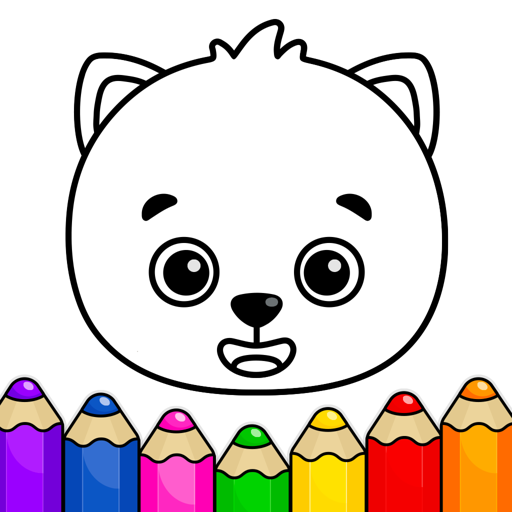

Educational
0.0
0.30M
4.1
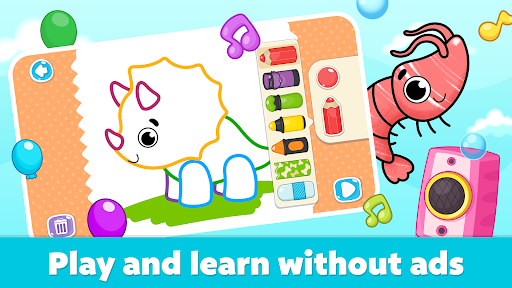
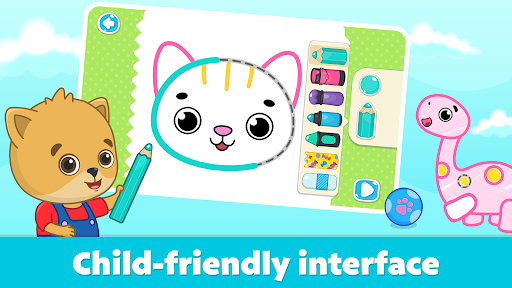
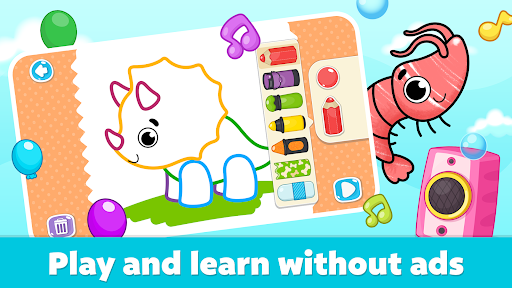
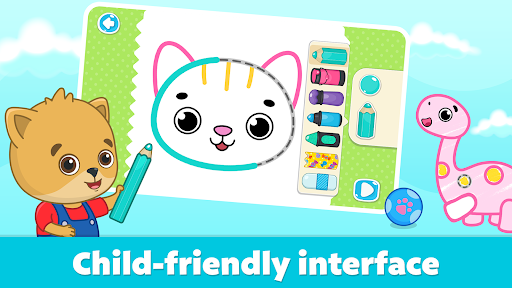
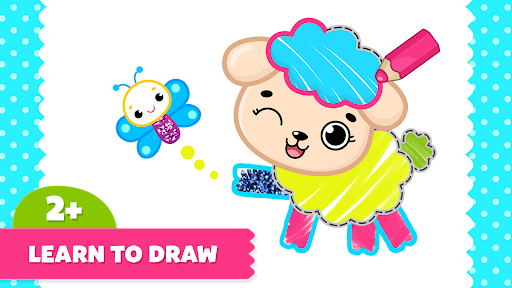
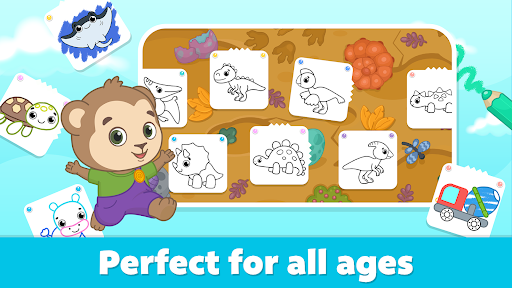
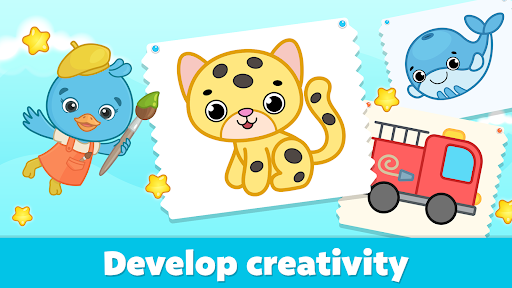
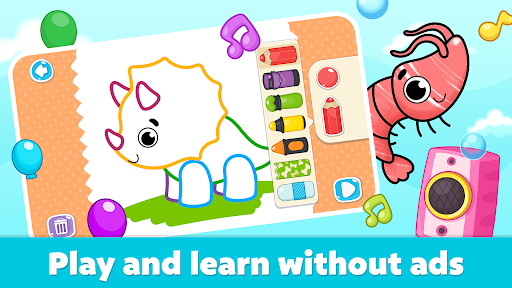
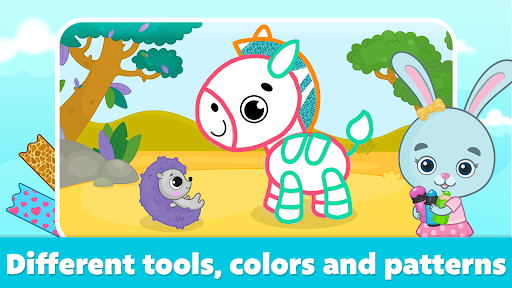
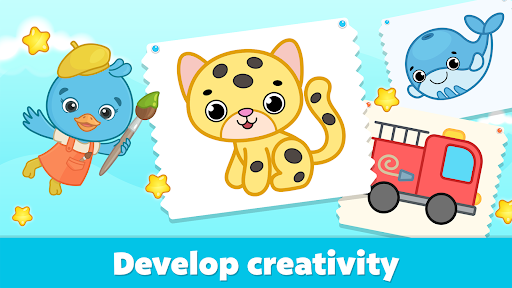
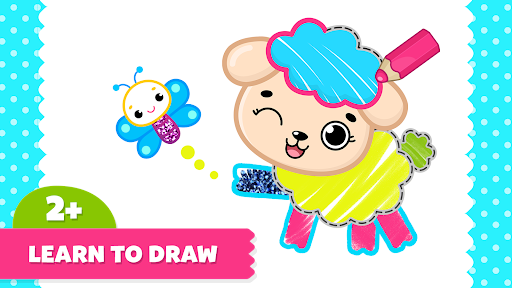
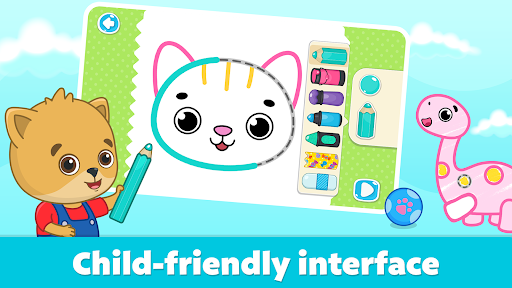
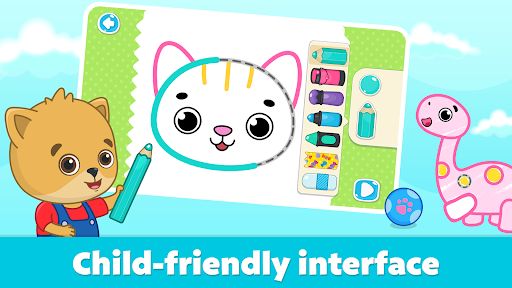
Coloring for Kids: Drawing 2-6 is a delightful mobile app designed to encourage creativity in young children aged between two and six years old. This Android app offers a safe and engaging environment where kids can explore their artistic talents through various drawing and coloring activities. Developed with a focus on simplicity and user-friendliness, the app provides an intuitive interface that makes it easy for little ones to navigate without parental assistance.
This mobile app is ideal for parents with young children, especially those in the age range of 2 to 6 years old, who are looking for a safe and engaging way to introduce their kids to art and creativity. It's also suitable for educators or caregivers seeking a child-friendly drawing tool that supports early learning and fine motor skill development. As an app that is easy to navigate and offers diverse features, it provides a positive app experience for both kids and their guardians, making it a trusted choice for family use.
Parents and teachers often look for effective app-based solutions to keep children occupied in a productive and educational manner. This app serves multiple use cases: from quiet time activities at home to classroom exercises that encourage creativity and visual learning. Whether used during travel, indoor play, or structured lessons, the app's simple interface and rich features make it a useful tool for fostering artistic expression in young children, while ensuring a safe and trustworthy environment.
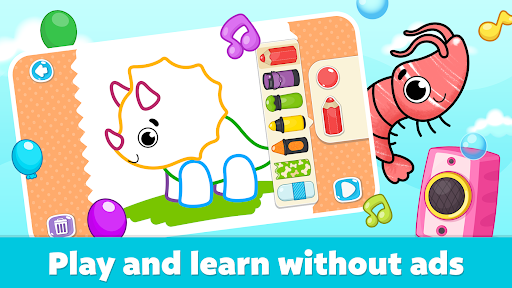
This app stands out among other drawing apps for kids because it combines a clean, easy-to-use interface with powerful app features designed specifically for early learners. Its focus on safety and simplicity ensures that young children can explore their artistic talents without the distractions of ads or complex menus. The ability to work offline makes this Android app a reliable indoor and outdoor companion, providing uninterrupted creative moments. The app experience is crafted to be intuitive, allowing children to develop skills at their own pace while parents can easily monitor their progress.
When compared to many other apps, Coloring for Kids: Drawing 2-6 offers a comprehensive set of features that support learning through play. Its app-based solution provides a seamless way for children to express themselves visually, fostering confidence and imagination. The combination of real-time drawing tools, safe environment, and sharing options truly makes it a preferred choice for families and educators alike who are seeking a trustworthy, high-quality Android app that encourages creativity and development in young children.
User-friendly interface
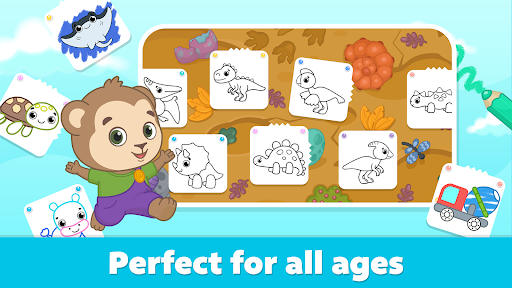
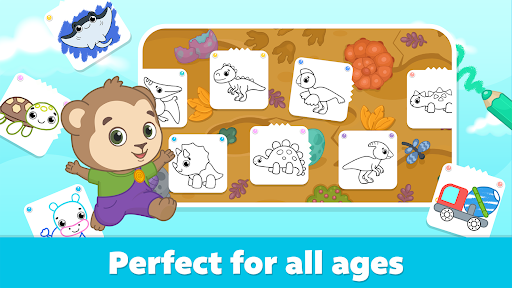
Wide variety of coloring pages
Vivid and appealing colors
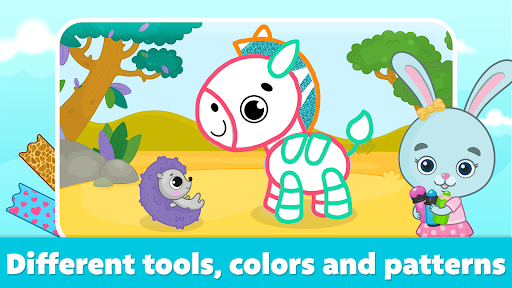
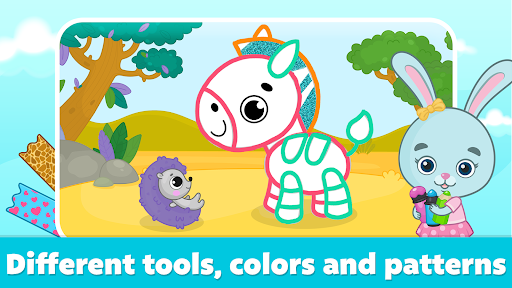
Simple drawing tools included
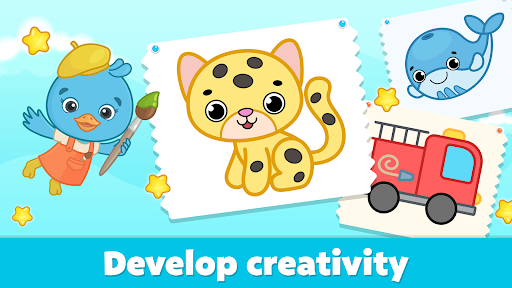
Encourages creativity and fine motor skills development
Limited advanced features
Occasional app crashes on some devices
In-app advertisements disrupt the experience
Limited customization options for brushes
No option to save artwork in high resolution

Educational
4.2

Educational
3.7

Educational
4.3
Educational
4.3

Educational
4.4
Educational
4.5

Educational
3.9

Educational
4

Educational
4.1
Educational
4.5

Educational
3.8
Educational
3.8

Social
4

Shopping
4.5

Social
4

Personalization
3.9

Productivity
4.8

Video Players & Editors
3.5

Social
4.3

Communication
4.7

Entertainment
3.9

Communication
4.2