Communication
0.0
5.00M
4.4
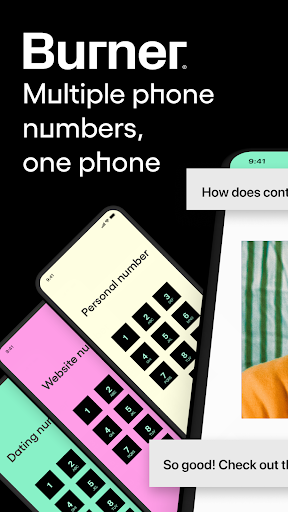
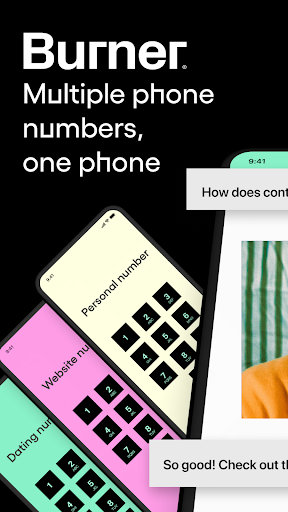
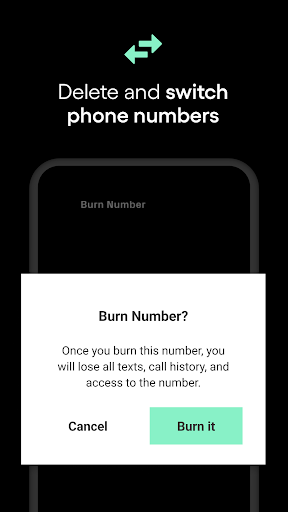
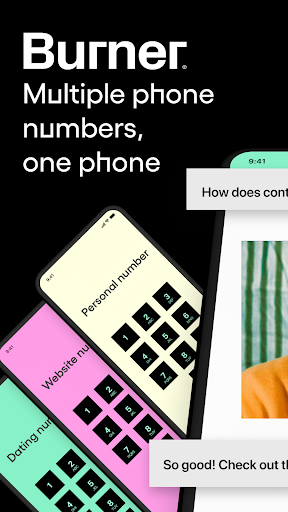
Burner: Second Phone Number is a versatile mobile app designed for users who need an extra layer of privacy when communicating. Whether you're trying to keep personal and business messages separate or protect your real number online, Burner provides a straightforward solution. It functions on both Android and iOS devices, making it accessible for a wide range of users seeking an app-based solution for secure communication. The app's interface is intuitive, allowing you to create, manage, and dispose of multiple virtual numbers easily, all within a single platform.
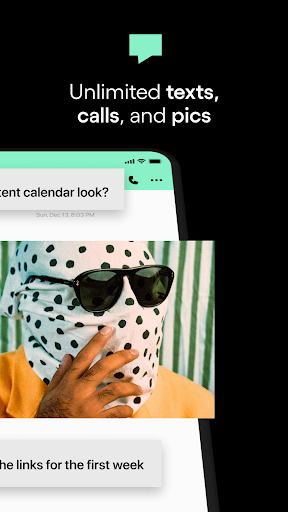
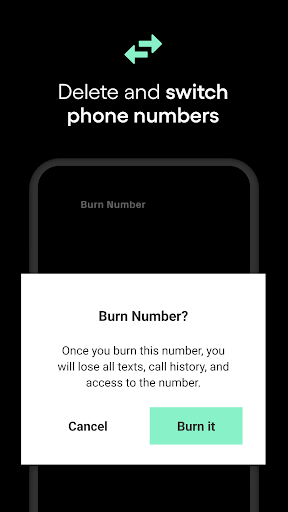
Built with user experience in mind, Burner offers a variety of app features that enhance your communication privacy. From sending and receiving text messages to making calls, the app helps you manage your second numbers effortlessly. Whether you need a temporary number for online shopping or a dedicated line for business, Burner acts as an effective launcher app for your privacy needs. Its flexible functionality and seamless integration make it a trusted choice for those who value control over their digital communication environment.
If you're someone who values privacy and frequently communicates with new contacts, Burner: Second Phone Number is a game-changer. It's ideal for professionals who need a separate line for work, travelers wanting to keep their main number private, or online sellers needing temporary contact options. This app-based solution appeals to a wide range of users from teens to small business owners, especially those who prefer simplicity and security in their communication tools.
Whether you're managing multiple businesses, dating discreetly, or participating in short-term rental platforms, Burner provides a reliable and flexible mobile app experience. Its features are designed for users who want quick setup, easy number management, and privacy assurance. The app is perfect for anyone seeking a dedicated second number without the hassle of carrying multiple phones, making it a practical choice in today's fast-paced digital world.
Burner: Second Phone Number stands out among other communication apps because of its focus on privacy, usability, and comprehensive app features. Unlike basic messaging or calling apps, Burner offers a robust solution for managing multiple numbers in a secure and organized way. The app provides users with a seamless experience where setting up a new number is quick, and managing it is straightforward, making it a valuable app-based solution for busy individuals who need flexibility.
This Android app combines practical features like temporary numbers, message encryption, and call forwarding, which are essential for maintaining privacy in various scenarios. Its compatibility with different launcher apps ensures that users can tailor their experience to their device preferences. By prioritizing reliability and user control, Burner helps reduce the stress associated with sharing personal contact details, making it a trusted choice for users who need both convenience and security in their app experience. Choosing this app means opting for a smart, privacy-conscious communication tool that adapts to your unique needs.
Easy setup and user-friendly interface
Affordable monthly subscription fees
Reliable call and message quality
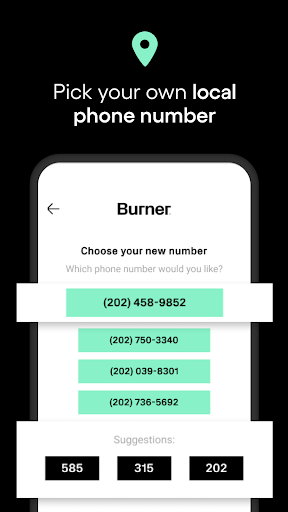
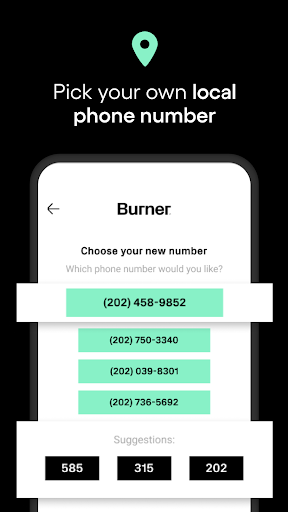
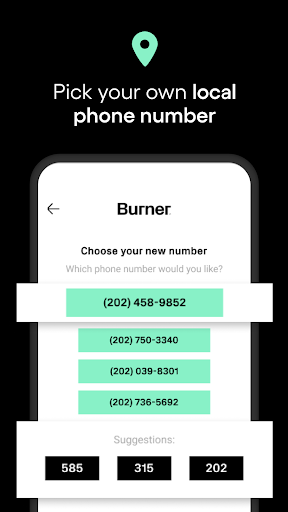
Instant number provisioning with multiple regional options
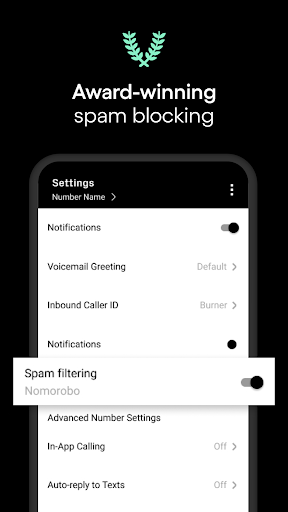
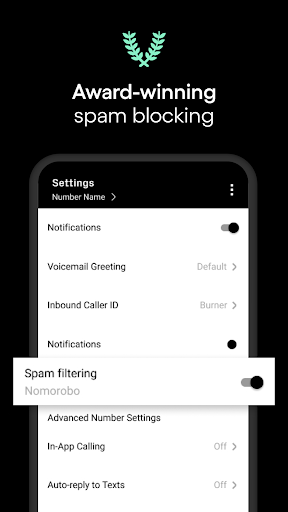
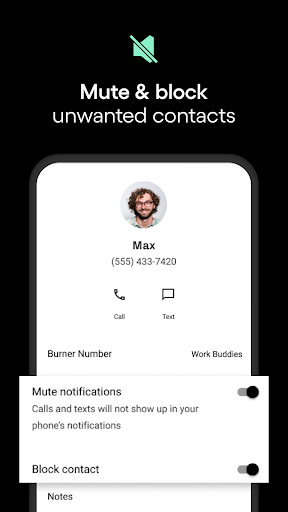
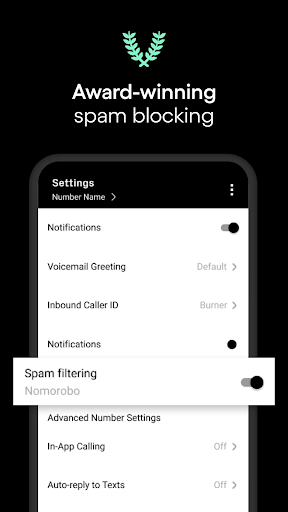
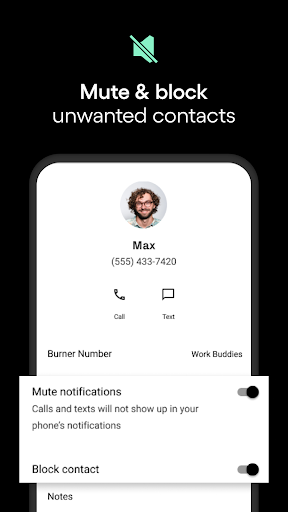
Strong privacy features including number masking
Limited international number options
Occasional connectivity issues in low-signal areas
Basic interface with few advanced customization options
No native support for multi-device synchronization
Limited free usage with restrictions on call durations

Communication
3.5

Communication
4.2

Communication
4.7

Communication
4.6

Communication
4.7

Communication
4.7

Communication
4

Communication
4.3

Communication
4.7

Communication
3.8

Communication
4.4

Communication
4.6

Social
4.7

Shopping
4.7

Social
4

Personalization
3.9

Productivity
4.9

Video Players & Editors
4.6

Social
4.3

Communication
4.7

Entertainment
4.7

Communication
4.5