

News & Magazines
0.0
5.00M
4.4
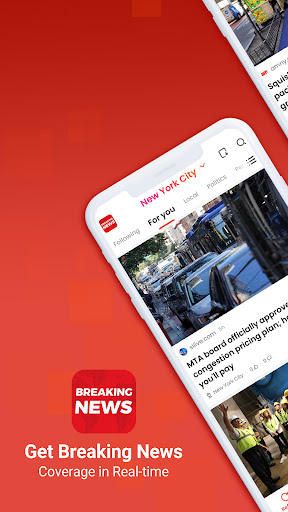
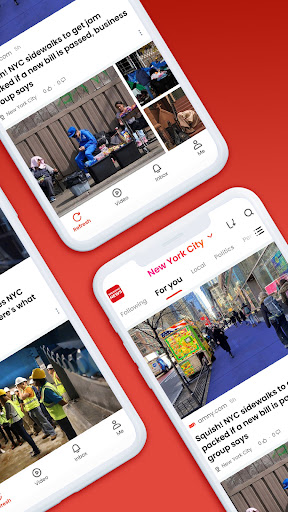
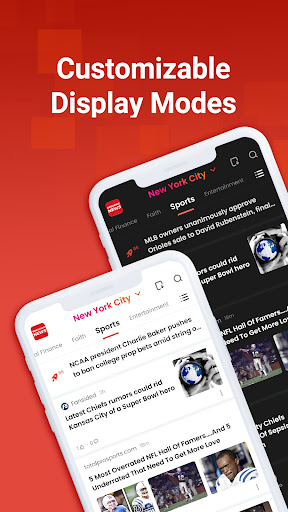
Breaking News - Live Headlines is a well-designed mobile app that keeps you updated with the latest news stories from around the world. This Android app is part of the news and magazines category, offering users a straightforward way to access real-time headlines across various topics. Whether you're interested in global events, sports, entertainment, or politics, Breaking News provides a centralized platform for all your news needs. The app features a clean, user-friendly interface that makes navigation simple, even for those who aren't tech-savvy. Its seamless performance on Android devices ensures you stay informed without any lag or clutter, making it a reliable app experience.
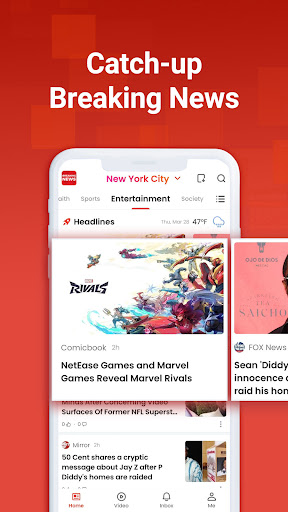
The primary purpose of Breaking News - Live Headlines is to serve as an efficient app-based solution for delivering current news updates directly to your mobile device. This app features live headlines that refresh frequently, giving you timely information when it matters most. It includes customizable news feeds, notifications for breaking stories, and options to explore news categories based on your interests. Designed to be your go-to launcher app for news, it caters to users seeking a fast, organized way to stay informed on the move. Overall, Breaking News stands out because of its focus on delivering a comprehensive and trustworthy app experience for news enthusiasts.
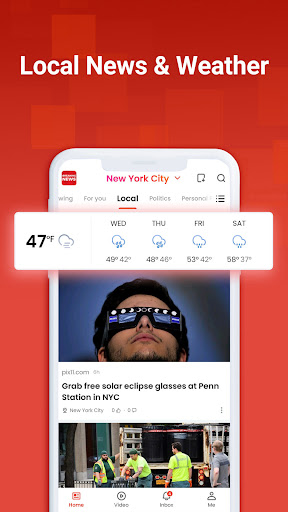
This mobile app is ideal for anyone who wants to stay updated with the latest news on their Android device. Whether you're a busy professional, a student, or someone who simply enjoys keeping tabs on current events, this app provides a straightforward way to access live headlines. It's especially beneficial for users who prefer a minimalistic, distraction-free news experience and those looking for a reliable app-based solution to monitor global and local news sources.
If you're always on the go, this app is perfect for commuters or travelers who need quick access to breaking news and headlines without lengthy loading times. It suits users who like to customize their news feed, filtering topics according to their interests. Additionally, casual news readers and social media enthusiasts will appreciate the ability to save articles for offline reading, ensuring they're always up-to-date even without internet access. Overall, this Android app is designed for anyone seeking an efficient, trustworthy way to stay informed day-to-day.
Choosing Breaking News - Live Headlines means opting for an app that prioritizes reliability, up-to-date information, and user-friendly features. This Android app stands out because it offers an intuitive interface along with powerful app features like real-time updates and customizable notifications, creating a tailored news experience. Its design is carefully crafted for quick navigation, helping users find the latest headlines with minimal effort—ideal for those who need immediate access to breaking news on the go. The app provides trustworthy news sources, ensuring the information received is both accurate and timely, which builds trust and confidence in its reporting.
What truly sets Breaking News - Live Headlines apart is its comprehensive approach to news delivery. With features such as offline reading and personalized categories, the app addresses common user needs and enhances overall app experience. It solves the problem of missing important stories in real-time, especially for those who rely heavily on their mobile app to keep up with rapidly changing news cycles. As a top choice among news and magazine apps, it combines convenience, speed, and reliability to satisfy users looking for a dependable app-based solution for daily news updates. Its deep focus on user engagement and trusted sources make it a preferred app for staying informed in today's fast-paced world.
Real-time headline updates
User-friendly interface
Customizable notifications
High-quality source aggregation
Offline reading mode
Limited multimedia support
Occasional app crashes during refresh
Delayed updates for niche topics
Advertisement frequency varies
Limited customization options for layout

News & Magazines
3.5

News & Magazines
4.8

News & Magazines
4.8

News & Magazines
4.8

News & Magazines
4.6

News & Magazines
4.1

News & Magazines
4.2

News & Magazines
4.4

News & Magazines
4.2

News & Magazines
4.6

News & Magazines
4.5

News & Magazines
3.9

Social
4.7

Shopping
4.7

Social
4

Personalization
4

Productivity
4.9

Video Players & Editors
4.6

Social
4.3

Communication
4.7

Entertainment
4.7

Communication
4.5