

Personalisation
1.49
0.01M
4.3
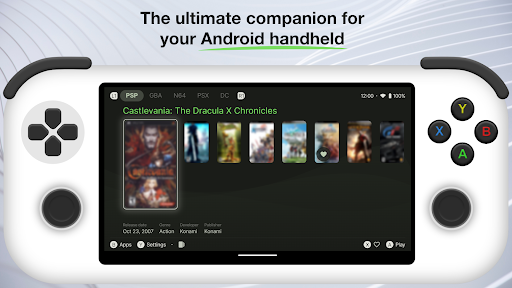
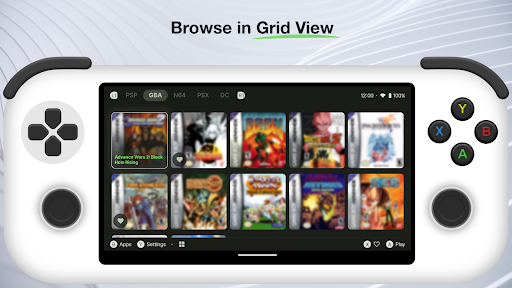
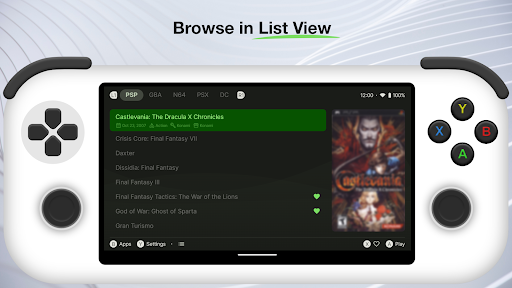
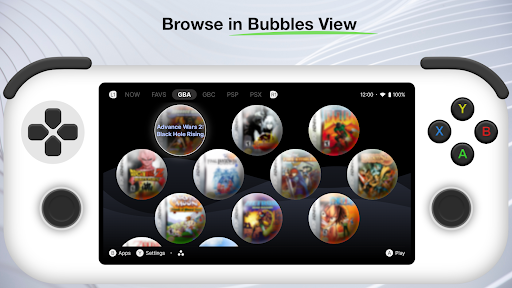
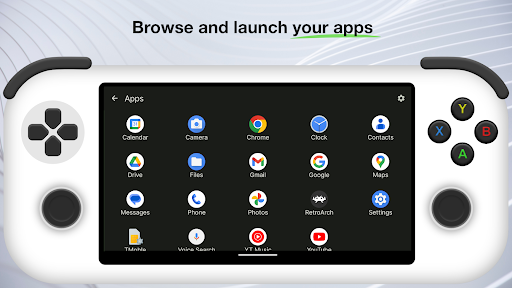
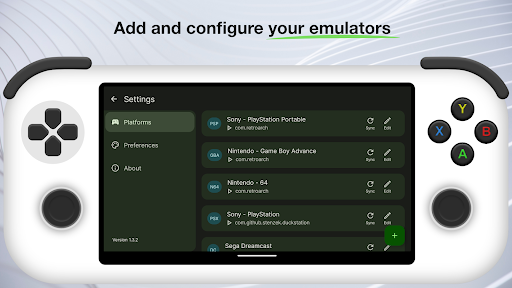
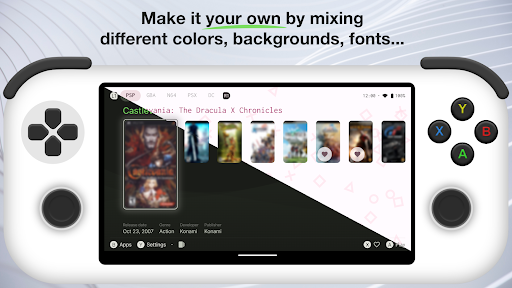
Beacon Game Launcher is a versatile mobile app designed to enhance your experience with Android devices. It falls under the personalization category, helping users customize their home screens, widgets, and overall device interface with ease. The app offers a straightforward way to organize and access your favorite apps, games, and widgets, making your device more tailored to your preferences. Whether you're someone who loves customizing aesthetics or prefers quick access to essential tools, Beacon Game Launcher provides an intuitive platform to do so.
If you are a gaming enthusiast or someone who loves to customize your Android device, Beacon Game Launcher is made for you. This mobile app is especially suitable for users aged 13 and up who want to streamline their gaming experience and have greater control over their device's interface. Whether you're a casual gamer or a dedicated player, this app-based solution offers the flexibility and personalization options that enhance your overall app experience.
People who frequently switch between multiple games or apps will find Beacon Game Launcher particularly useful. It's ideal for individuals seeking a simple yet powerful launcher app that improves organization and access. Whether you're managing a collection of games at home or customizing a device for everyday use, this Android app helps you keep everything in order. Its features are designed to fit real-world scenarios such as quick game launch, personalized themes for different moods, and seamless data sync across devices.
Beacon Game Launcher stands out from other launcher apps due to its focus on personalization and performance. It provides a tailored experience that goes beyond basic app features, allowing you to customize your device's look and feel in ways that suit your style. Unlike many generic launcher apps, Beacon offers an integrated experience that simplifies app management while enhancing your interaction with games and other apps on your device.
This Android app is built with user needs in mind, offering reliable performance and a clean, intuitive interface. It addresses common frustrations like slow load times or cluttered home screens, providing an efficient app-based solution for organizing and launching your favorite games. Thanks to its robust features and focus on user trust, Beacon Game Launcher is a dependable choice for those looking to optimize their app experience. Its well-designed functionalities ensure that you spend less time searching and more time enjoying your games and apps, making it a preferred option in the realm of personalization tools for Android devices.
Intuitive user interface
Wide game library support
Customizable launcher settings
Fast launch speeds
Regular updates and improvements
Limited device compatibility
Occasional crashes during startup
Lack of detailed parental controls
Basic customization options only
Inconsistent notifications for game updates

Personalisation
4.5

Personalisation
4.6

Personalisation
4.6

Personalisation
4.7

Personalisation
4.3

Personalisation
4.5

Personalisation
4.3

Personalisation
4.8

Personalisation
4.4

Personalisation
4.6

Personalisation
4.7

Personalisation
4.7

Social
4

Shopping
4.5

Social
4

Personalization
3.9

Productivity
4.8

Video Players & Editors
3.5

Social
4.3

Communication
4.7

Entertainment
3.9

Communication
4.2