

Educational
0.0
0.50M
3.4
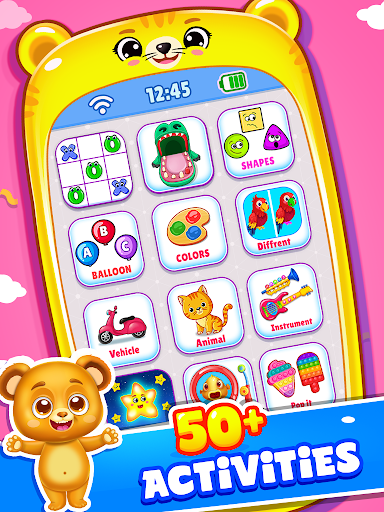
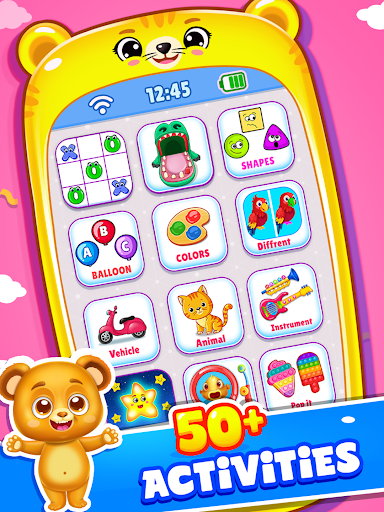
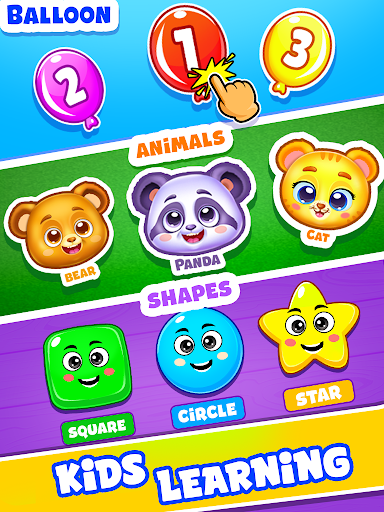
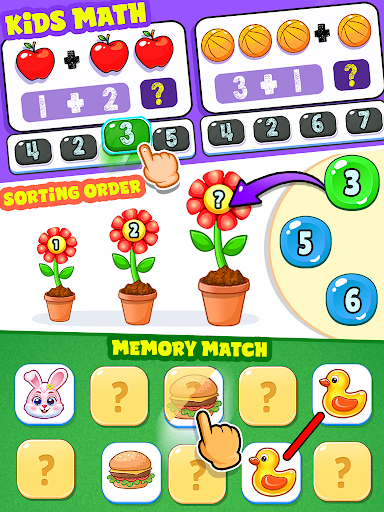
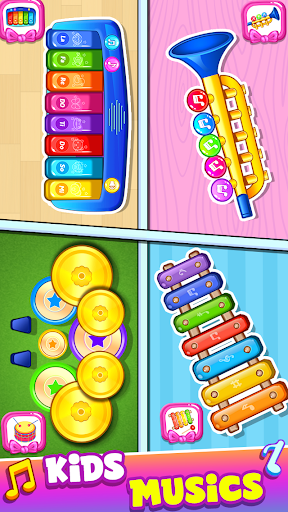
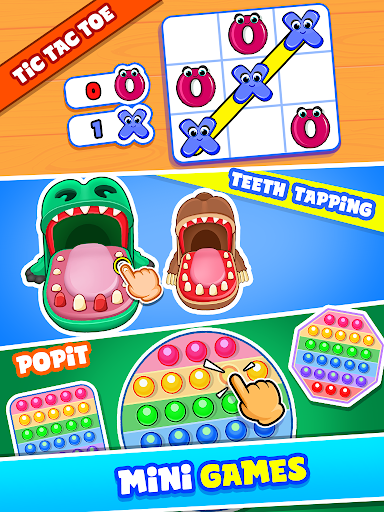
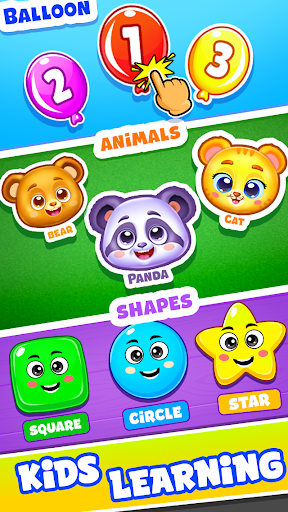
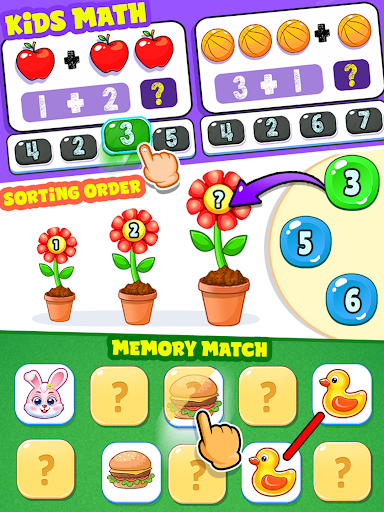
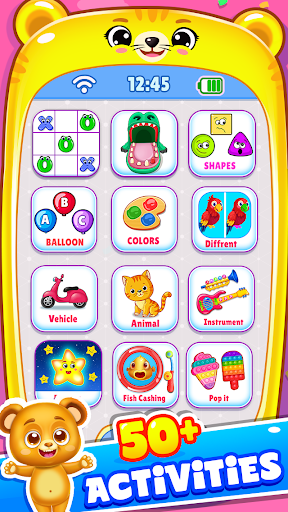
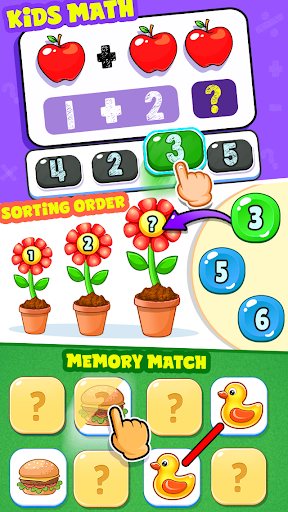
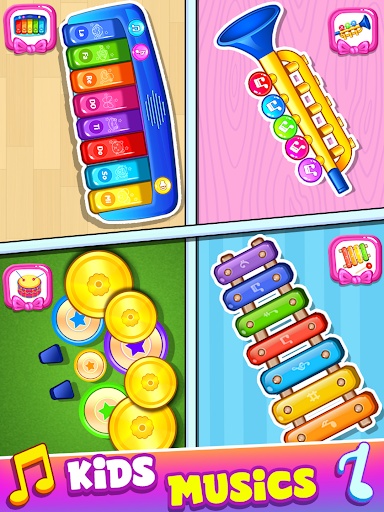
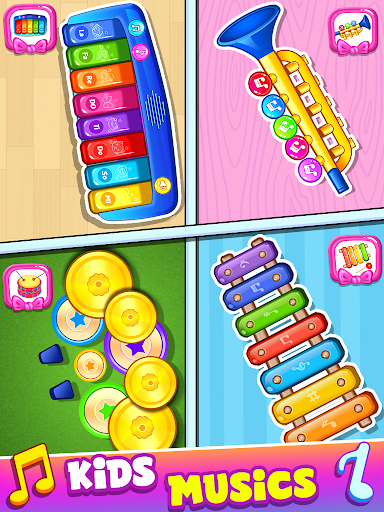
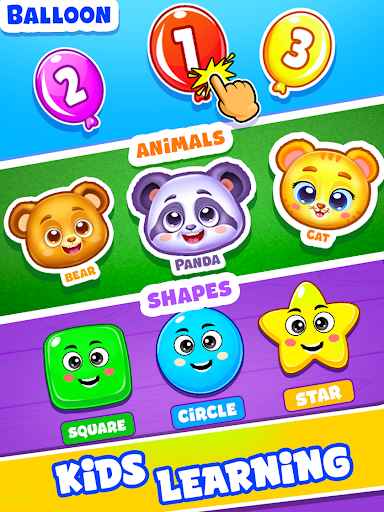
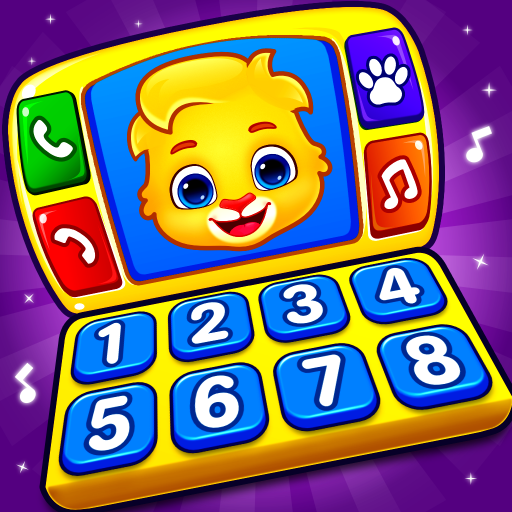
Baby Phone: Toddler Games is a thoughtfully designed mobile app created to entertain and educate young children. As an engaging launcher app for toddlers, it offers a safe and interactive environment where little ones can explore various fun activities. The app combines colorful graphics, simple navigation, and child-friendly features to ensure a secure and enjoyable experience suitable for preschoolers and early learners. With a focus on safety and ease of use, Baby Phone helps parents provide a trusted digital environment for their kids.
This app is primarily designed for parents and caregivers looking for a safe, engaging, and educational mobile app for their toddlers and preschoolers. Children in the age range of 1 to 5 years old benefit most from the playful and intuitive design, which caters to their developmental needs. For parents seeking a trustworthy app-based solution that combines entertainment with learning, Baby Phone: Toddler Games offers a compelling option that keeps young children occupied in a way that's both enjoyable and safe.
Many parents use this app during car rides, waiting times, or at home to help children develop early tech familiarity while ensuring their safety. It's also popular among caregivers who want a reliable launcher app that keeps kids entertained on their tablets or smartphones without exposure to inappropriate content. By providing a fun, educational experience tailored to young learners, Baby Phone helps foster early development skills and keeps children engaged productively, all within a trusted app environment.
Choosing Baby Phone: Toddler Games as your go-to mobile app means opting for an educational tool that combines fun with practical learning. Its thoughtfully designed app features ensure that children not only enjoy their screen time but also benefit from activities that promote cognitive and language development. Unlike many generic apps, this Android app offers a safe, controlled environment where parents can customize contact lists and restrict features, providing peace of mind and a positive app experience.
What sets Baby Phone apart is its focus on real-world skills, blending interactive play with early learning principles. This app-based solution offers a seamless experience for young children, encouraging curiosity and exploration in a secure setting. Its offline mode guarantees uninterrupted access even without an internet connection, making it reliable for travel or areas with limited connectivity. Overall, Baby Phone: Toddler Games is a trusted choice for parents seeking a high-quality launcher app that supports early childhood development through meaningful features and an engaging user interface.
Interactive and engaging content
Simple and intuitive interface
Educational aspects included
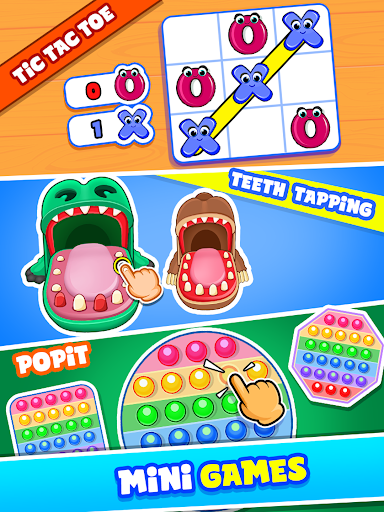
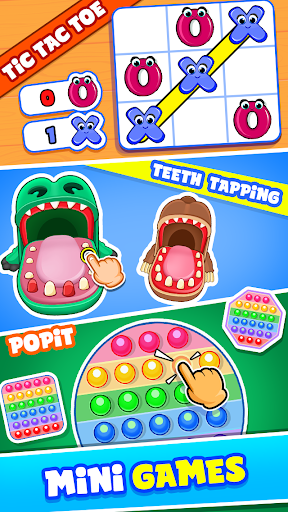
Variety of mini-games
Offline usability
Limited customization options
Frequent ads in free version
Sound controls are basic
Limited language options
Some activities may be too simple
Educational
4.2
Educational
3.7
Educational
4.3
Educational
4.3
Educational
4.4

Educational
4.5

Educational
3.9

Educational
4

Educational
4.1
Educational
4.5

Educational
3.8
Educational
3.8

Social
4

Shopping
4.5

Social
4

Personalization
3.9

Productivity
4.8

Video Players & Editors
3.5

Social
4.3

Communication
4.7

Entertainment
3.9

Communication
4.2