
Educational
0.0
0.10B
4.1
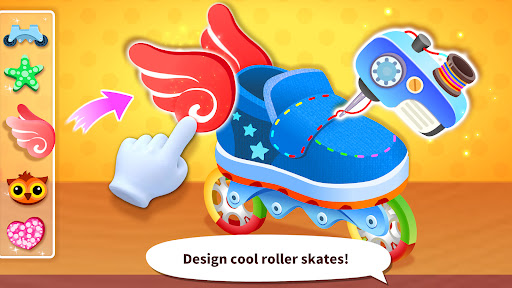
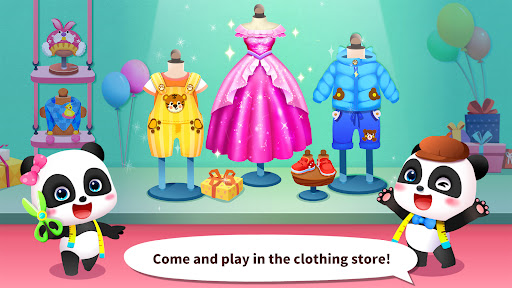
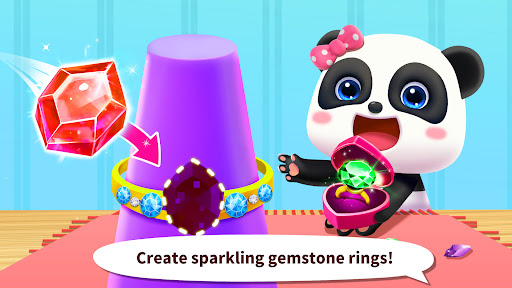
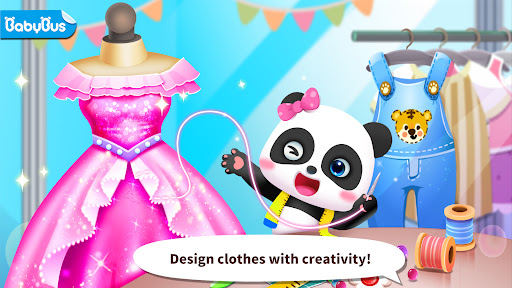
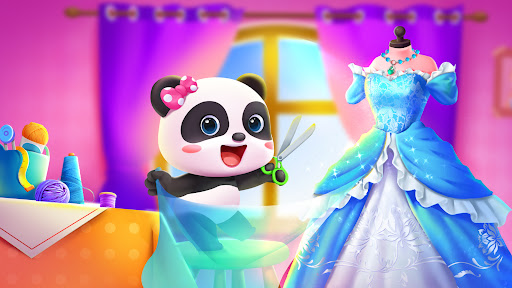
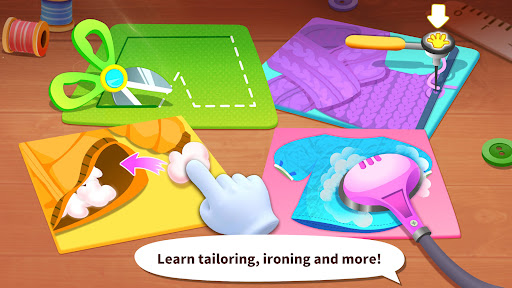
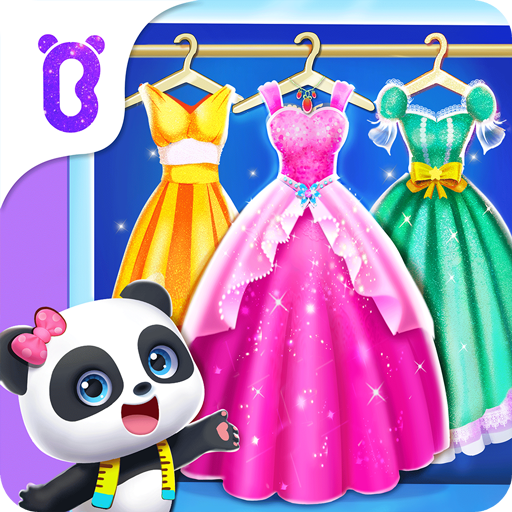
Baby Panda's Fashion Dress Up is a delightful mobile app designed for children who love to explore and express their creativity through fashion. Available as an Android app, this engaging game allows kids to dress up characters in a variety of stylish outfits, accessories, and themes. The intuitive interface and vibrant graphics make it a perfect choice for young users who enjoy colorful, interactive experiences on their mobile devices. As an app intended for children, it emphasizes safe and age-appropriate content, ensuring a worry-free experience for parents.
Baby Panda's Fashion Dress Up is ideal for young children, especially those between the ages of 3 and 8, who have an interest in fashion, dressing up, or creative play. Parents looking for a safe, educational mobile app that combines entertainment with learning will find this app to be a perfect choice. Young kids who enjoy role-playing and experimenting with different outfits will benefit the most from its engaging features and colorful design.
Children can use this app-based solution during family outings, long trips, or at home, helping them develop their sense of style while practicing decision-making skills. It's especially suitable for kids who prefer interactive and hands-on activities that don't require constant supervision, thanks to its simple interface and secure environment. Educators and parents will appreciate its capacity to enhance creativity and provide a constructive way for children to explore fashion and self-expression.
Choosing Baby Panda's Fashion Dress Up means opting for an app that combines entertainment with education, delivering real value to both kids and parents. The app features include a variety of realistic and vibrant clothing options that foster imaginative play, enabling children to experiment with different looks and styles. Its intuitive design ensures that children can navigate effortlessly, creating a seamless app experience that promotes independence and creativity.
Compared to other fashion-themed mobile app options, Baby Panda's Fashion Dress Up stands out because of its focus on safety, the absence of ads, and its offline capabilities, making it a reliable app-based solution for quiet time or travel. The app's emphasis on fostering creativity and healthy development demonstrates its authority and experience in children's digital content. Its combination of engaging app features, secure environment, and user-centered design makes it a trustworthy choice for parents seeking a high-quality Android app that promotes positive play and learning.
Engaging Dress-Up Gameplay
Wide Variety of Outfits
Colorful and Cute Graphics
User-Friendly Interface
Educational Elements
Limited Dressing Options in Free Version
Lack of Diverse Cultural Outfits
Small Font Size for Text
Limited Interaction Beyond Dressing
Occasional Ads Interrupt Play
Educational
4.2
Educational
3.7
Educational
4.3
Educational
4.3
Educational
4.4
Educational
4.5
Educational
3.9
Educational
4

Educational
4.1
Educational
4.5

Educational
3.8
Educational
3.8

Social
4

Shopping
4.5

Social
4

Personalization
3.9

Productivity
4.8

Video Players & Editors
3.5

Social
4.3

Communication
4.7

Entertainment
3.9

Communication
4.2