

Maps & Navigation
0.0
5.00M
4.7
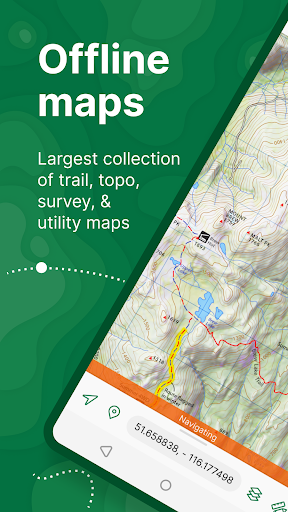
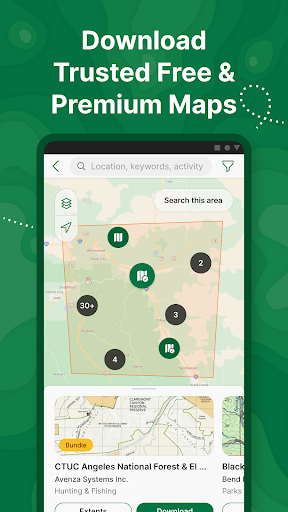
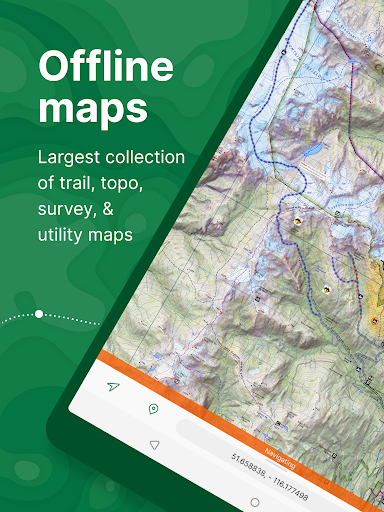
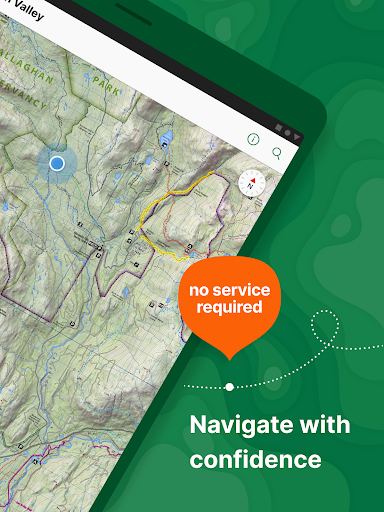
Avenza Maps: Offline Mapping is a versatile mobile app designed for outdoor enthusiasts, travelers, and professionals who need reliable navigation tools without always relying on internet connections. Available as an Android app and compatible with various devices, this app offers a comprehensive mapping experience tailored to users who require detailed geographic information on the go. Avenza Maps stands out as a trusted offline mapping solution, giving users access to maps anytime and anywhere, even in remote areas where cellular coverage may be limited.
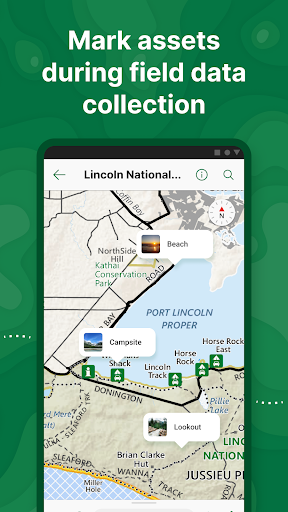
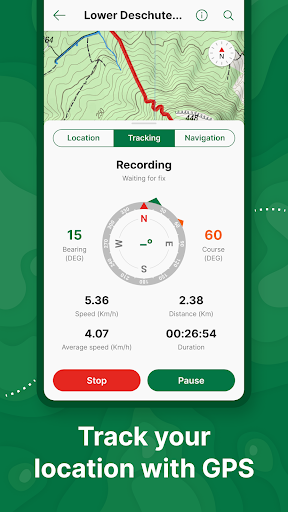
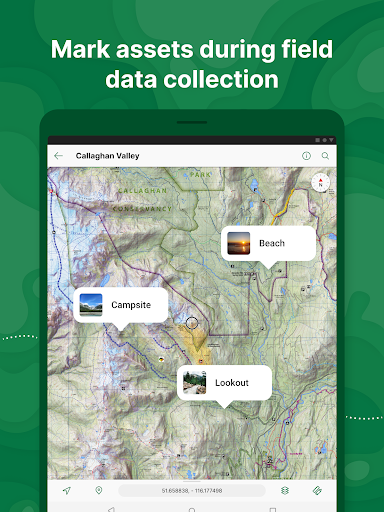
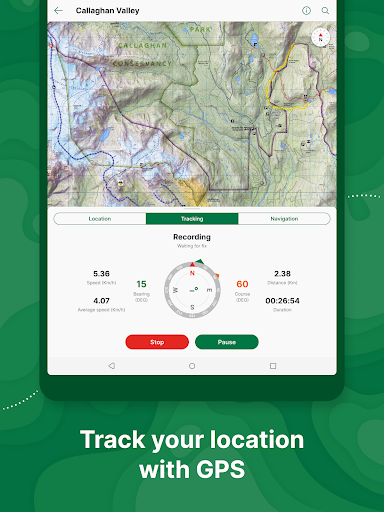
The primary purpose of the Avenza Maps app is to provide an intuitive and user-friendly platform for managing and navigating maps offline. It features detailed map layers, GPS tracking, and a robust toolkit for marking waypoints, routes, and areas of interest. Whether you're hiking, surveying, or exploring new places, the app's features aim to enhance your app experience by offering accurate position data and seamless navigation. As a leading app-based solution for offline mapping, Avenza Maps helps you stay organized, safe, and informed during your outdoor activities or fieldwork.
Avenza Maps: Offline Mapping is ideal for outdoor lovers, hikers, explorers, and field researchers who require reliable navigation tools in locations where internet access may be limited or unavailable. The app is especially beneficial for those who like to plan and explore in remote areas, wildlife reserves, or during outdoor activities where traditional navigation methods might fall short.
This mobile app is also perfect for professionals such as GIS specialists, environmental scientists, and land surveyors who need a robust app-based solution to manage geographic data while working in the field. Whether you're navigating rugged terrains or conducting on-site inspections, Avenza Maps helps you stay organized and connected with your maps and datasets outside of traditional network zones, providing a trustworthy app experience for serious users.
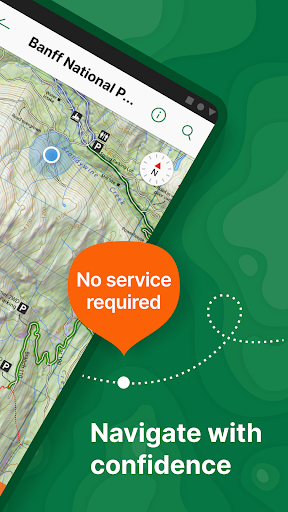
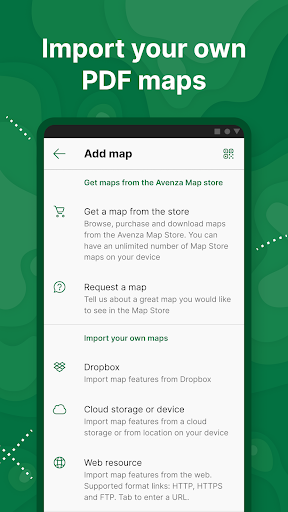
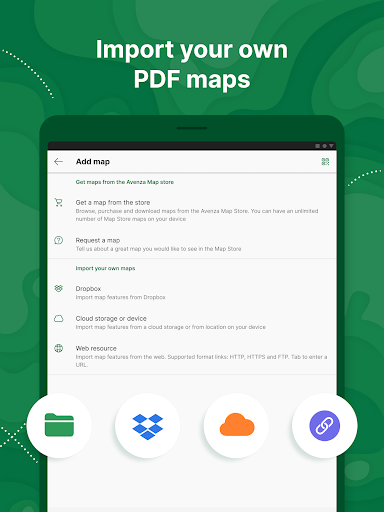
What sets Avenza Maps apart as a leading Android app in the Maps & Navigation category is its comprehensive set of app features designed for both casual explorers and professional users. Its offline map capabilities mean you can navigate confidently without relying on cellular data, which is particularly important in remote or wilderness areas. The app's ease of use, combined with powerful tools such as route planning, marker annotations, and the ability to import custom maps, makes it a standout choice in the crowded market of navigation applications.
Choosing Avenza Maps means investing in a reliable app that prioritizes user experience, accuracy, and data security. Its ability to serve as a versatile launcher app for outdoor navigation, coupled with broad platform compatibility and active community support, ensures that users can rely on it for a variety of scenarios—from outdoor adventures to professional fieldwork. This focus on high-quality app features and a trustworthy app experience makes Avenza Maps a preferred app-based solution for anyone serious about navigation and geographic data management.
Robust Offline Functionality
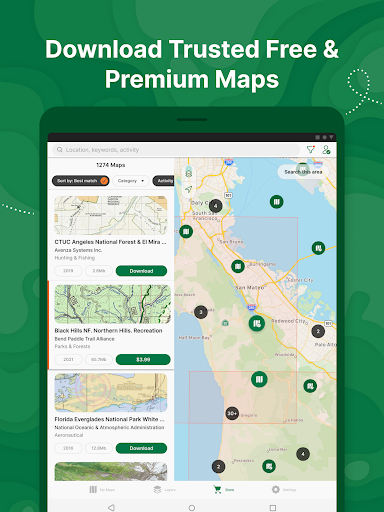
Comprehensive Map Import Options
Precise GPS Tracking and Navigation
User-Friendly Interface
Rich Annotation and Marking Tools
Limited Free Features
Steep Learning Curve for Advanced Functions
Occasional App Crashes on Certain Devices
Limited Data Export Options
Battery Consumption During Extended Use

Maps & Navigation
4.8

Maps & Navigation
4.9

Maps & Navigation
4.6

Maps & Navigation
4.1

Maps & Navigation
4

Maps & Navigation
4.6

Maps & Navigation
4.9

Maps & Navigation
4

Maps & Navigation
4

Maps & Navigation
2.9

Maps & Navigation
4.3

Maps & Navigation
3.5

Social
4.7

Shopping
4.7

Social
4

Personalization
3.9

Productivity
4.9

Video Players & Editors
4.6

Social
4.3

Communication
4.7

Entertainment
4.7

Communication
4.5